
Admin overview
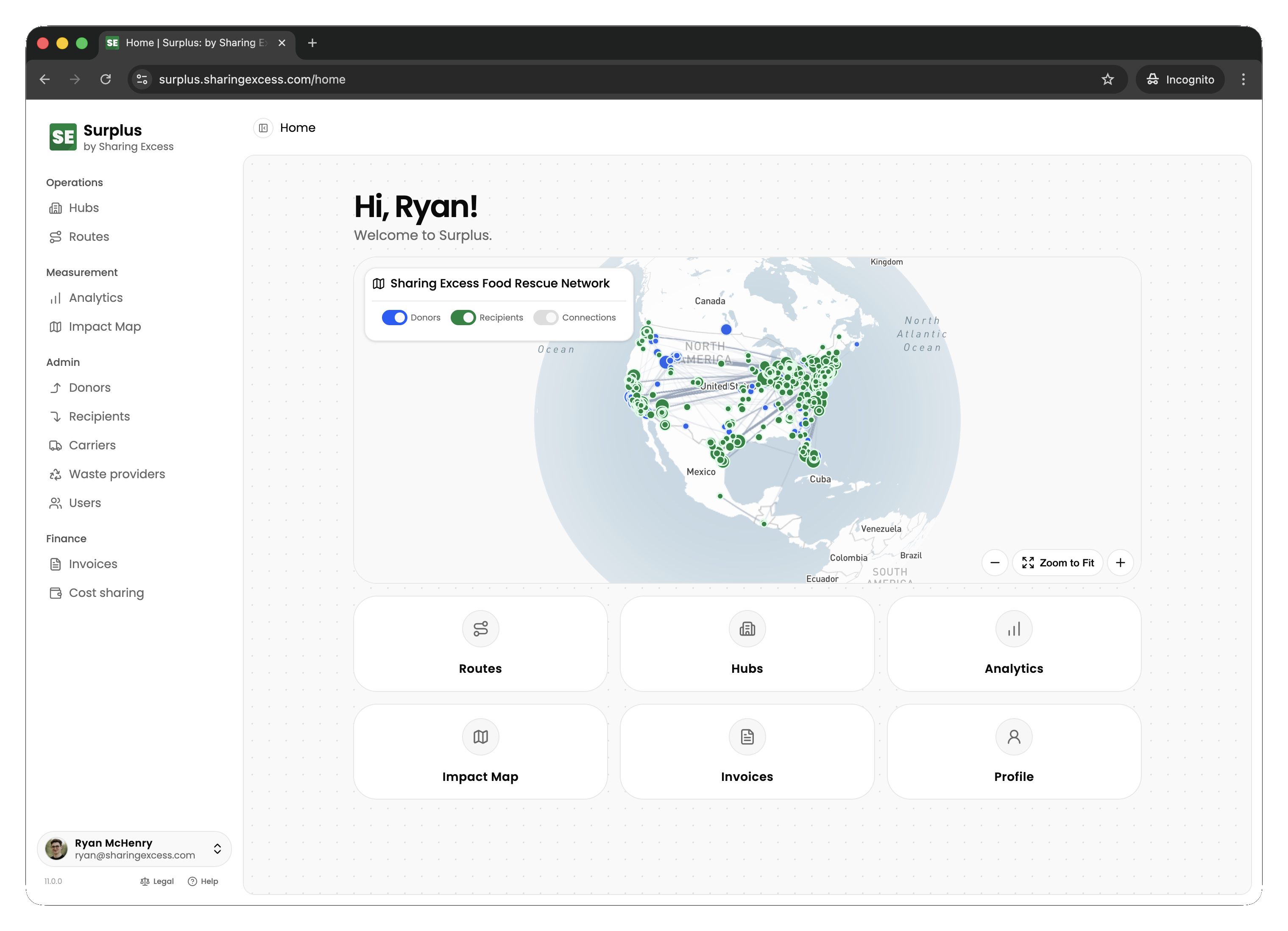
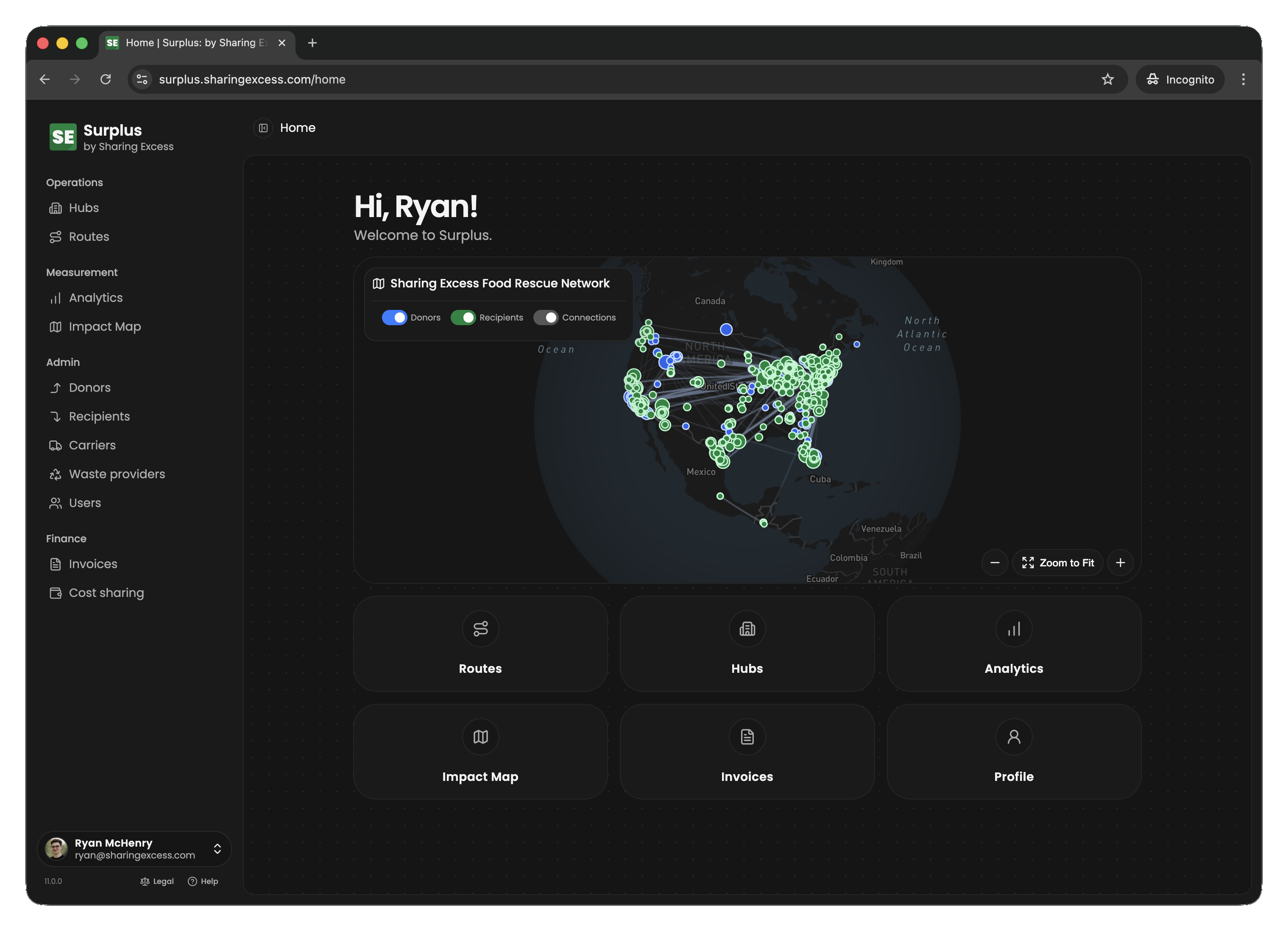
Admins (coordinators, program managers, and staff) have full access to the Surplus platform. You manage the operation end-to-end: scheduling routes, managing hub inventory, onboarding organizations, and monitoring impact.
What admins manage
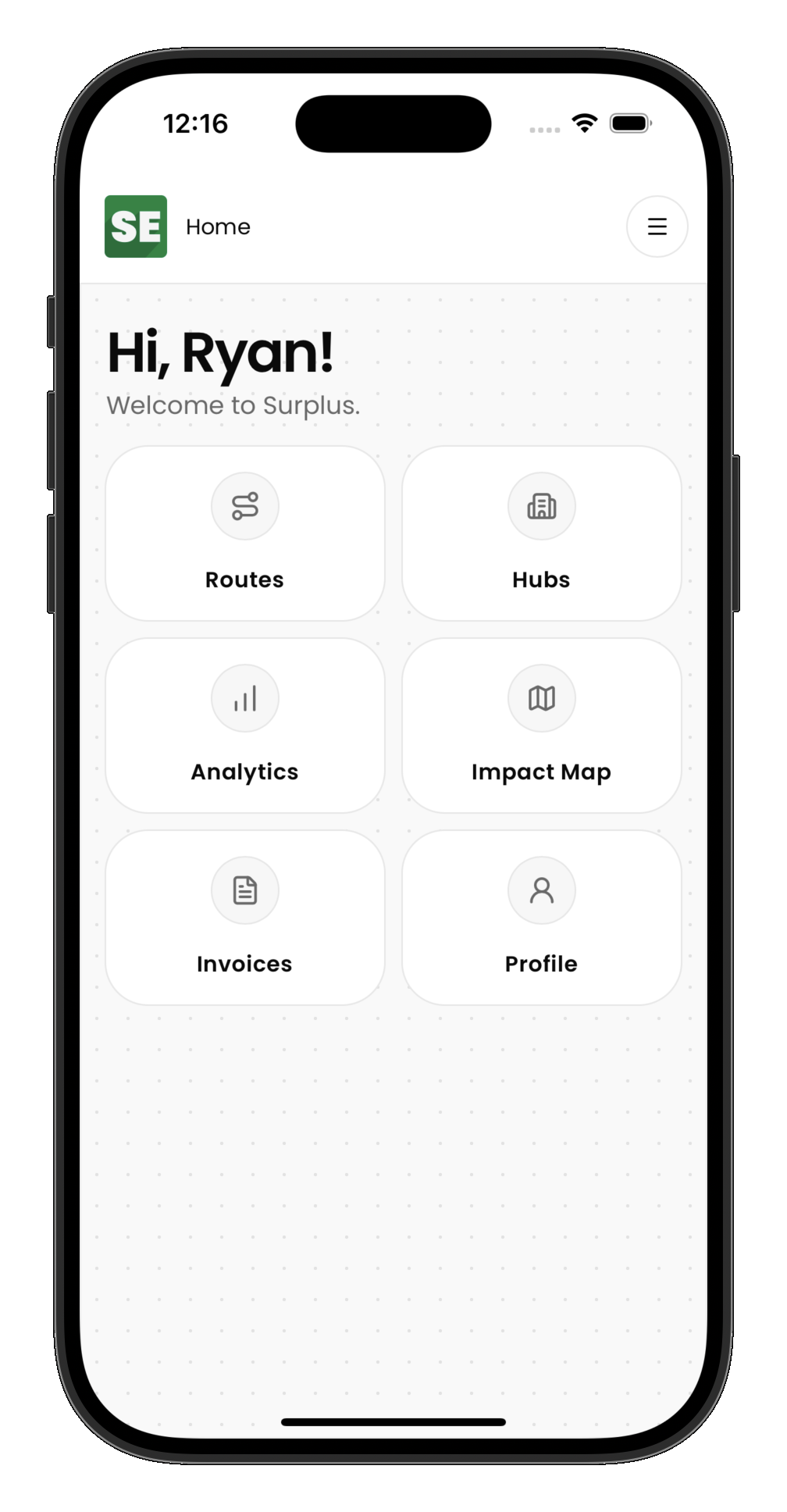
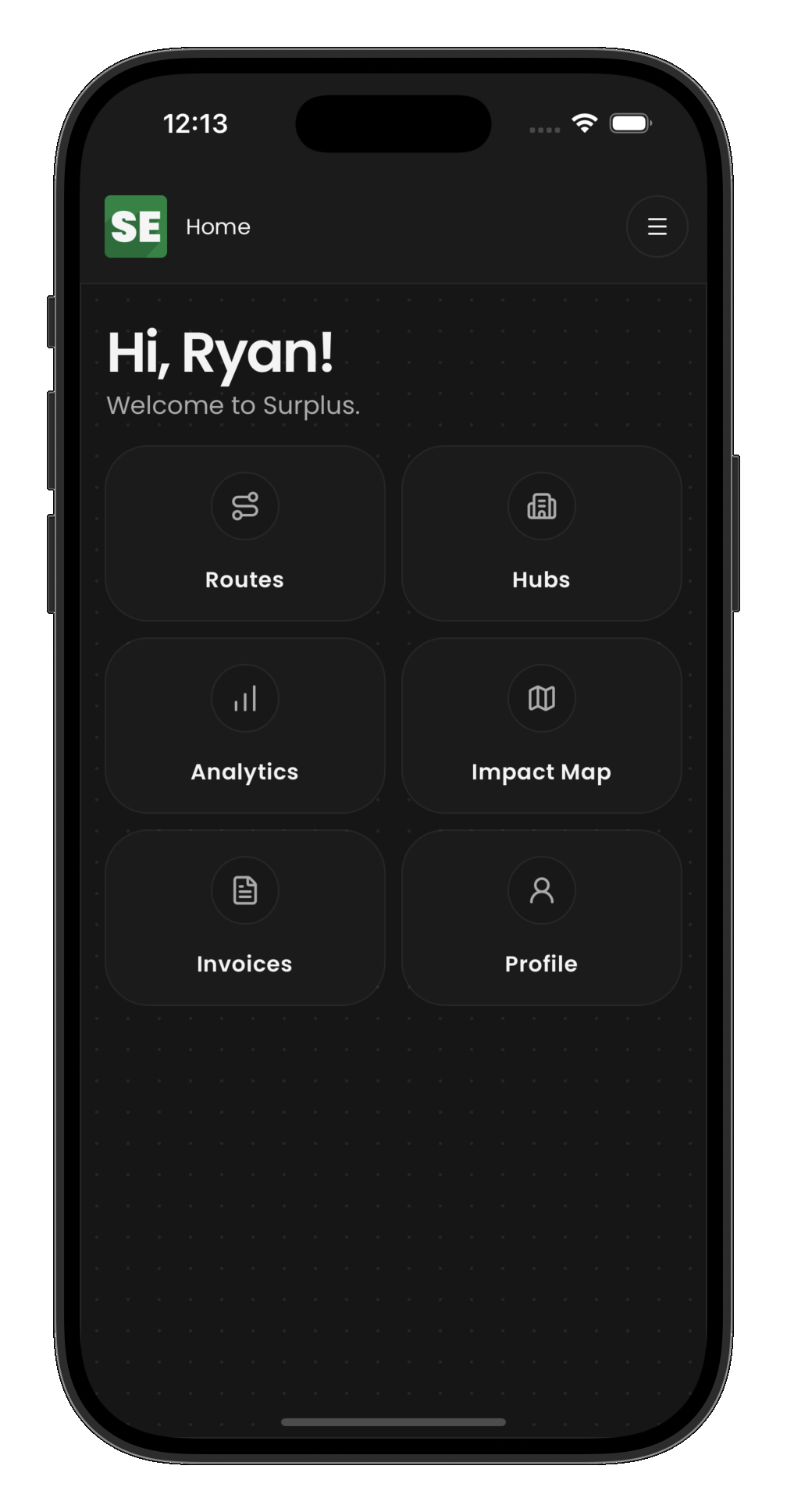
Routes
Create multi-stop routes, assign drivers and carriers, monitor progress in real time, and handle exceptions (cancellations, un-completions, rerouting).
Hubs
Manage warehouse inventory — record incoming food, sort and weigh items, allocate inventory to outbound distributions, and track what's in stock.
Organizations
Maintain donor, recipient, and carrier records. Manage their locations, contacts, and operational details.
Analytics
View comprehensive impact metrics with filtering by date range, organization, hub, and more. Export data for reporting.
Admin-only capabilities
Some actions are restricted to admin users:
- Un-completing events — reopen a completed collection, distribution, load, or unload to fix errors
- Cancelling routes and events — abandon planned work and handle inventory cleanup
- Editing organization records and settings
- Viewing all analytics without scope restrictions
Guide sections
- Managing routes — creating, editing, and monitoring routes
- Cost sharing and carrier fees — cost share agreements (CSAs), per-stop rates, route carrier fees, and awaiting fees
- Hub operations — inventory management and sorting
- Hub collections — recording onsite donations
- Hub distributions — allocating and distributing from a hub
- Analytics — understanding and filtering impact data