
Getting started
This guide covers your first experience with Surplus — signing in, understanding the interface, and finding your way around.
Using Surplus on your phone? You can add it to your Home Screen so it's always one tap away — see Install on Mobile.
Signing in
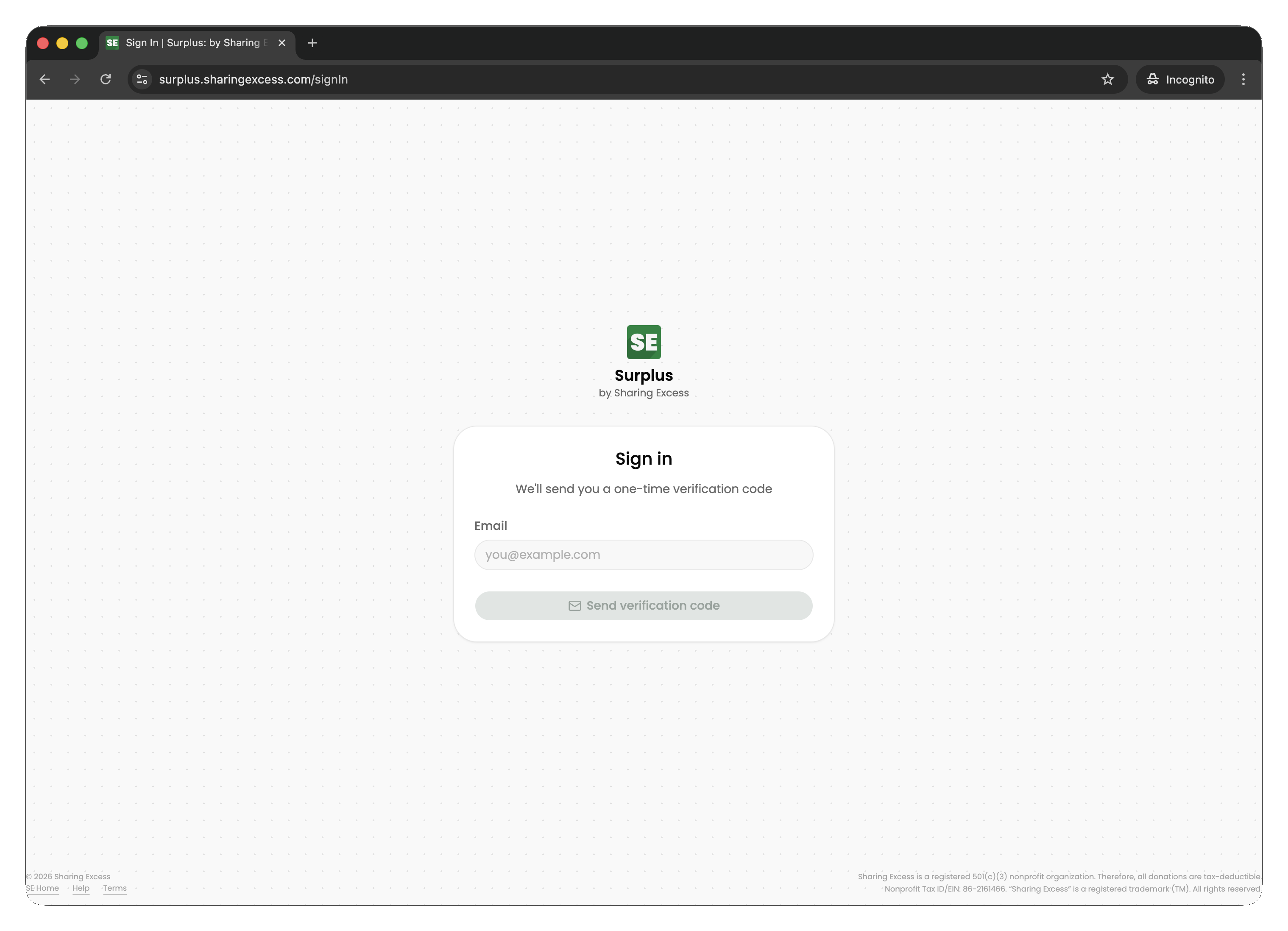
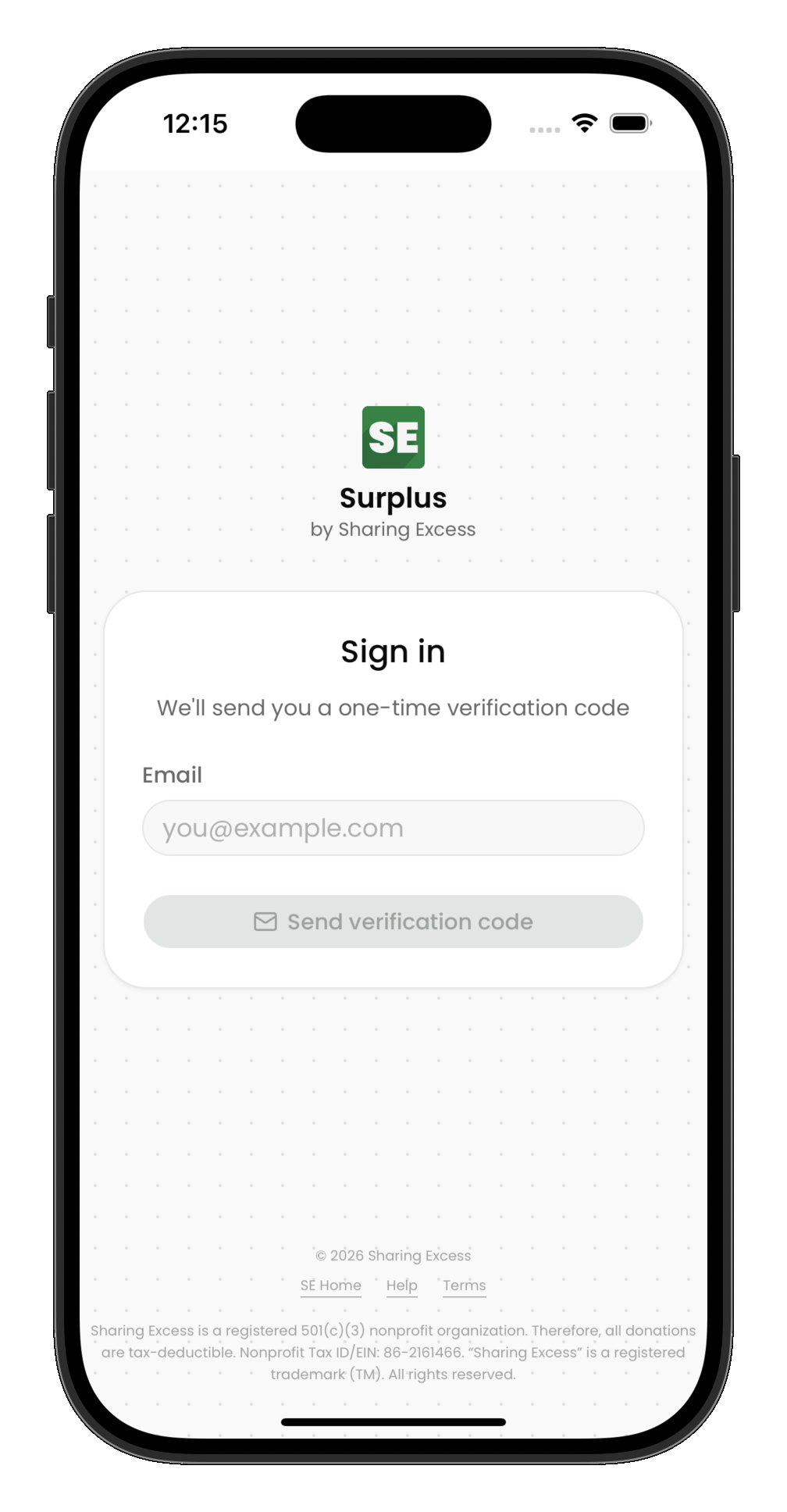
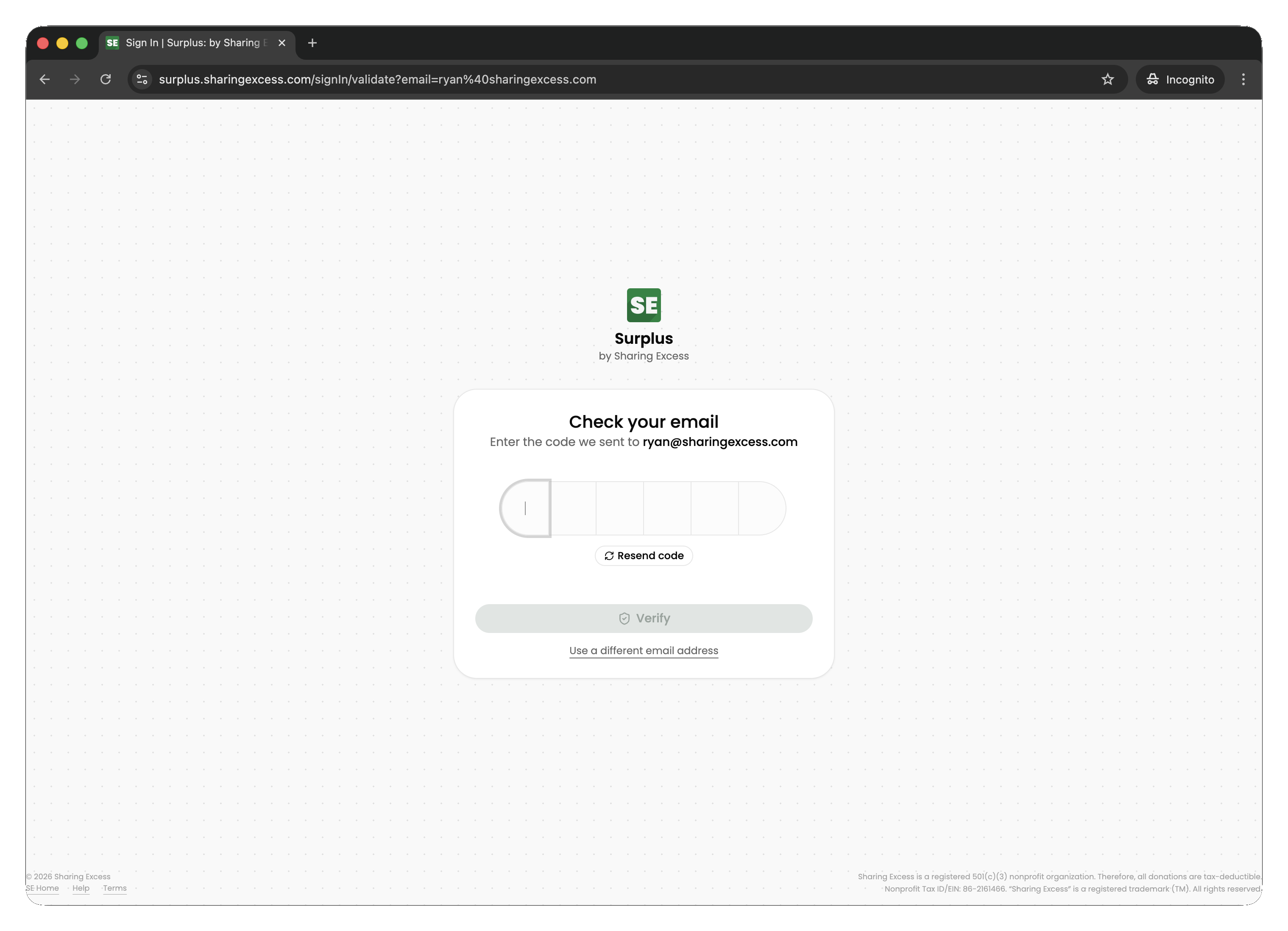
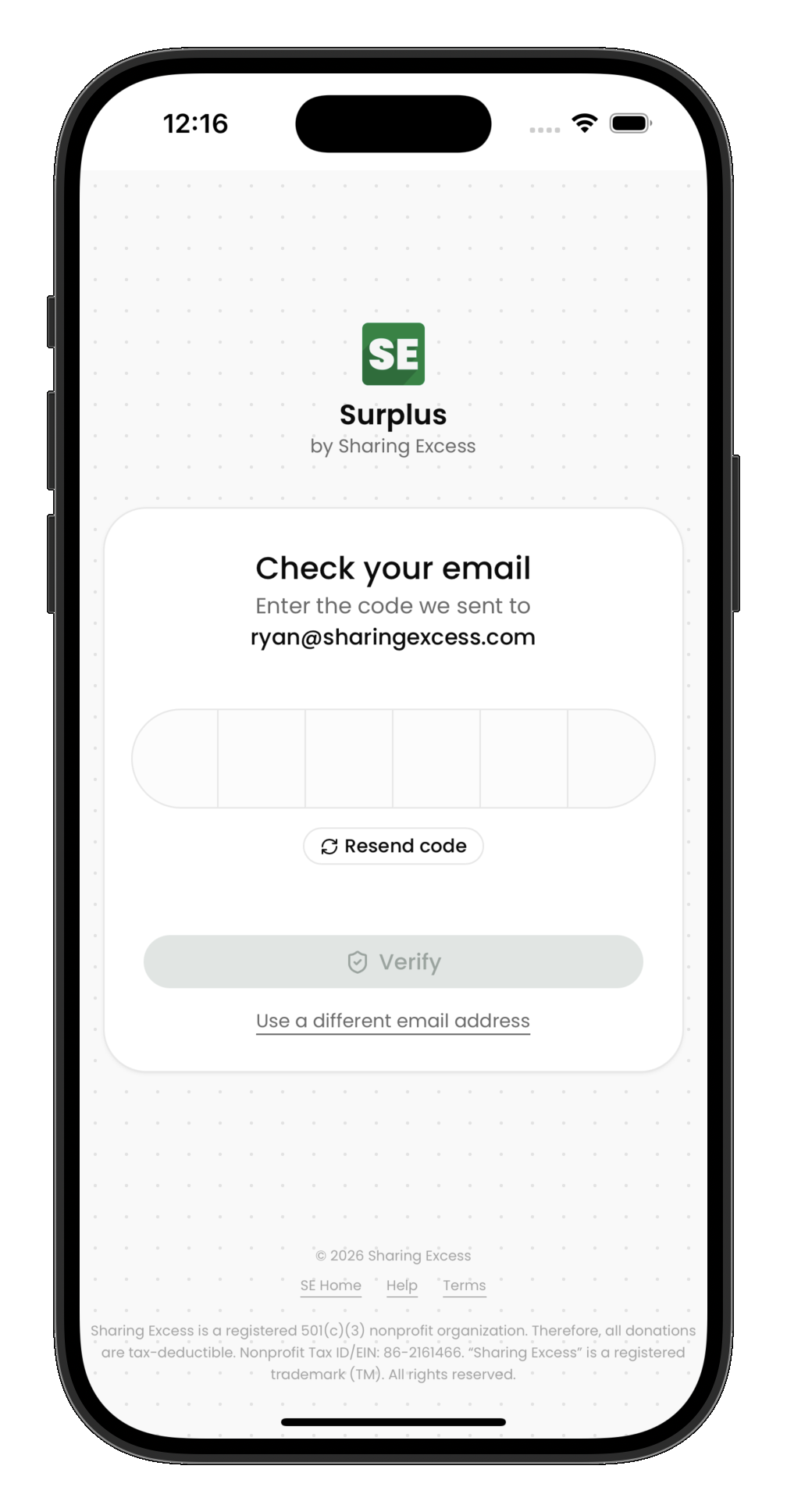
Surplus uses passwordless authentication. You sign in with your email address and a one-time code — no password to remember or reset.
- Open the Surplus app and enter your email address
- Check your inbox for a verification code
- Enter the code to complete sign-in
The home screen
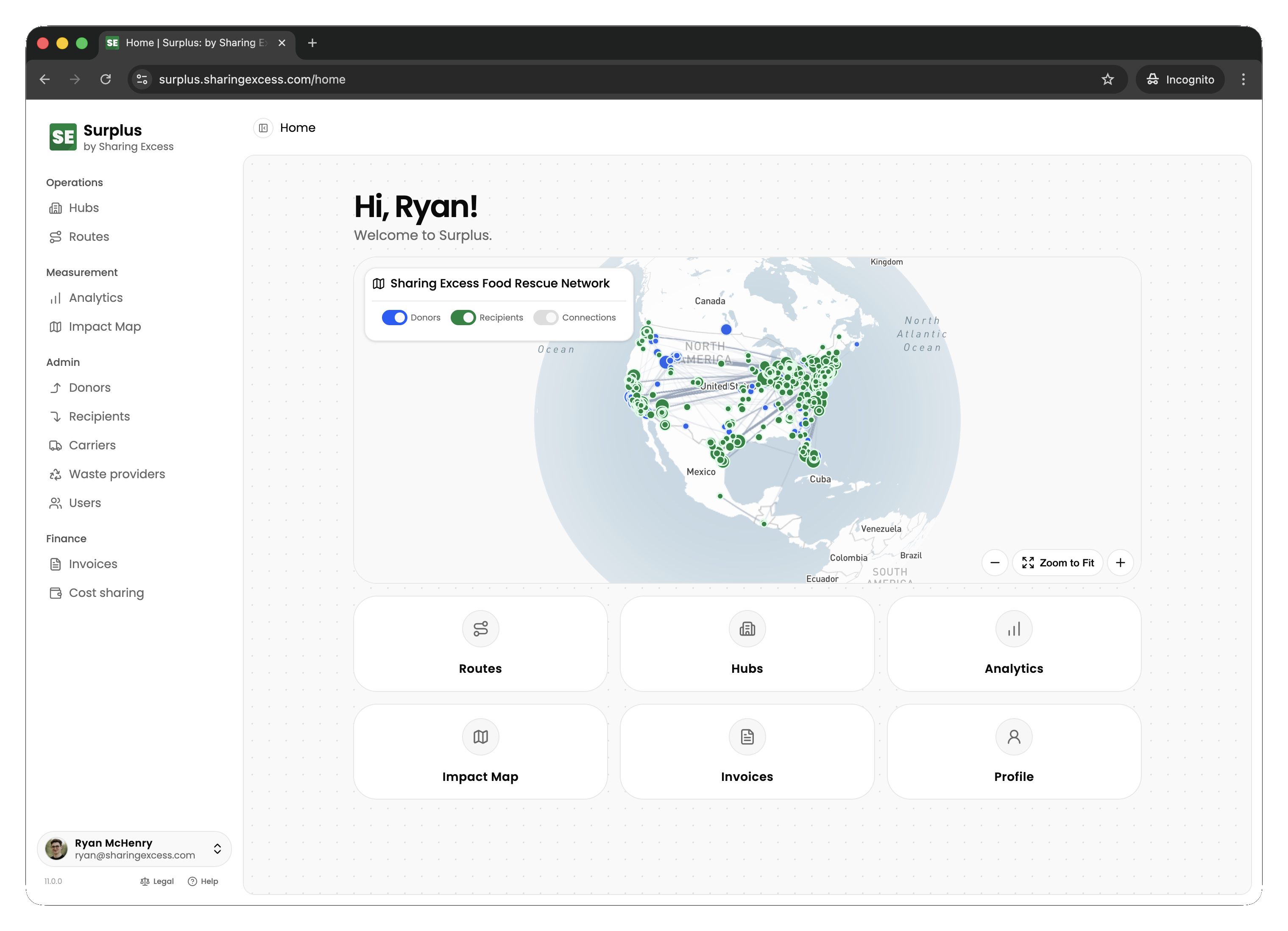
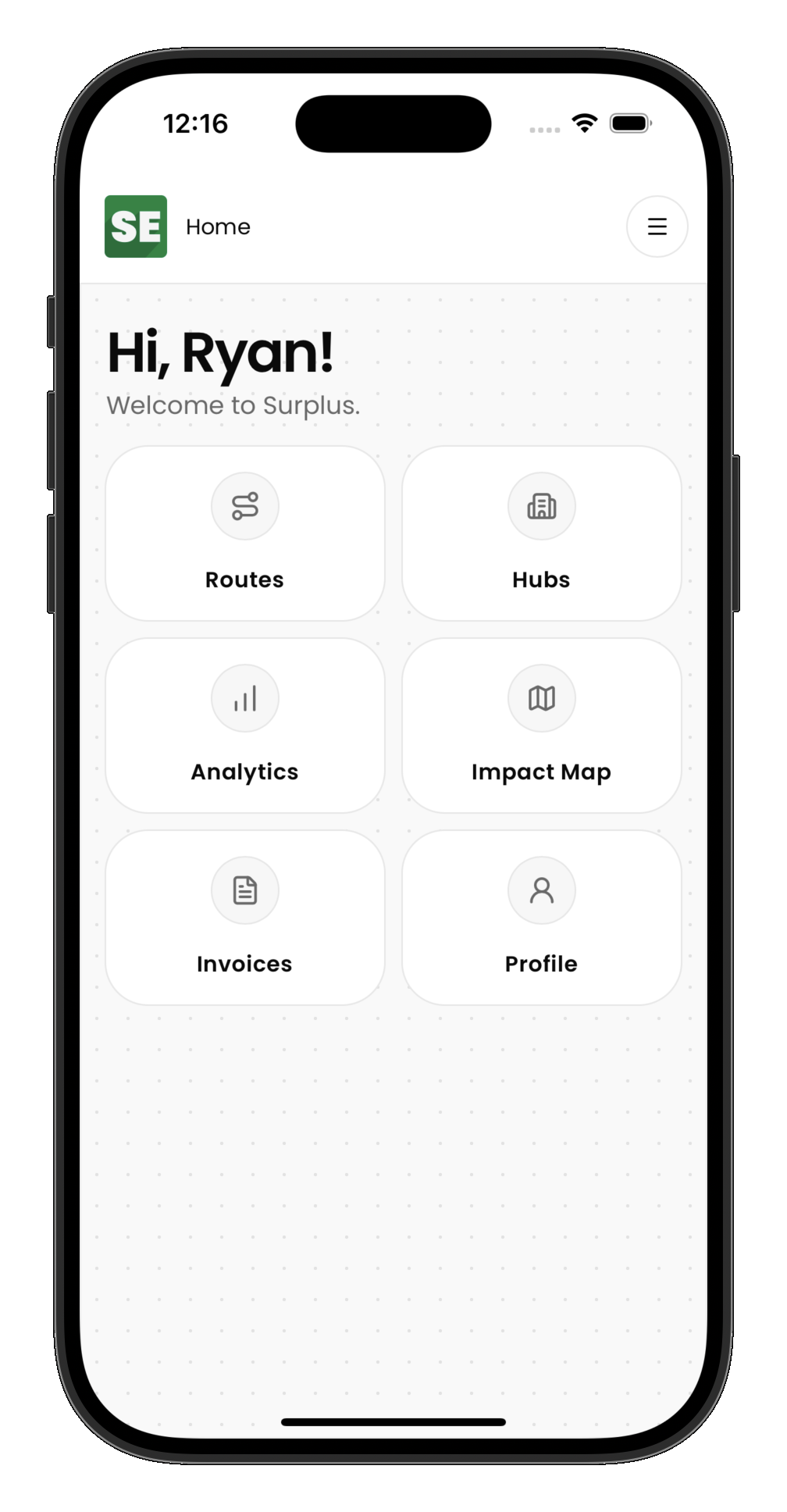
After signing in, you land on the home screen. What you see depends on your role:
- Admins see an operational dashboard with today's routes, recent activity, and quick-action links
- Drivers see their assigned routes and personal impact summary
- Partners see their organization's dashboard with upcoming events and history
Navigation
Surplus adapts its interface to your device:
- Desktop — a sidebar on the left provides access to all sections (routes, hubs, analytics, organizations, etc.)
- Mobile — a bottom navigation bar gives quick access to the most-used sections, with a menu for the rest
The sections available in navigation depend on your permissions. Drivers see routes; partners see their dashboard; admins see everything.
Appearance and readability
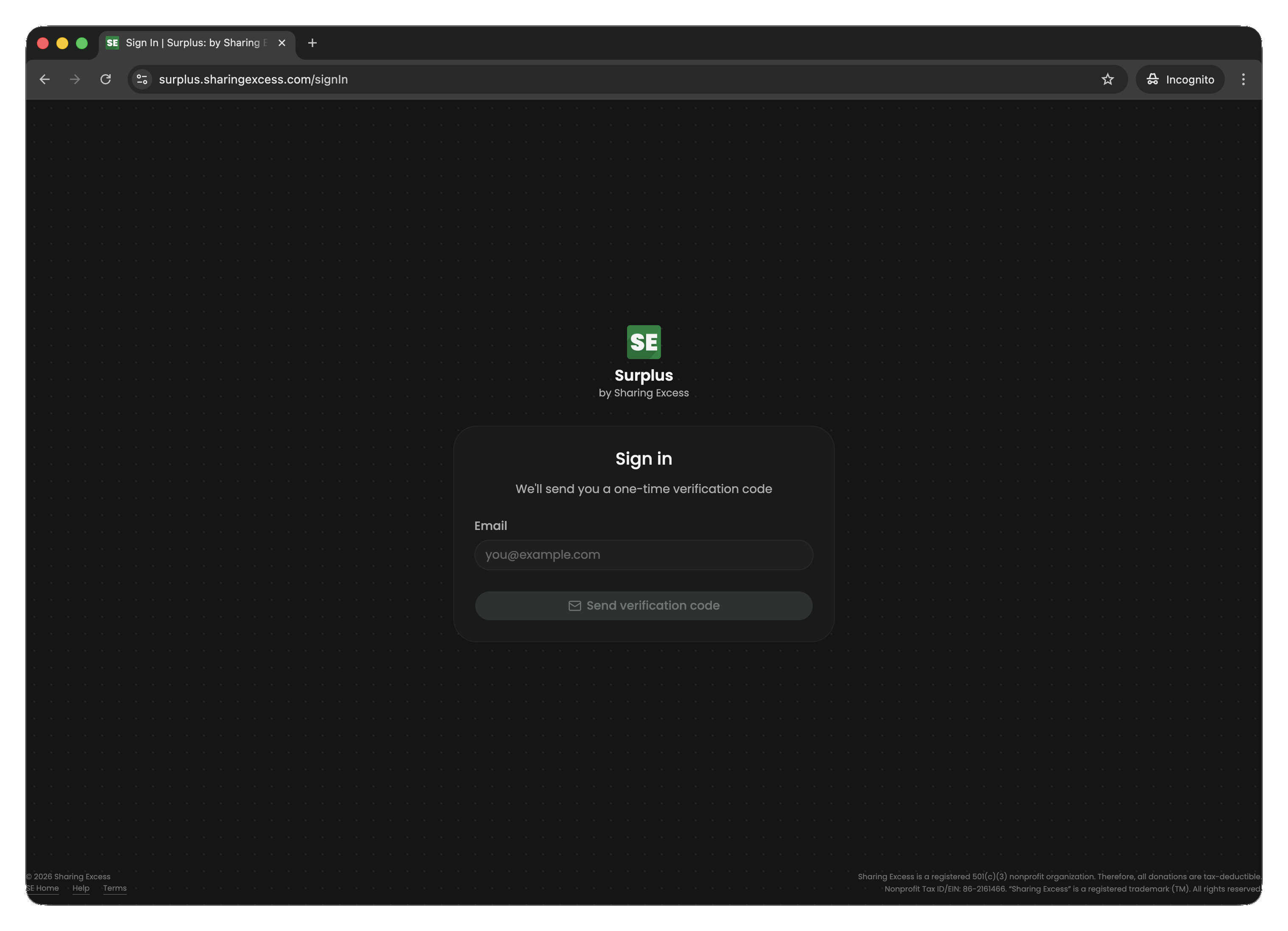
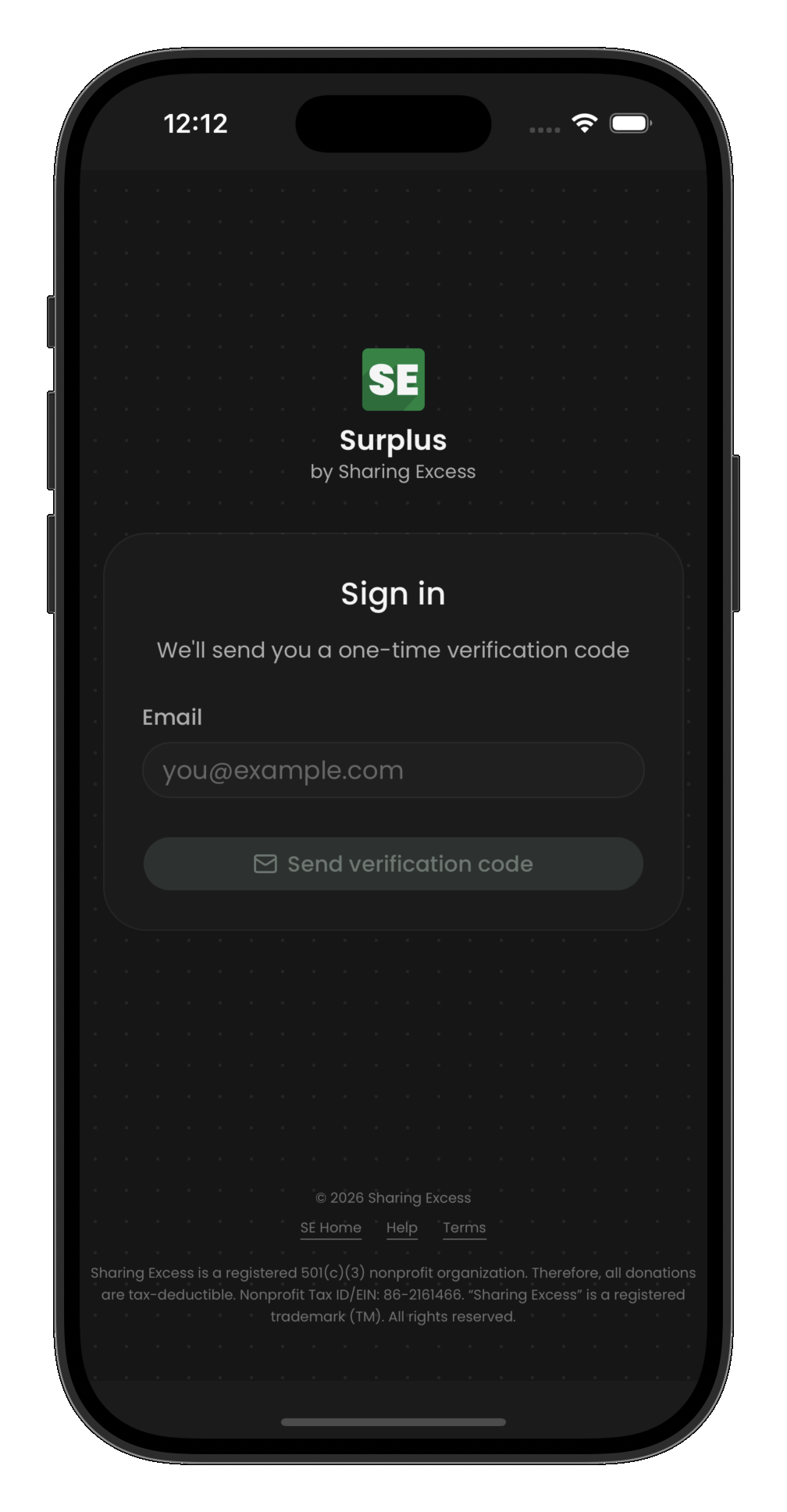
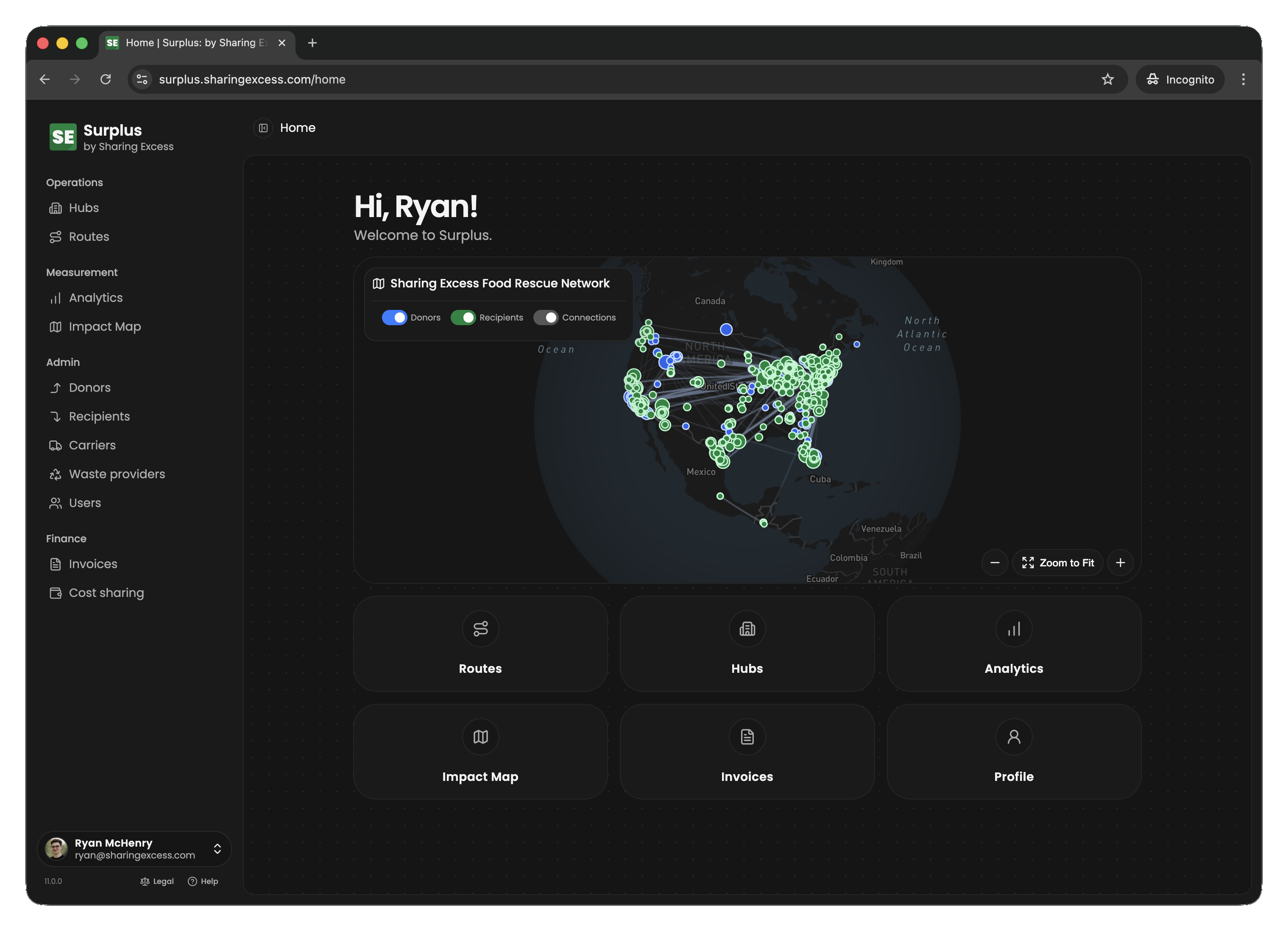
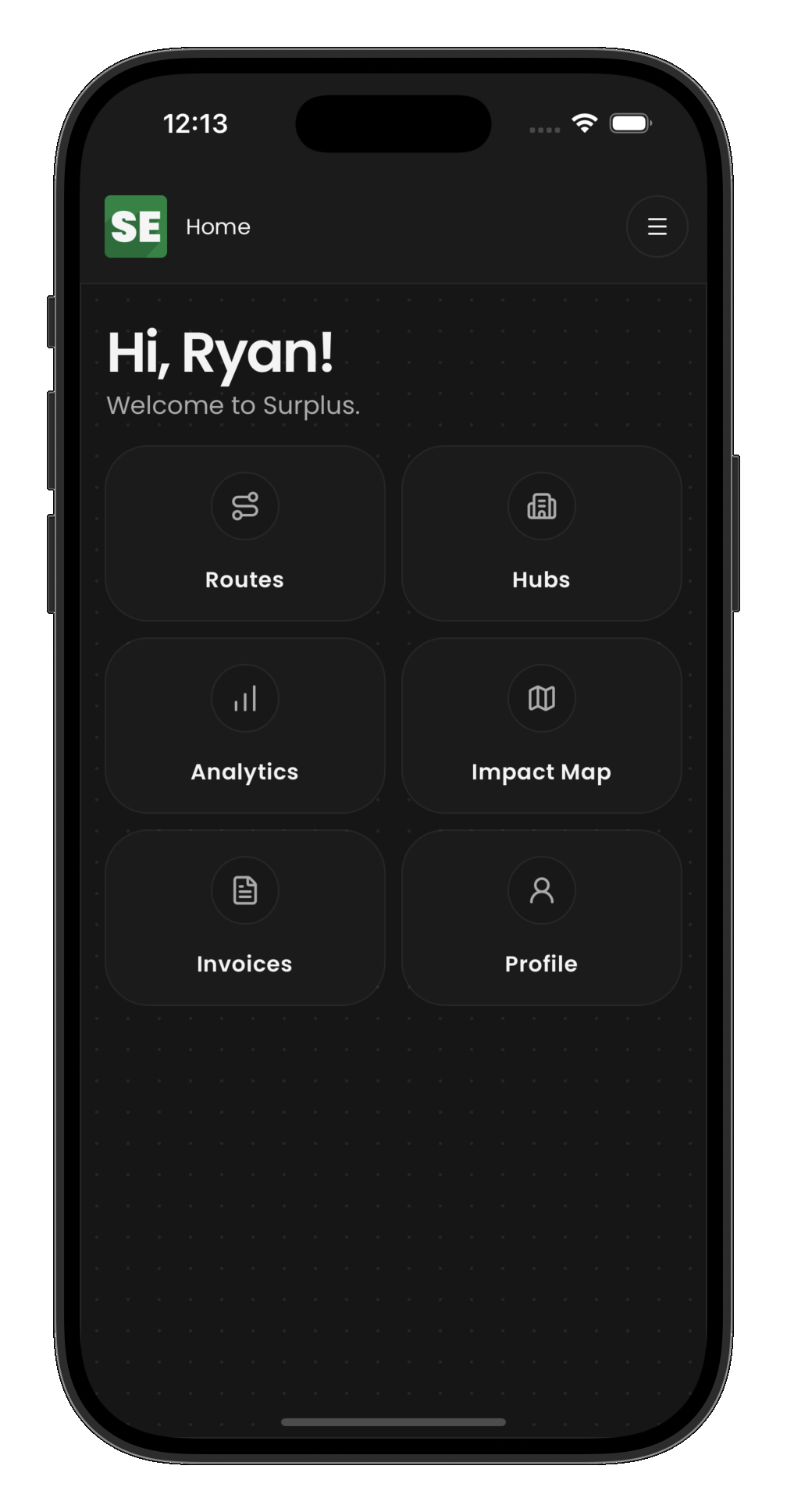
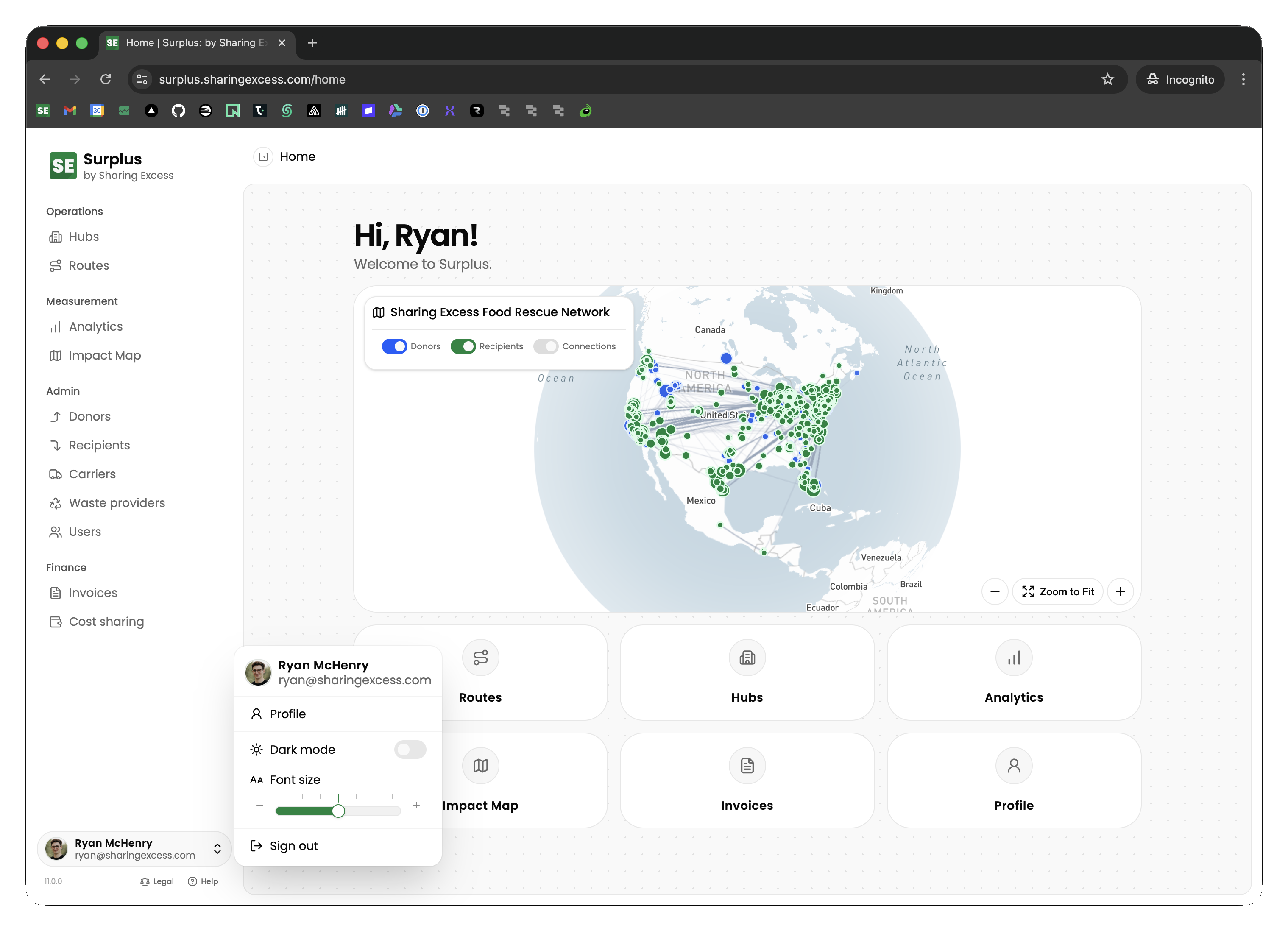
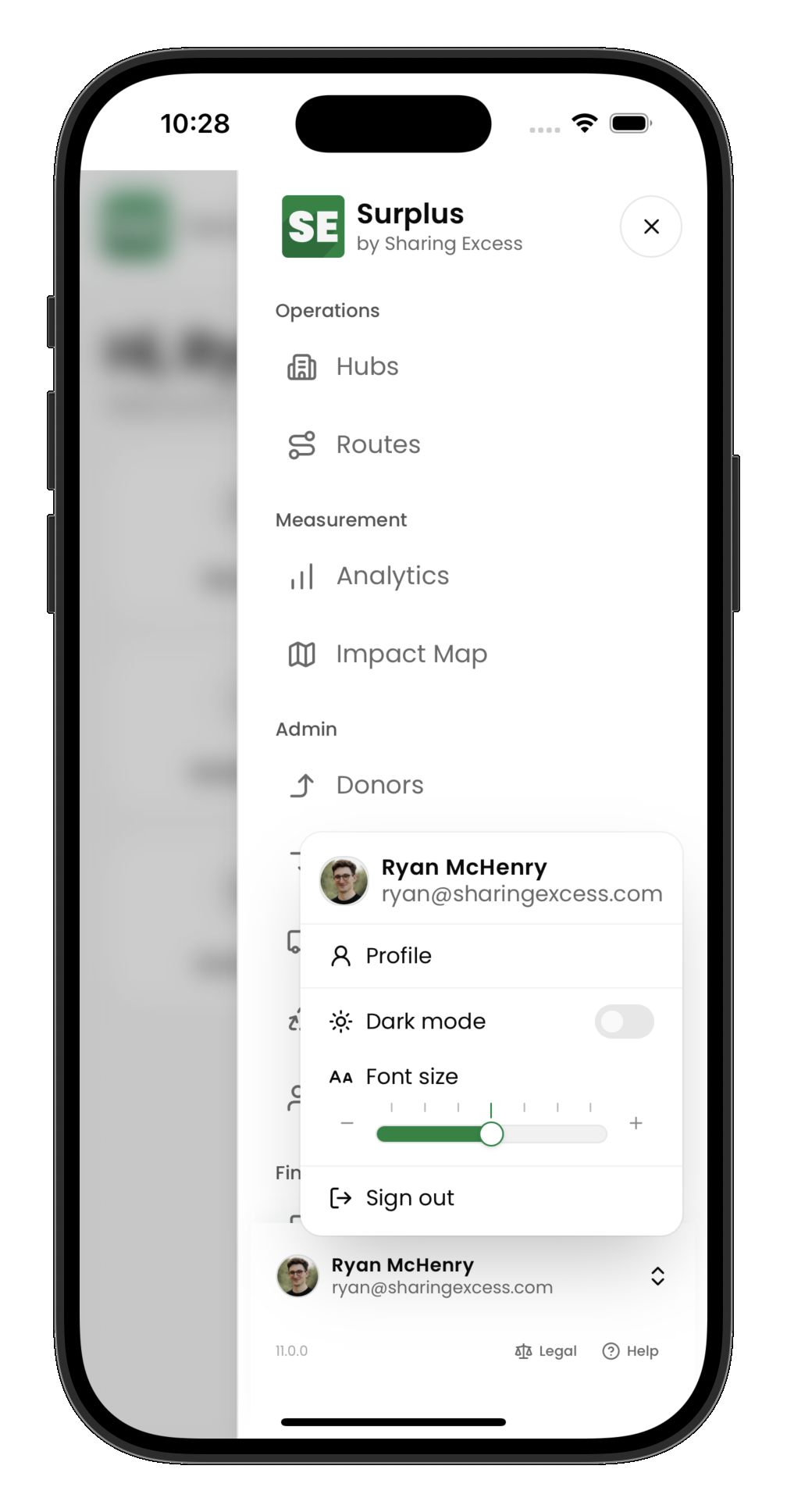
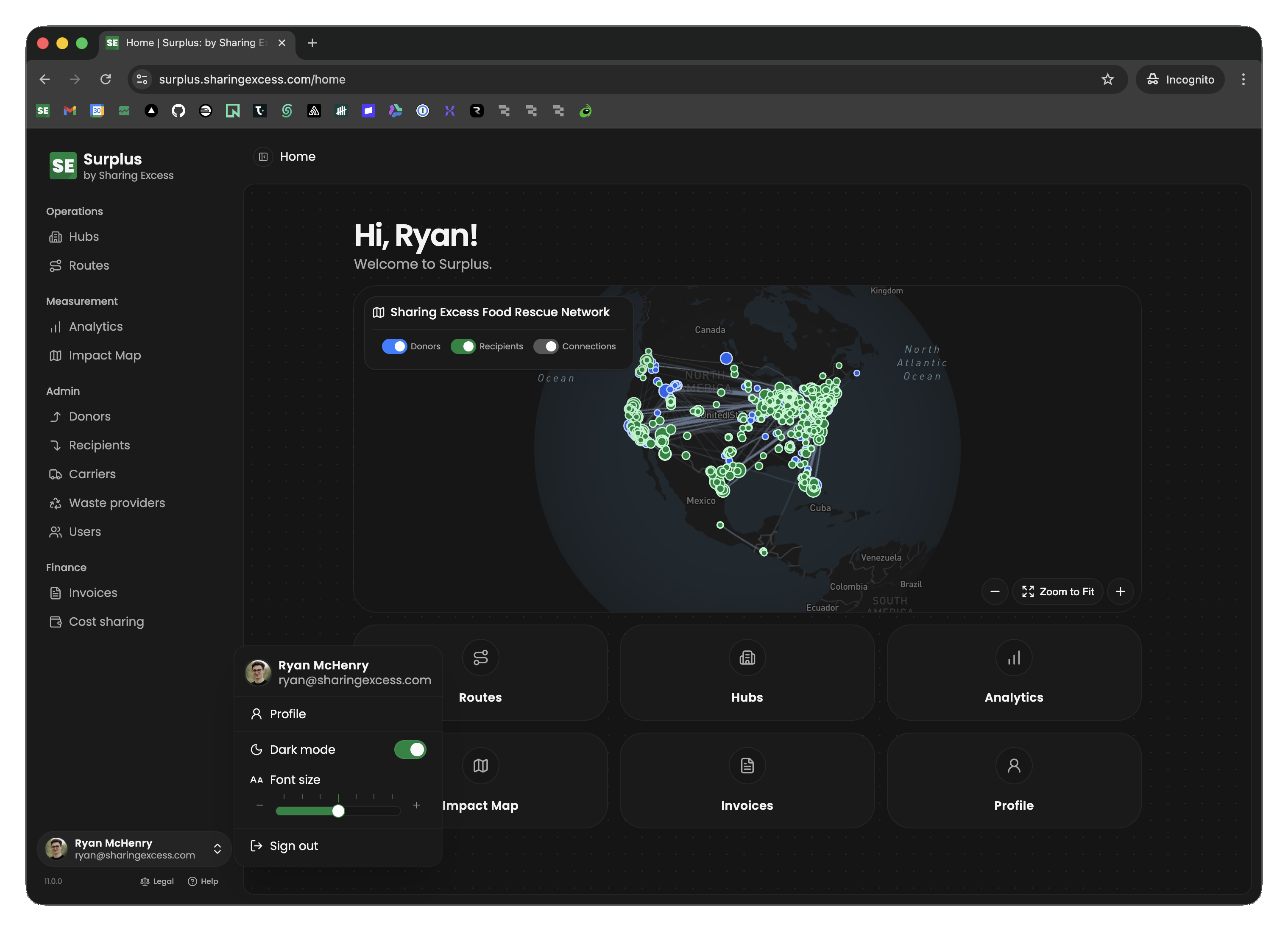
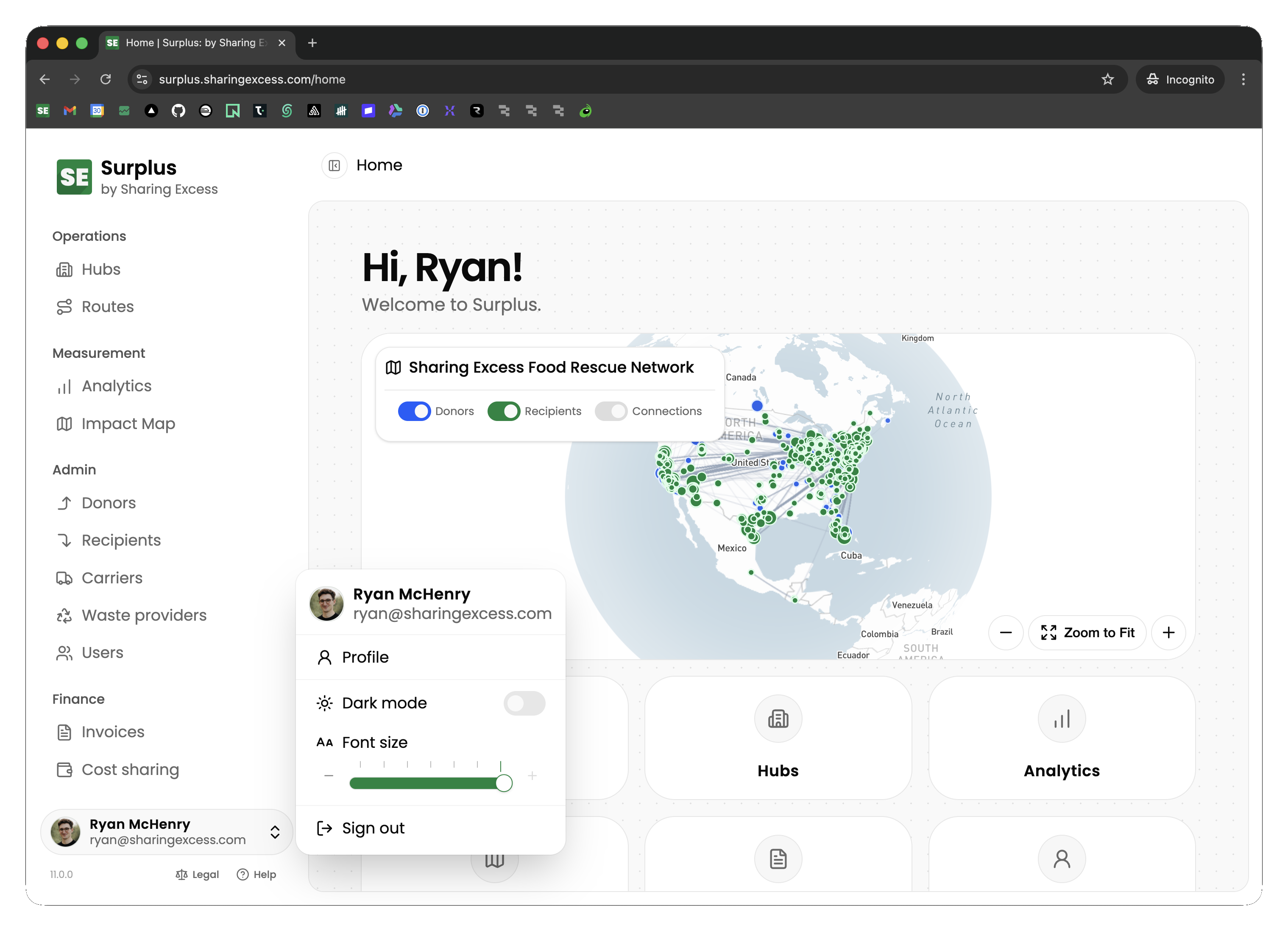
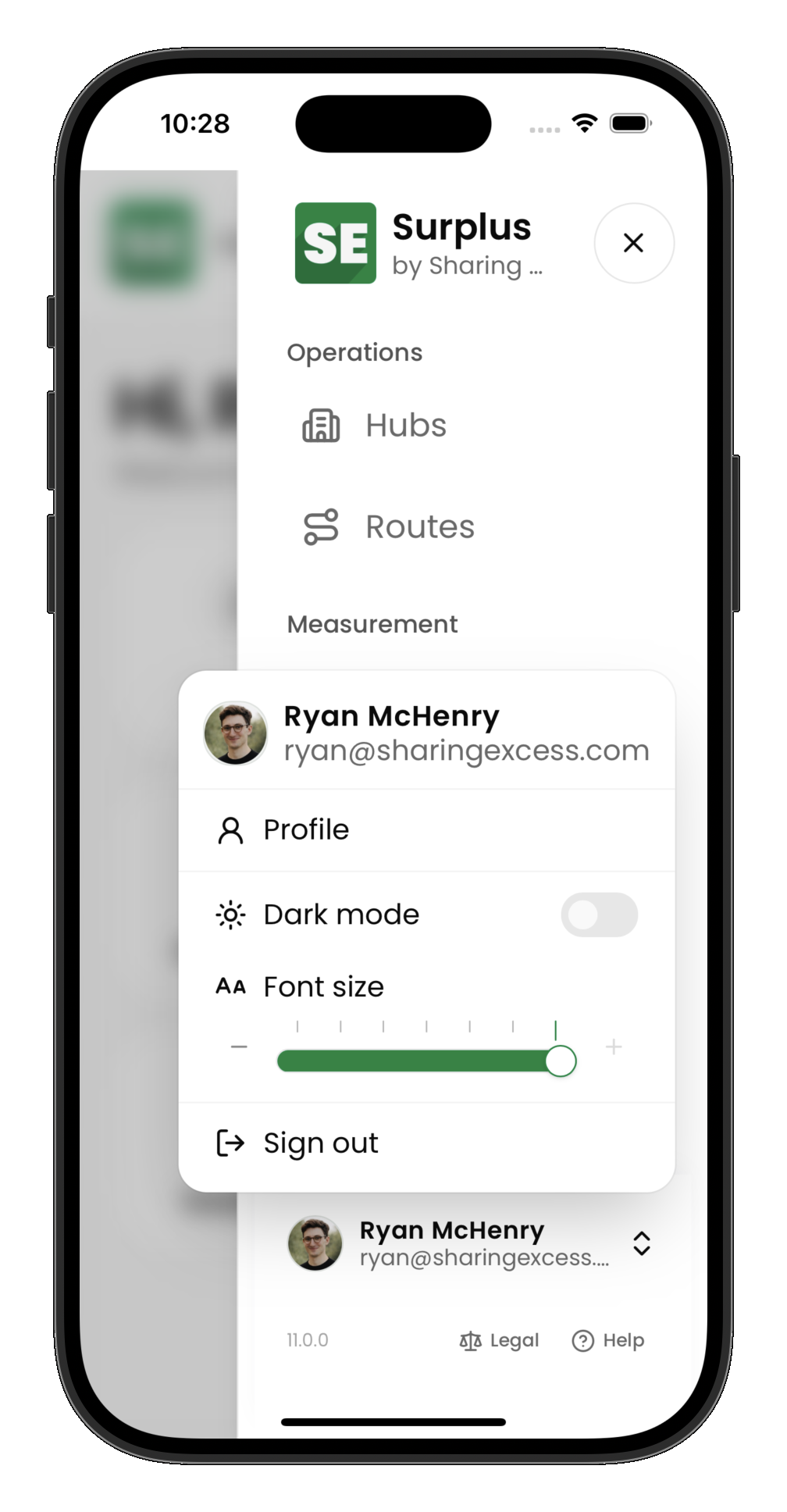
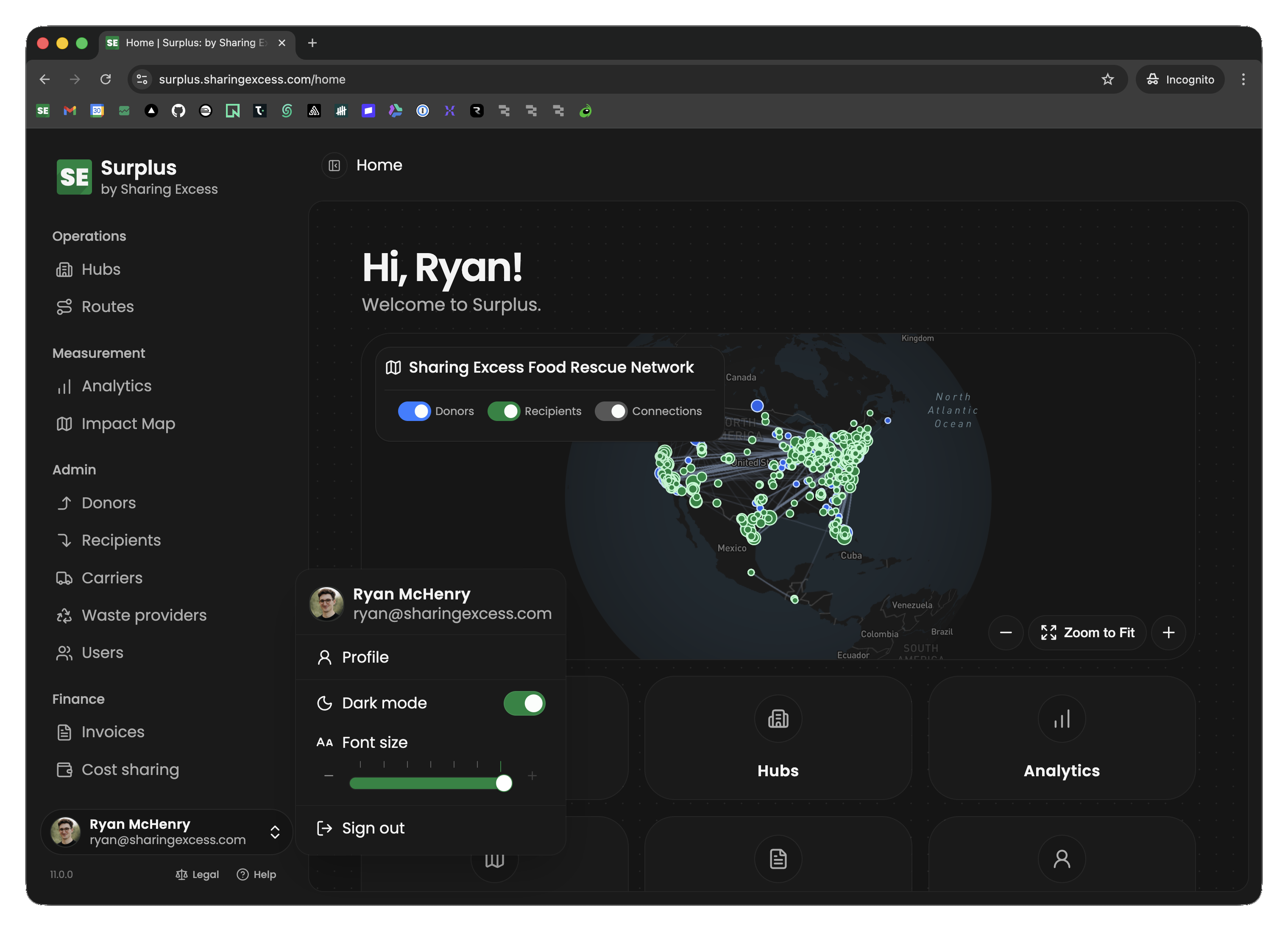
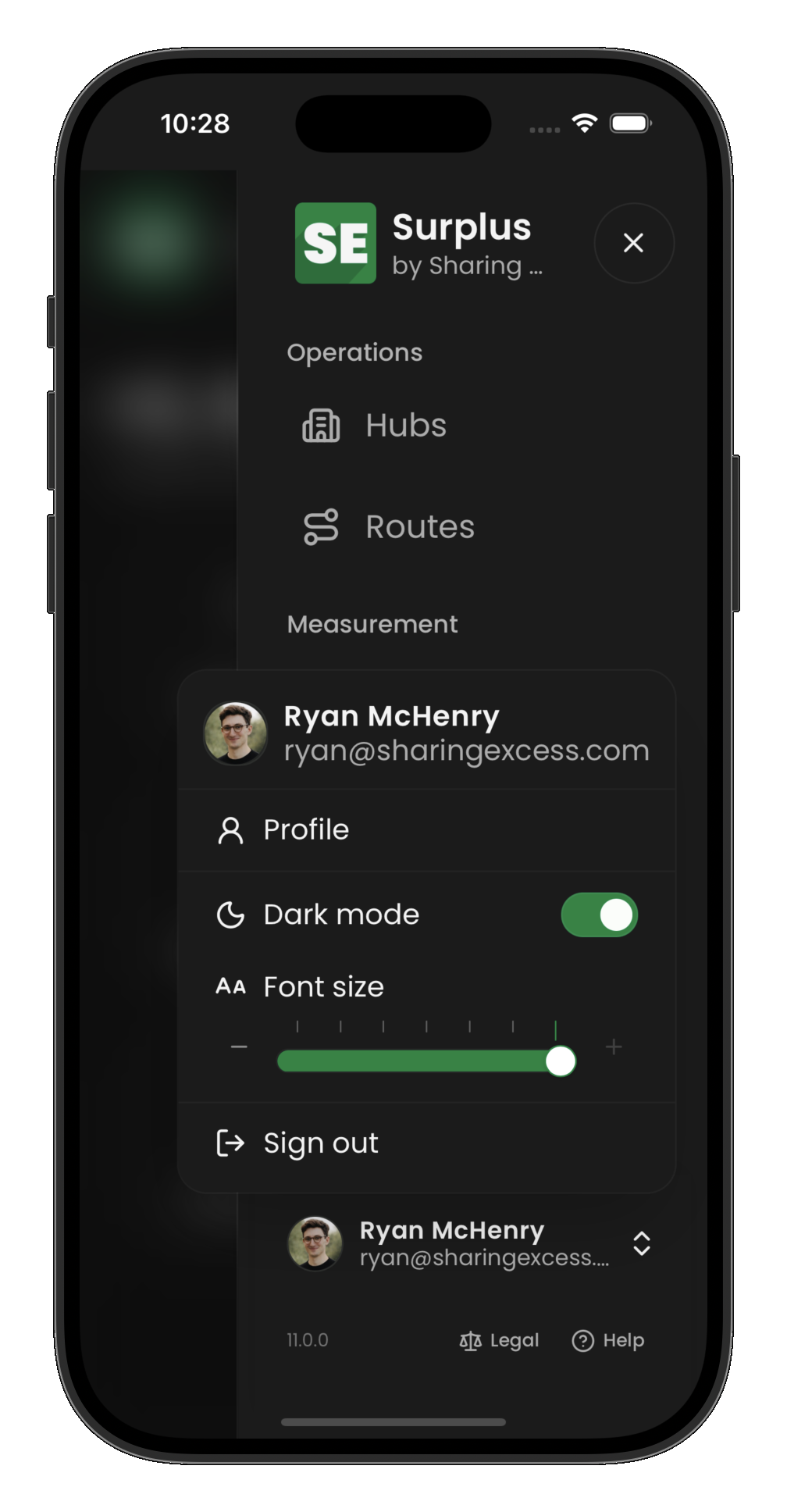
You can change theme (light or dark) and font size from the same place: your account menu at the bottom of the sidebar. Select your name or avatar to open it.
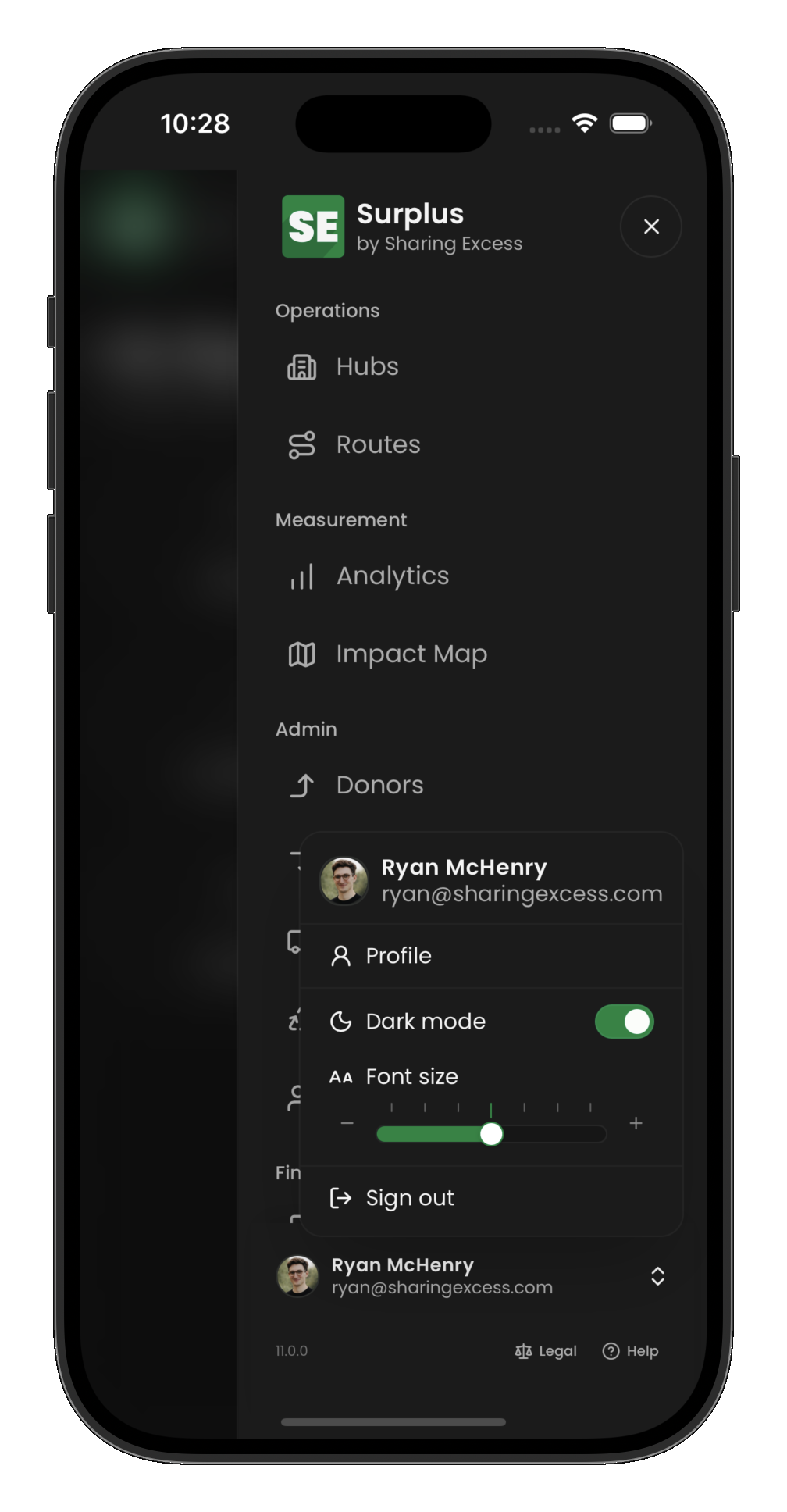
On mobile, the sidebar may be hidden behind the main navigation — open that first, then use the account control at the bottom of the sidebar.
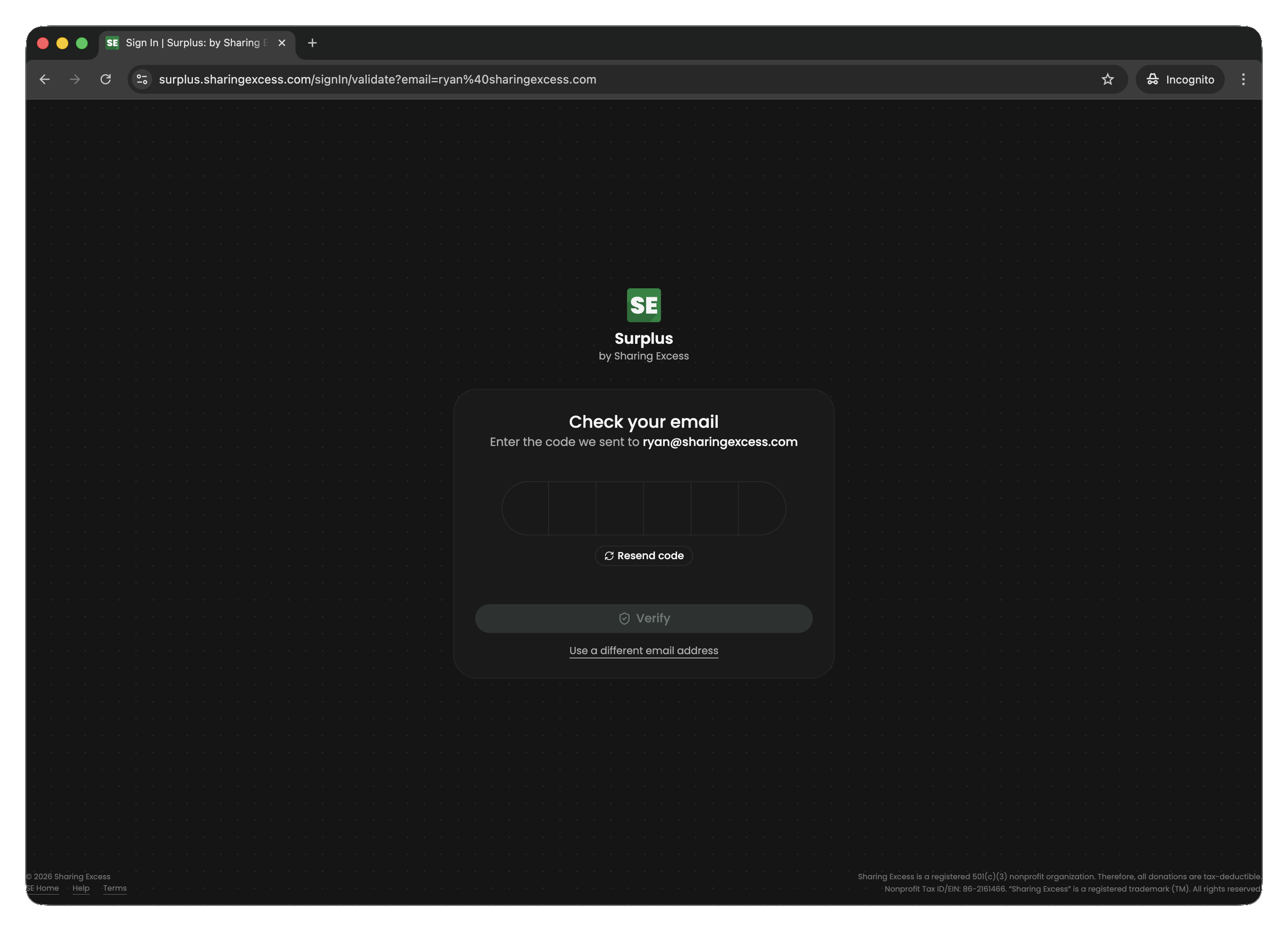
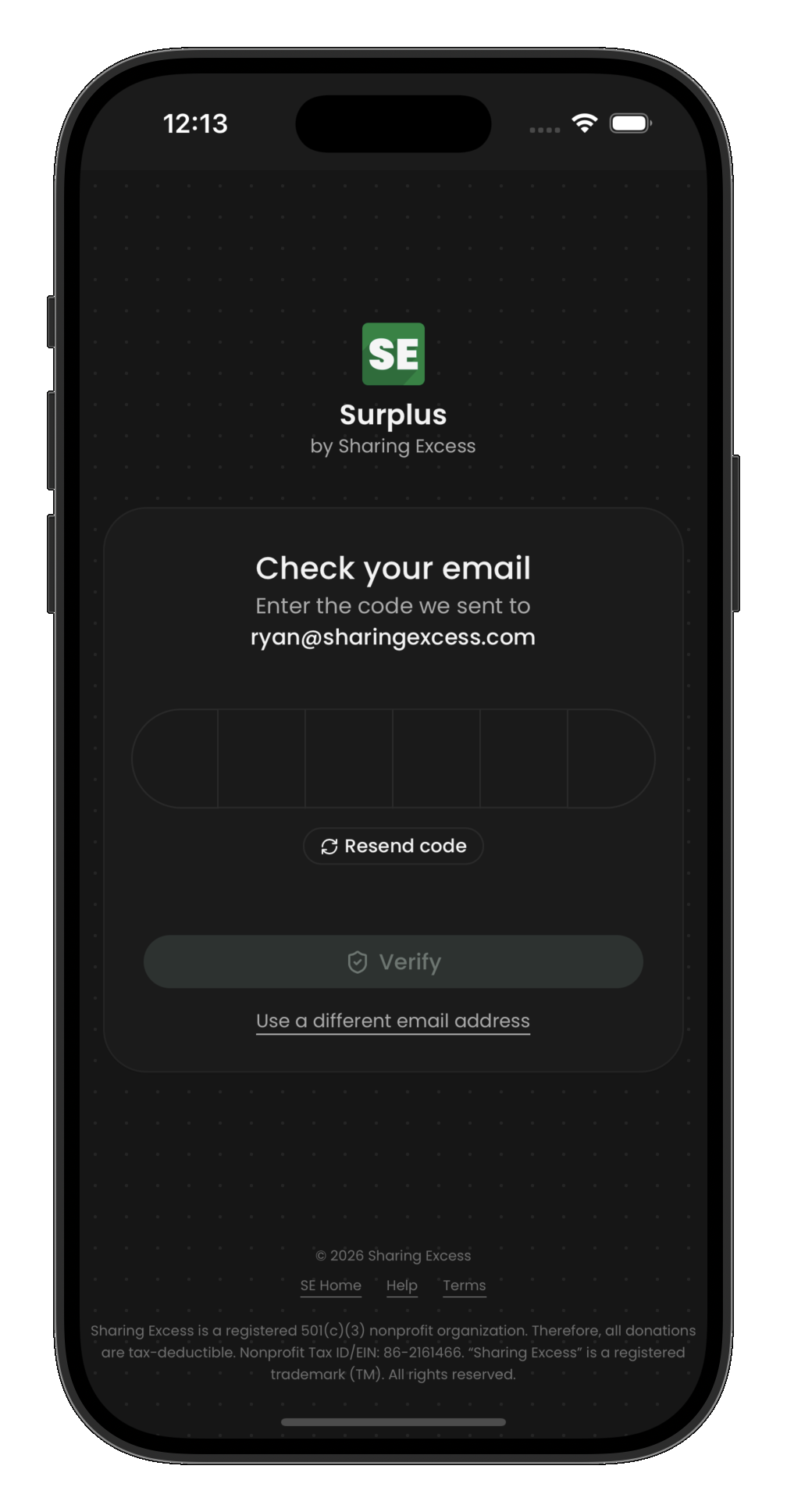
Light and dark mode
Dark mode is a toggle in the account menu (labeled “Dark mode,” with a sun/moon icon). When it is off, the app uses the light theme. Your choice is saved on this device so it persists when you come back.
Font size
Font size uses a slider in the account menu (with − / + buttons on either side). There are seven steps from smaller than default to larger than default; the middle position is the standard size. Moving the slider scales text and spacing that are tied to the app’s typography scale, which makes the whole interface easier to read without changing your browser zoom.
Your font size choice is stored locally in the browser, independent of theme.
Next steps
- Drivers — continue to Completing a route
- Admins — continue to Managing routes or Hub operations
- Partners — continue to Donor dashboard or Recipient dashboard