
Key concepts
Surplus is built around a small set of interconnected concepts. Understanding these makes the rest of the platform intuitive.
Organizations
Donors
Organizations that donate food — farms, retailers, restaurants, wholesalers, caterers, and more. Each donor has one or more donor locations (physical addresses where pickups happen). A single grocery chain might have dozens of locations, each with its own schedule and contact.
Recipients
Organizations that receive food to serve the community — food banks, shelters, school meal programs, community fridges, and similar. Like donors, recipients have recipient locations where deliveries are made or pickups happen.
Carriers
Third-party logistics providers that supply vehicles and drivers under contract. Not every program uses carriers — some rely entirely on volunteer drivers — but when a carrier is assigned to a route, its drivers are the ones completing stops.
Hubs
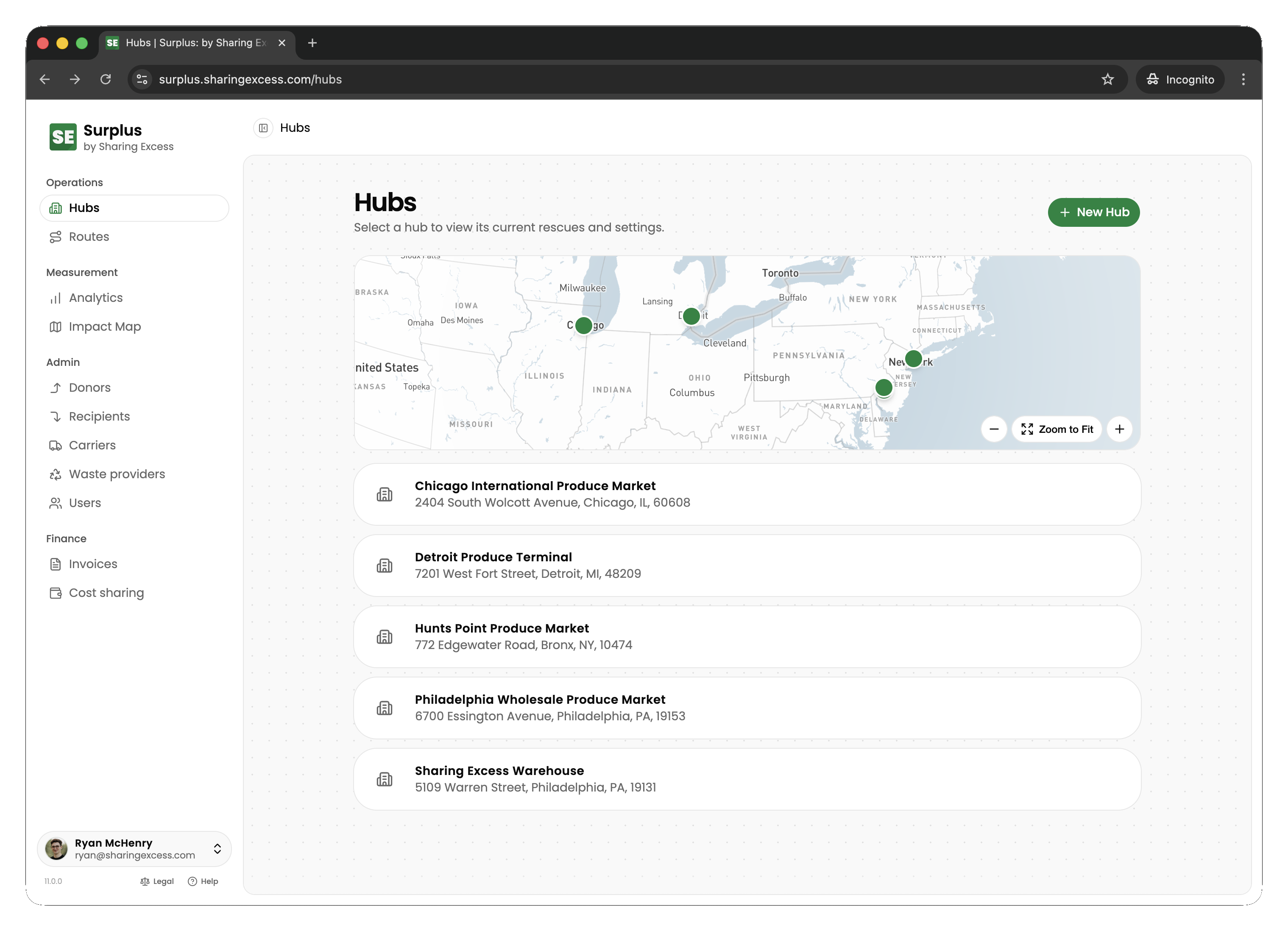
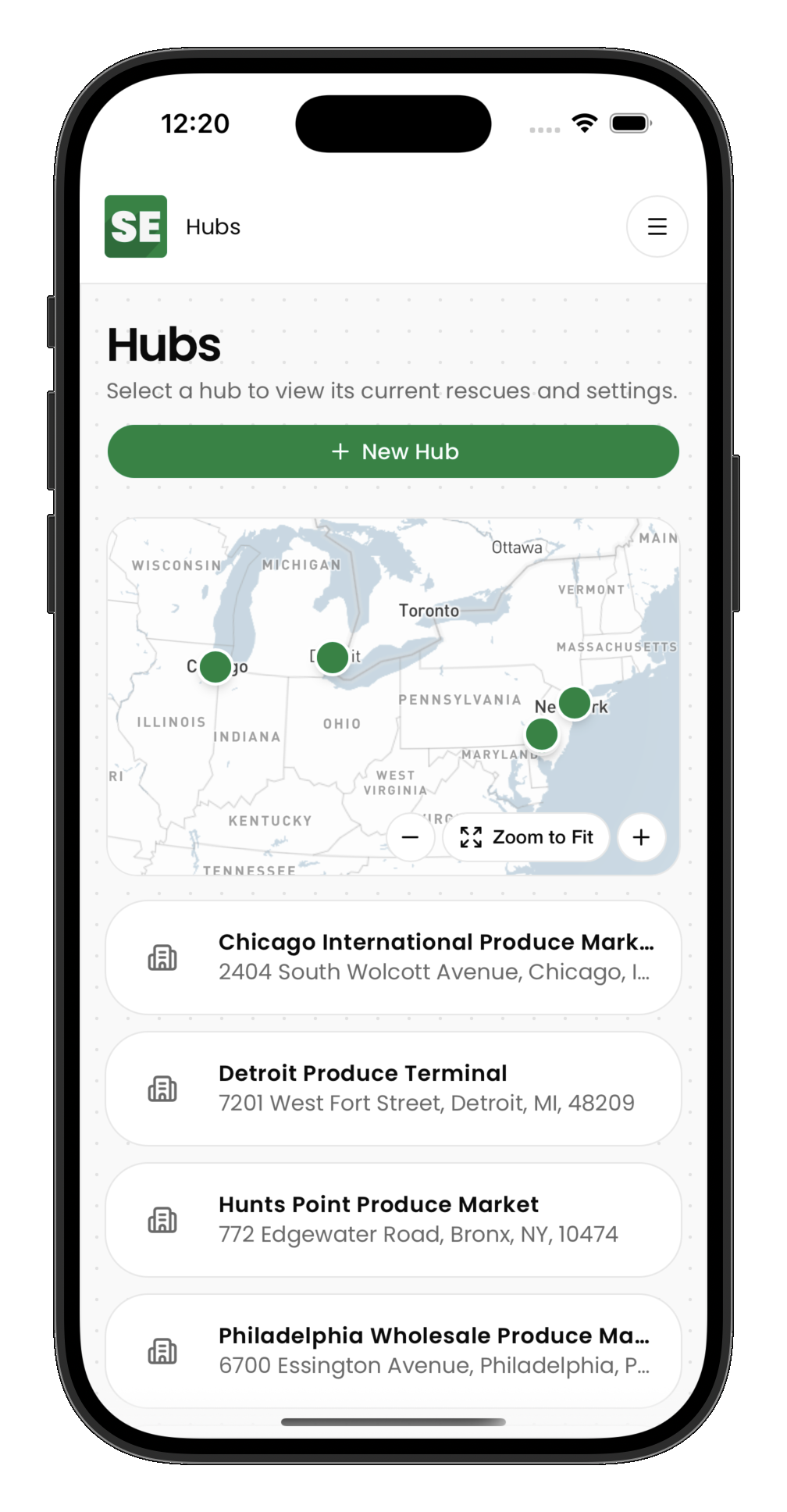
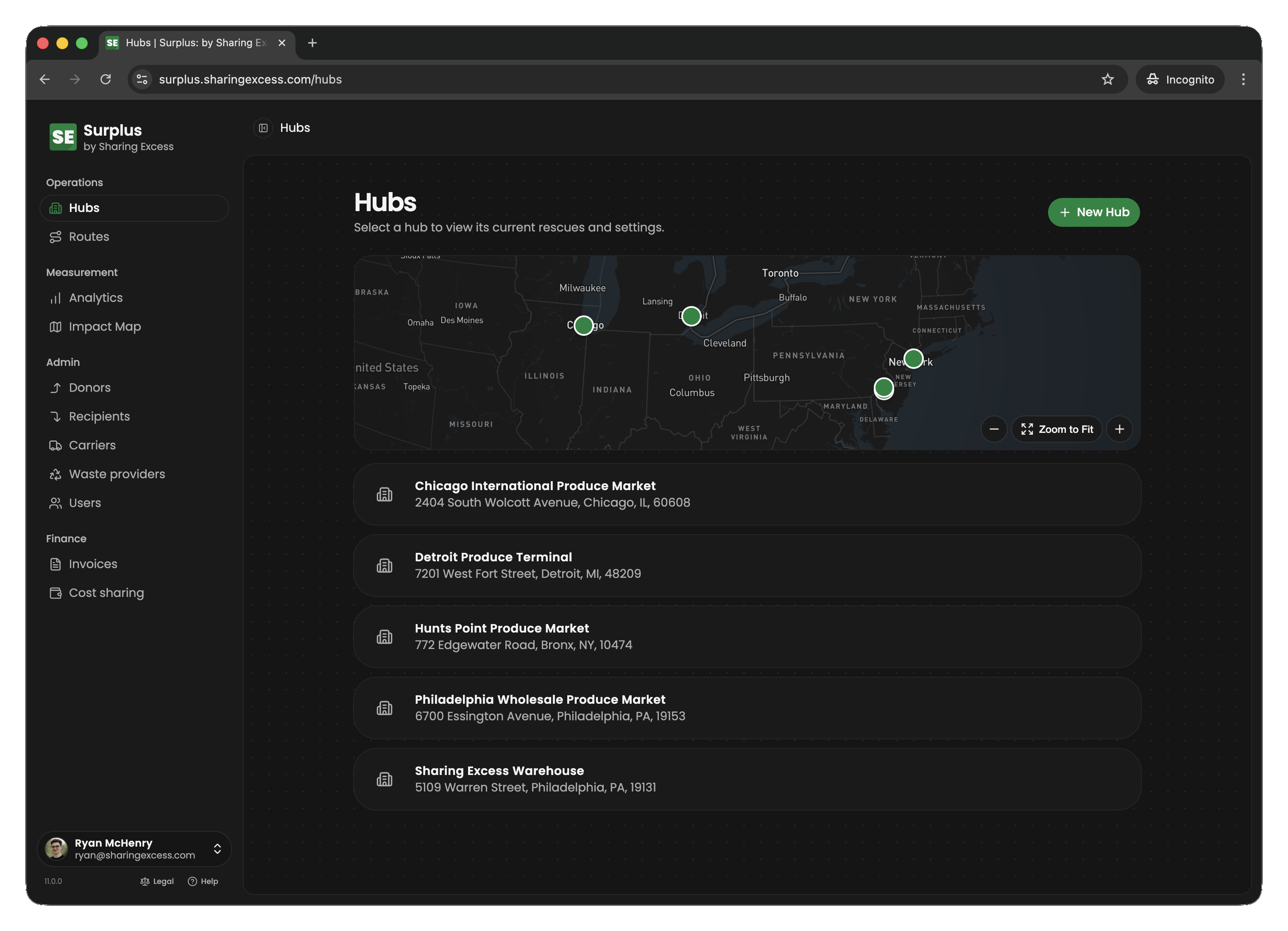
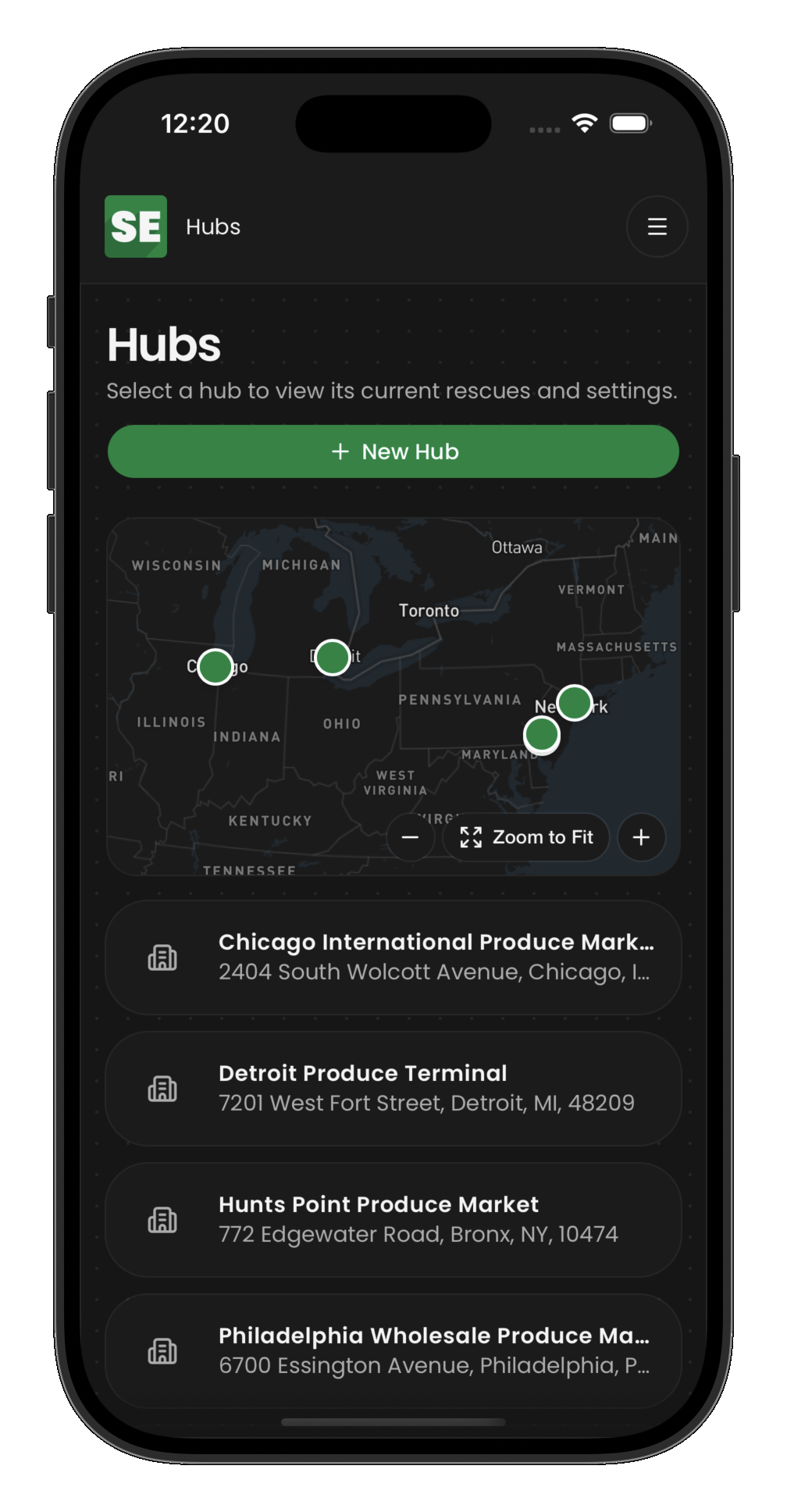
System-owned warehouses where food is received, stored, sorted, and redistributed. Hubs are central to Surplus logistics:
- Food arrives at hubs via route unloads or direct donor drop-offs
- Staff sort and stage inventory for outbound delivery
- Food leaves hubs via route loads or direct recipient pickups
Logistics
Routes
A route represents a vehicle's physical journey — an ordered sequence of stops with assigned drivers and timing. Routes are purely about movement; they connect collections, distributions, loads, and unloads into a single executable plan.
Stops
Individual points on a route, each with a sequence number and a type:
| Stop type | What happens |
|---|---|
| Collection | Driver picks up food from a donor |
| Distribution | Driver delivers food to a recipient |
| Load | Driver receives food from a hub onto the vehicle |
| Unload | Driver transfers food from the vehicle into a hub |
Collections
The record of food entering Surplus from a donor. A collection captures what was received as collection event items — product, quantity, and weight for each line. Collections can happen on a route (driver pickup) or at a hub (donor drop-off).
Distributions
The record of food leaving Surplus to a recipient. Distributions can be route-based (driver delivery) or hub-based (recipient pickup). Items must be allocated to a distribution before it can be completed.
Loads and unloads
Physical transfers between hubs and vehicles:
- Load — food moves from a hub warehouse onto a route vehicle
- Unload — food moves from a route vehicle into a hub warehouse
These events are what make hub-connected routing possible: a route can pick up food at a donor, unload it at Hub A, load different food from Hub B, and deliver it to a recipient — all in one journey.
Inventory
Collection event items
The donation record layer — each line represents what a donor gave: product type, quantity, and weight. These are created when a collection happens and serve as the permanent receipt of the donation.
Items (operational partitions)
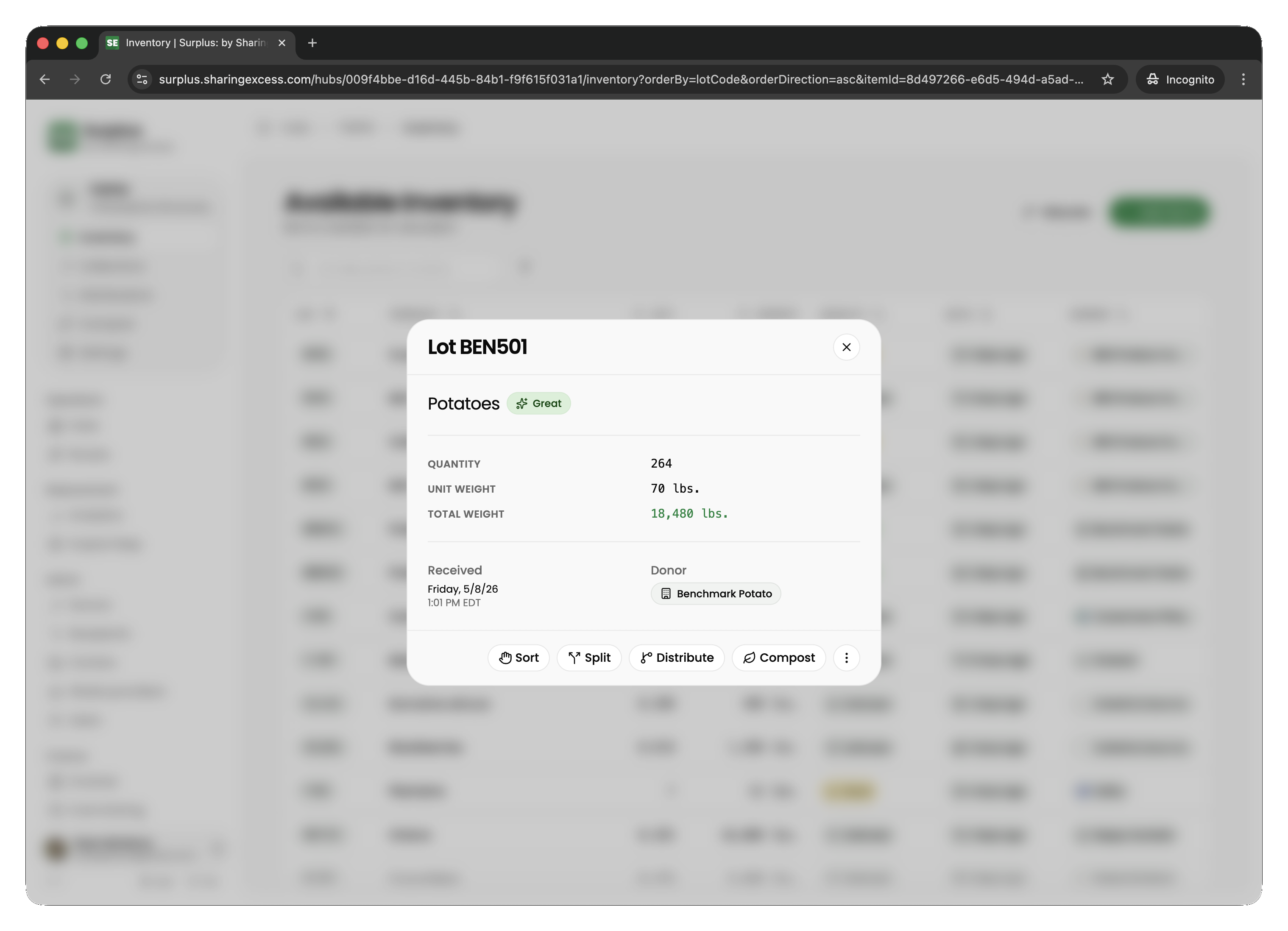
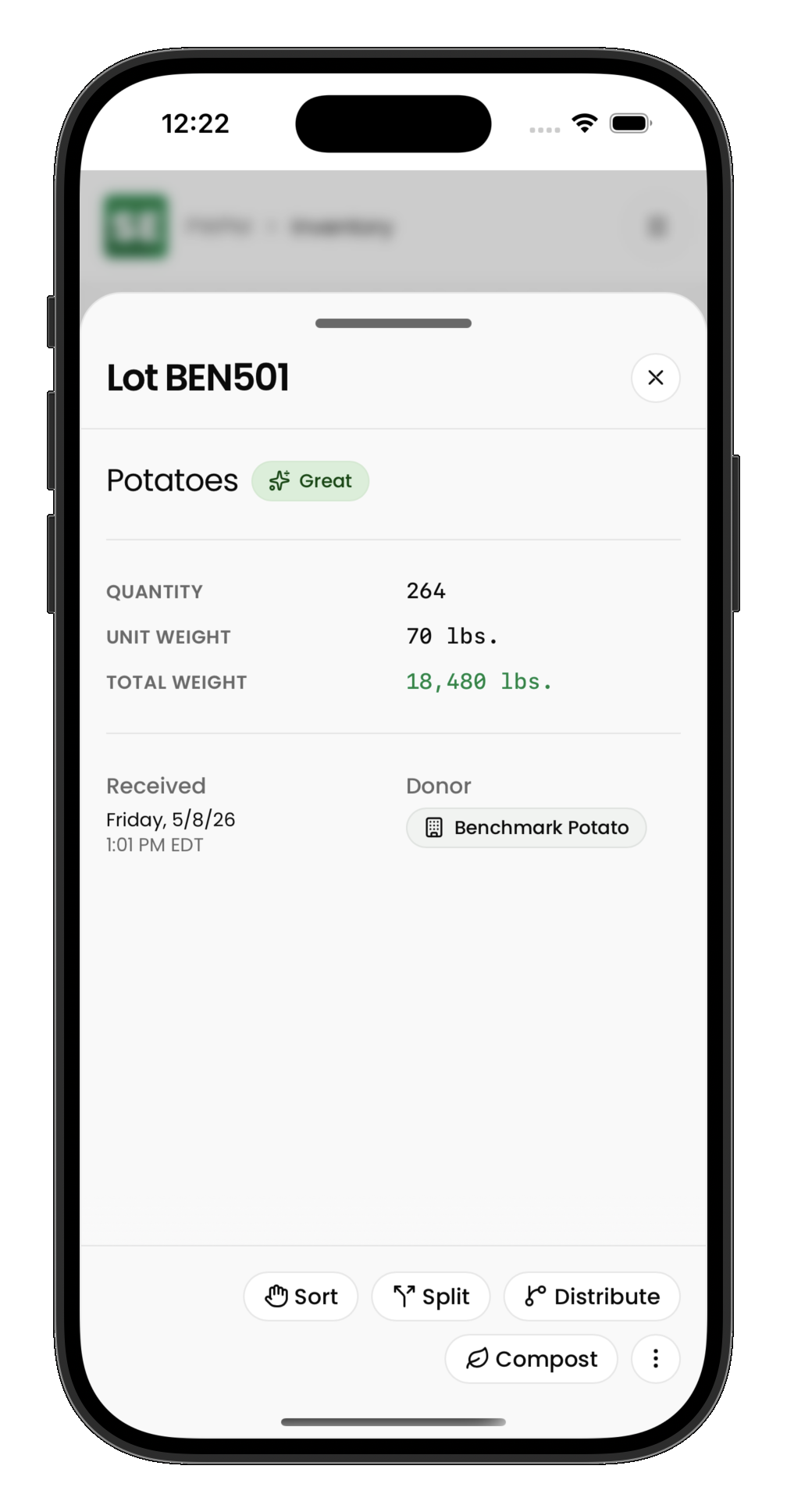
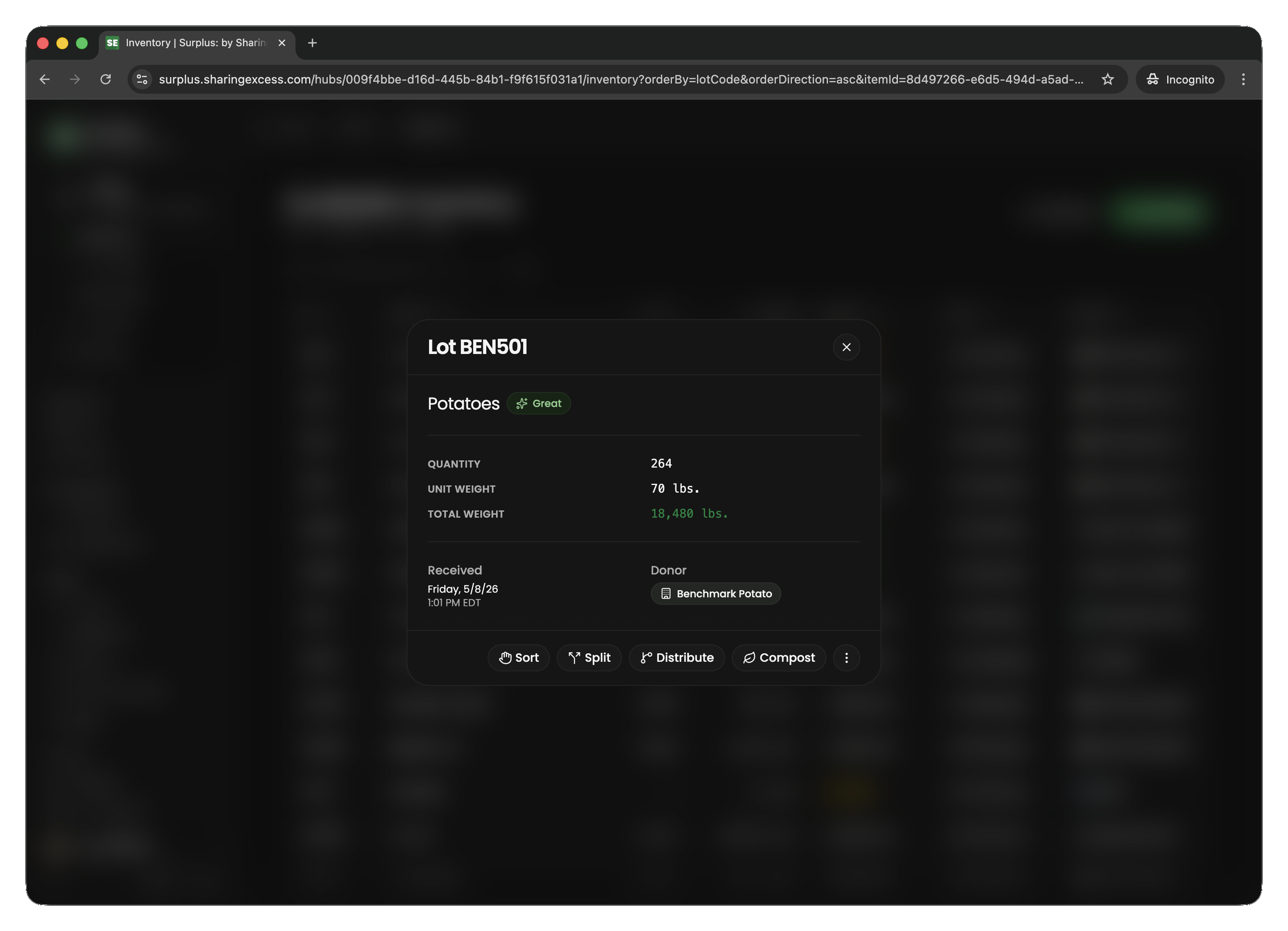
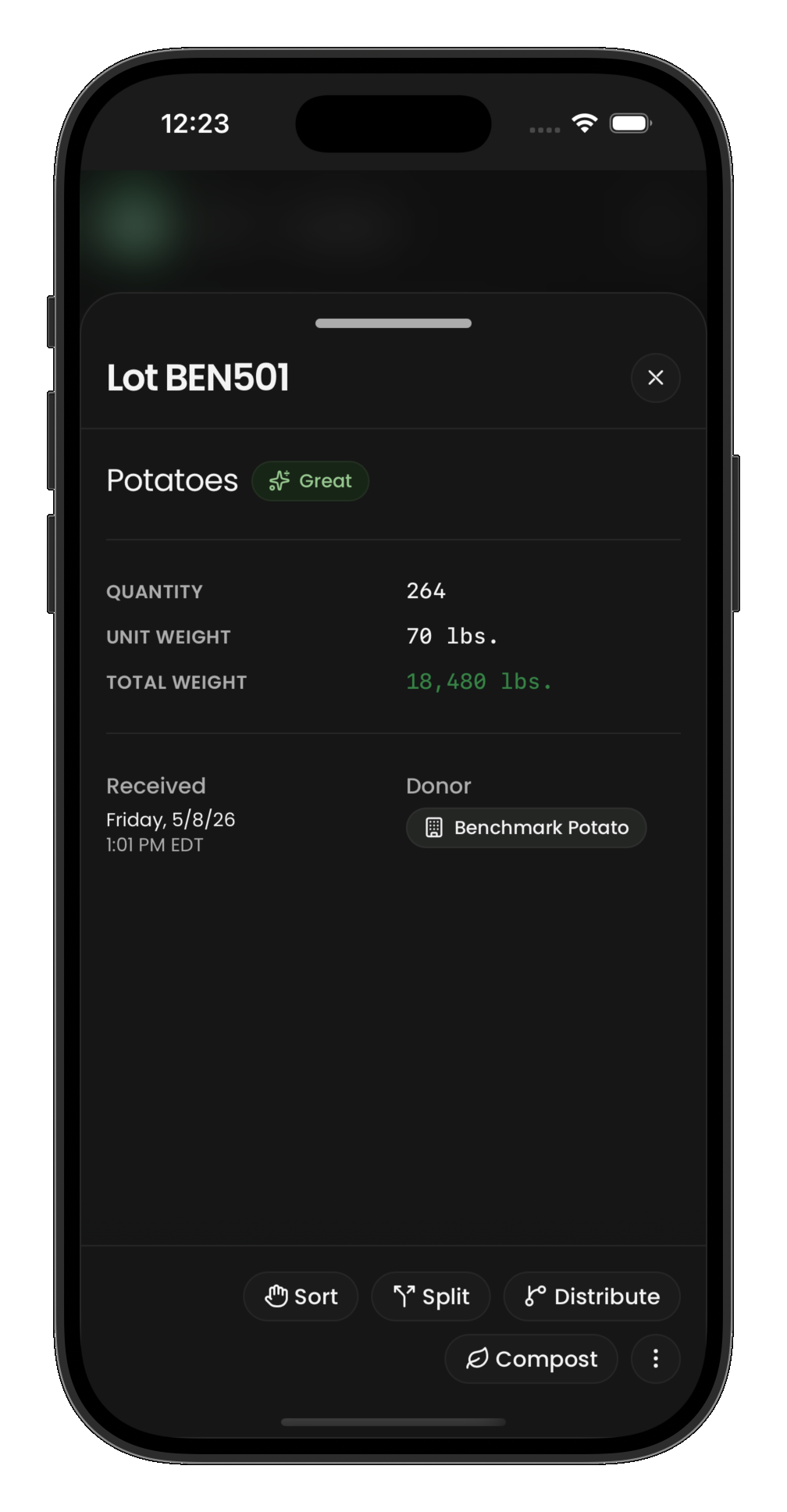
The logistics layer — items track where food physically is and what's happening to it. Each item has:
- Status —
active(available),allocated(reserved for a distribution),distributed(delivered to recipient), orcomposted(waste/trim) - Location — either a
hubId(at a warehouse) or arouteId(on a vehicle), never both - Quantity and weight — the physical amount this partition represents
Items are created from collection event items and can be split (dividing a batch) or merged (combining compatible portions). When food is allocated to a distribution, the item's status changes to allocated; when the distribution completes, it becomes distributed.
Event statuses
Most events in Surplus follow the same lifecycle:
| Status | Meaning |
|---|---|
scheduled | Planned but not yet started |
completed | Finished successfully |
cancelled | Abandoned (terminal) |
Routes add an active status between scheduled and completed, representing an in-progress journey.
The allocation principle
A critical design principle: allocation is not movement. When items are allocated to a distribution or linked to a load, their physical location does not change. Location only changes when the corresponding event is completed:
- Load completes → items move from hub to route
- Unload completes → items move from route to hub
- Distribution completes → items leave the system (distributed)
This ensures that inventory always has a valid physical location until it physically moves.