
Roles and access
Surplus serves multiple audiences with different needs. Access is controlled by permissions on a user's account, not a single "role" field — a person can have multiple capabilities.
Admins (coordinators and staff)
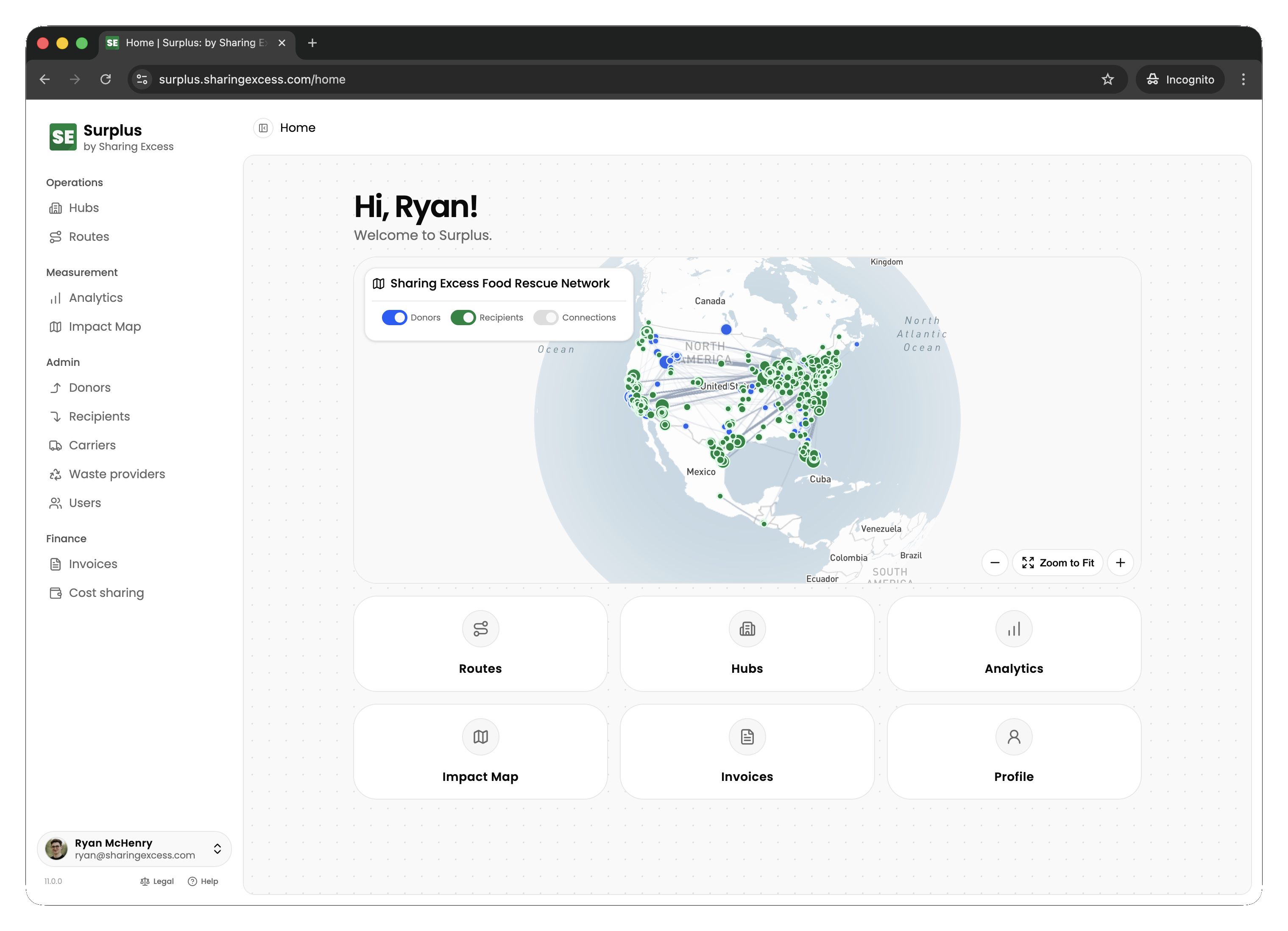
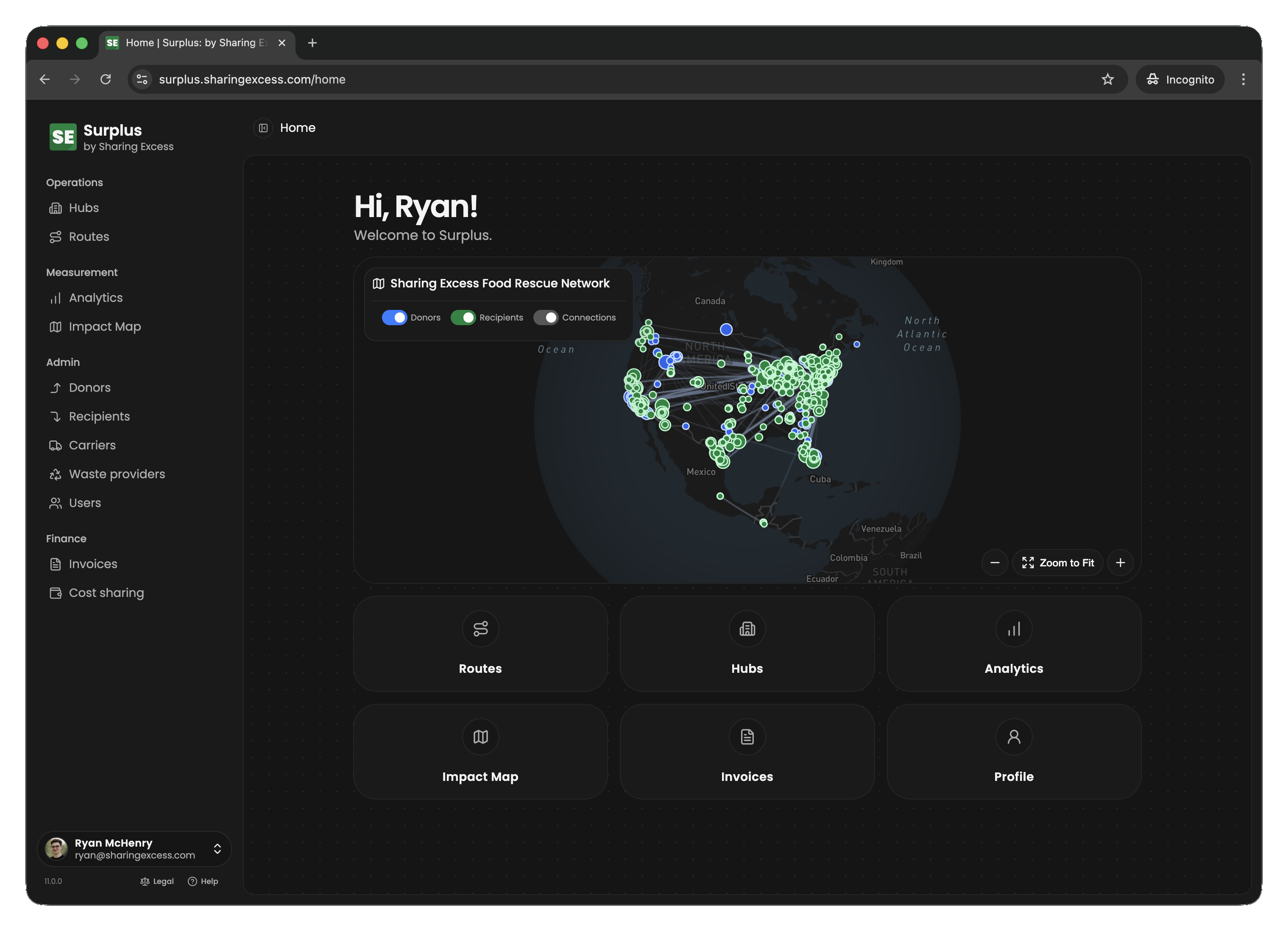
Program administrators have full access to the platform. They:
- Create and manage routes (scheduling, assigning drivers, adding stops)
- Manage hubs (inventory, collections, distributions, sorting)
- View and manage all organizations (donors, recipients, carriers)
- Access analytics with full filtering capabilities
- Perform administrative actions like un-completing events or cancelling routes
Drivers
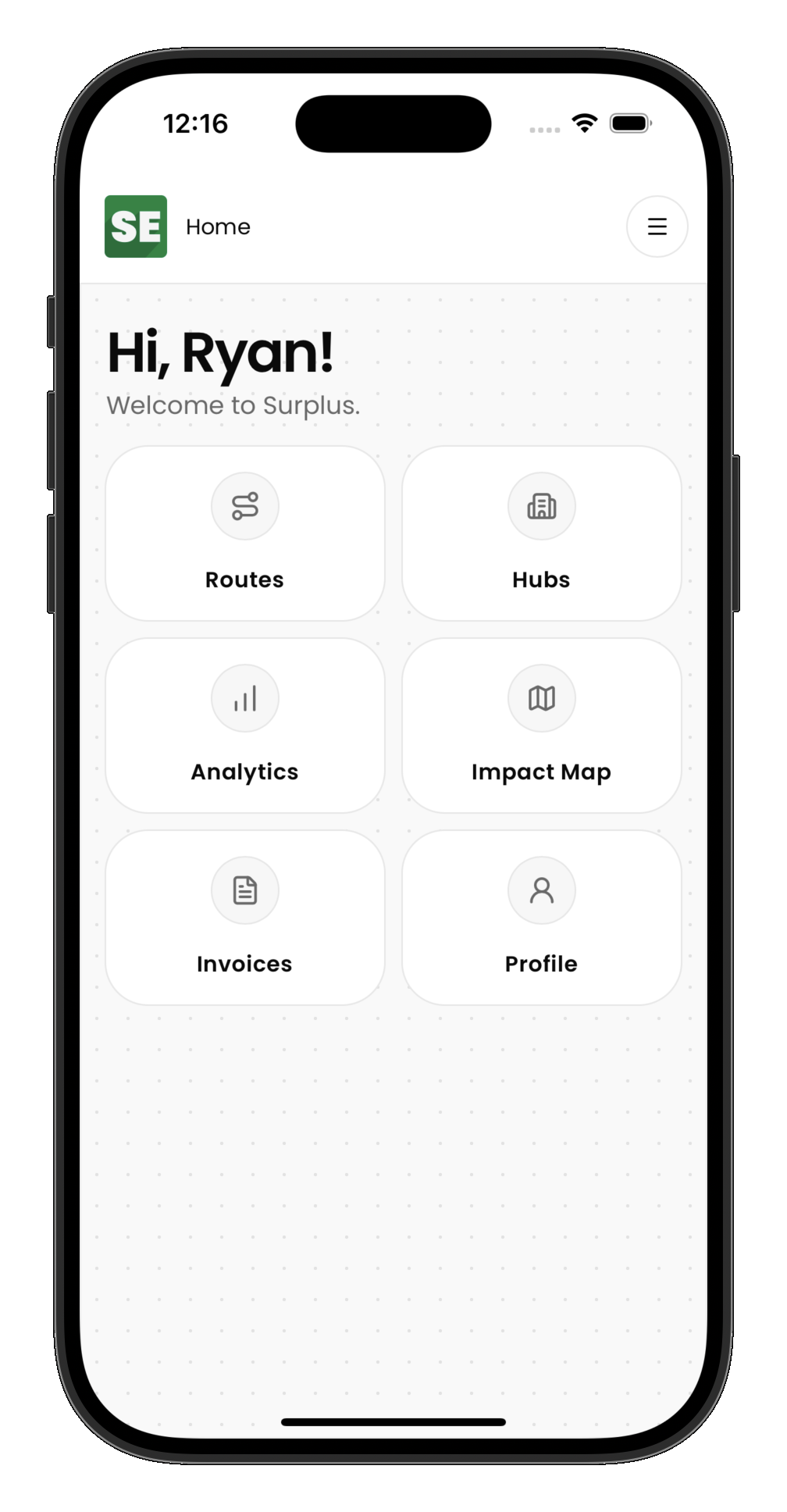
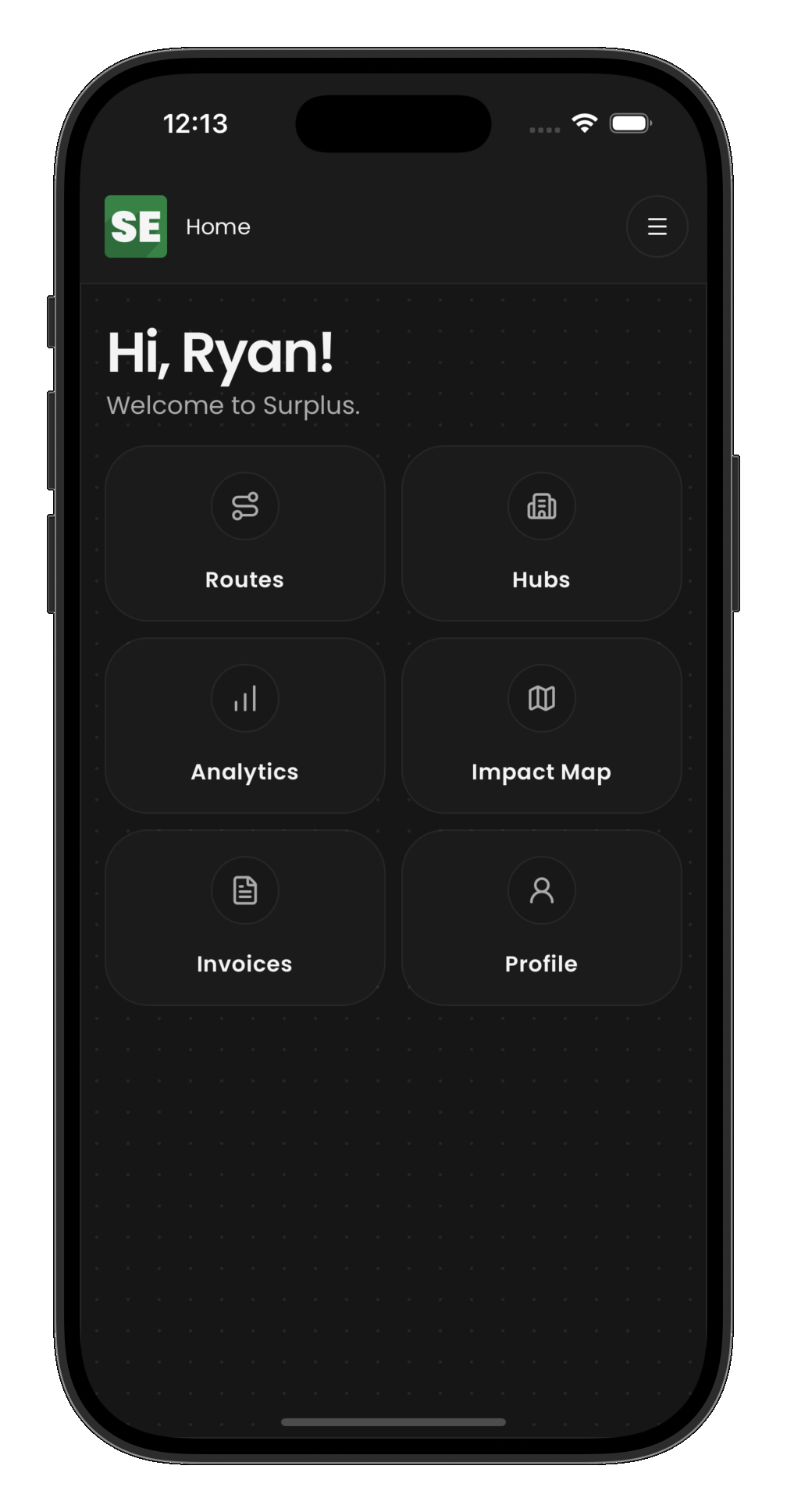
Drivers are assigned to routes and complete stops in the field. They:
- View their assigned routes and stop details
- Complete collection stops — record what was picked up (products, weights)
- Complete distribution stops — confirm delivery to recipients
- Complete load/unload stops — confirm transfers to/from hubs
- Re-open a completed route from driver route detail if the route was finished too soon
- View their personal impact (pounds rescued, routes completed)
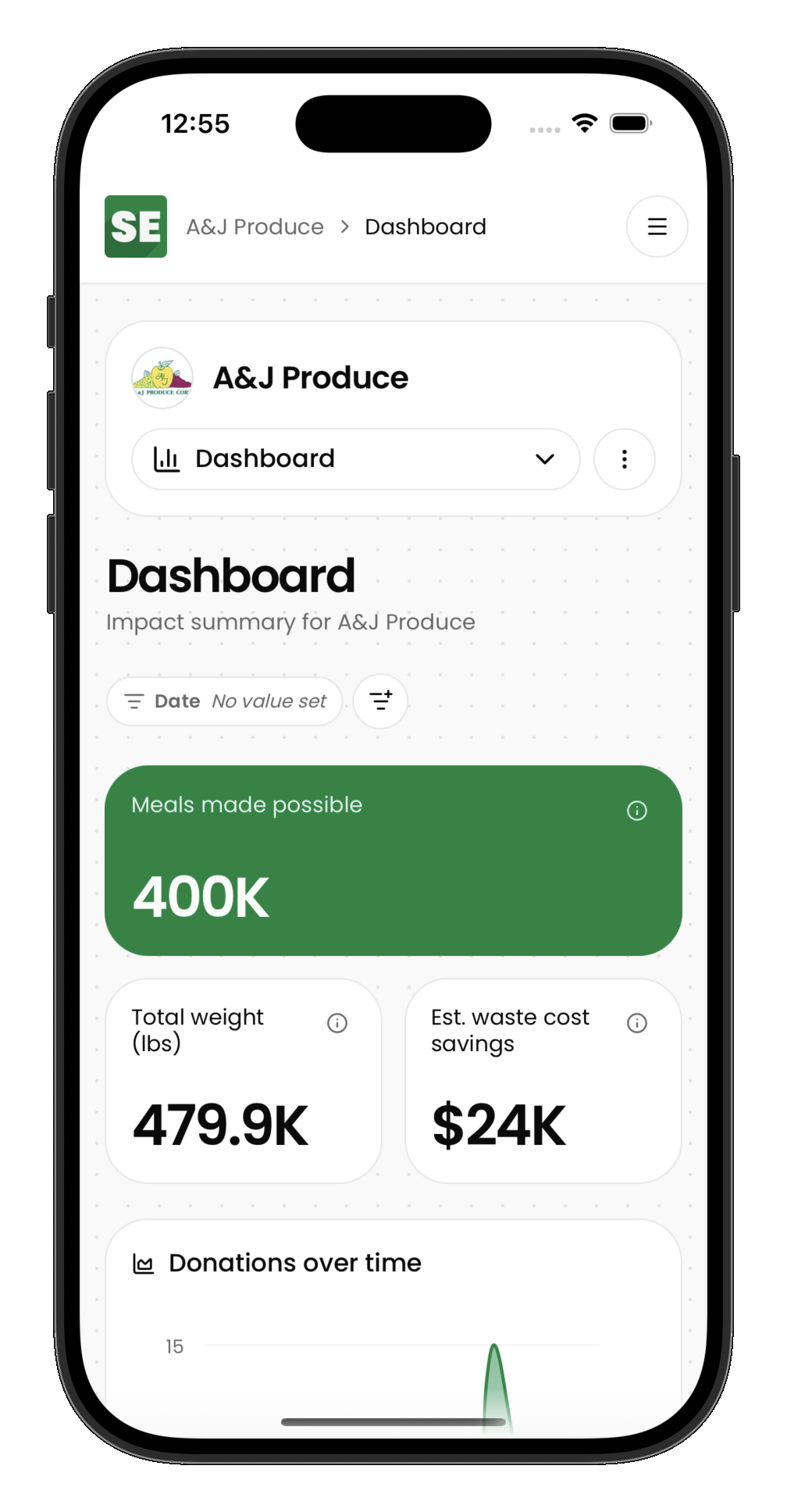
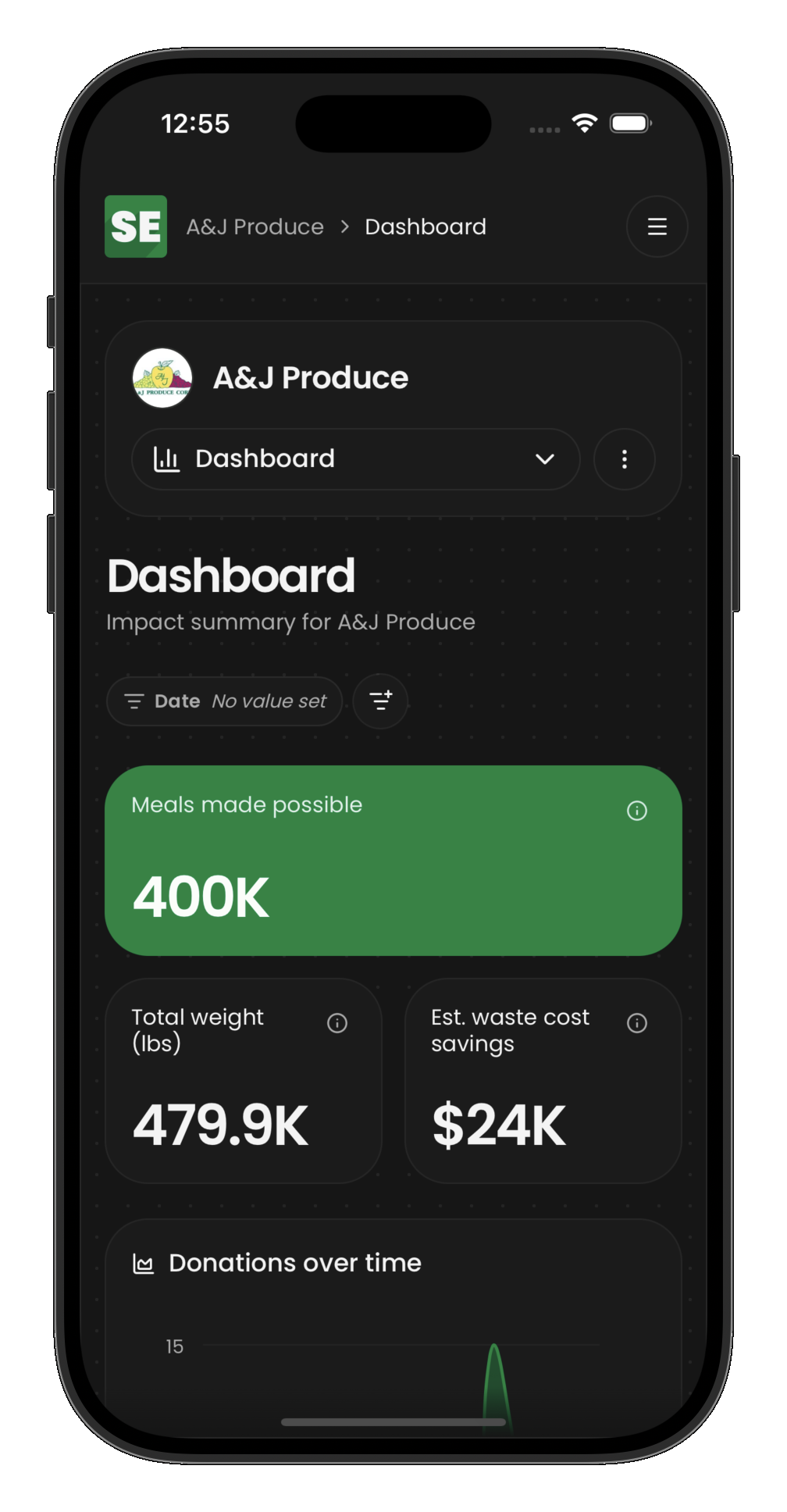
Drivers primarily use the mobile interface while on the road. The app guides them through stops in sequence.
Partners (donors and recipients)
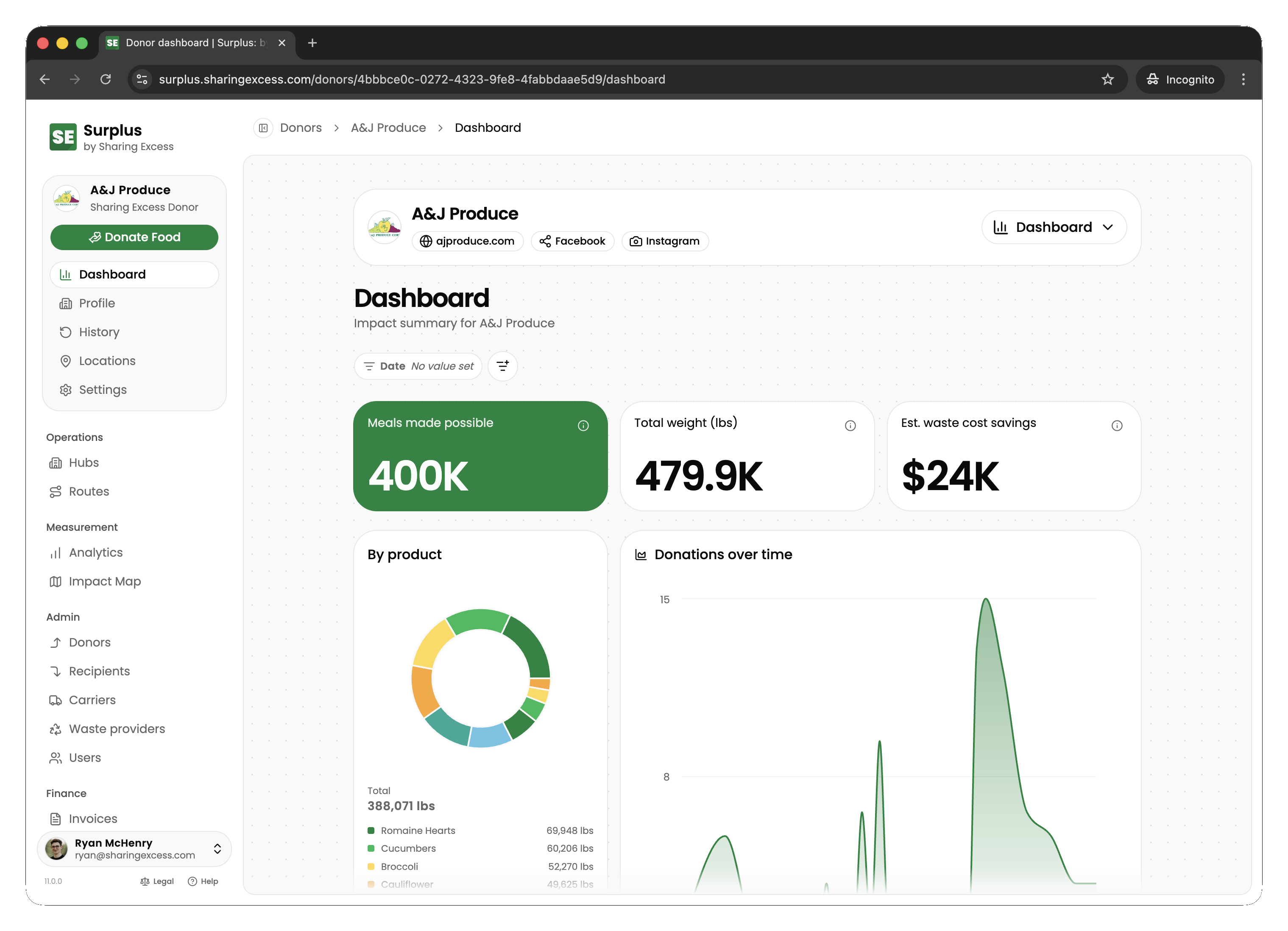
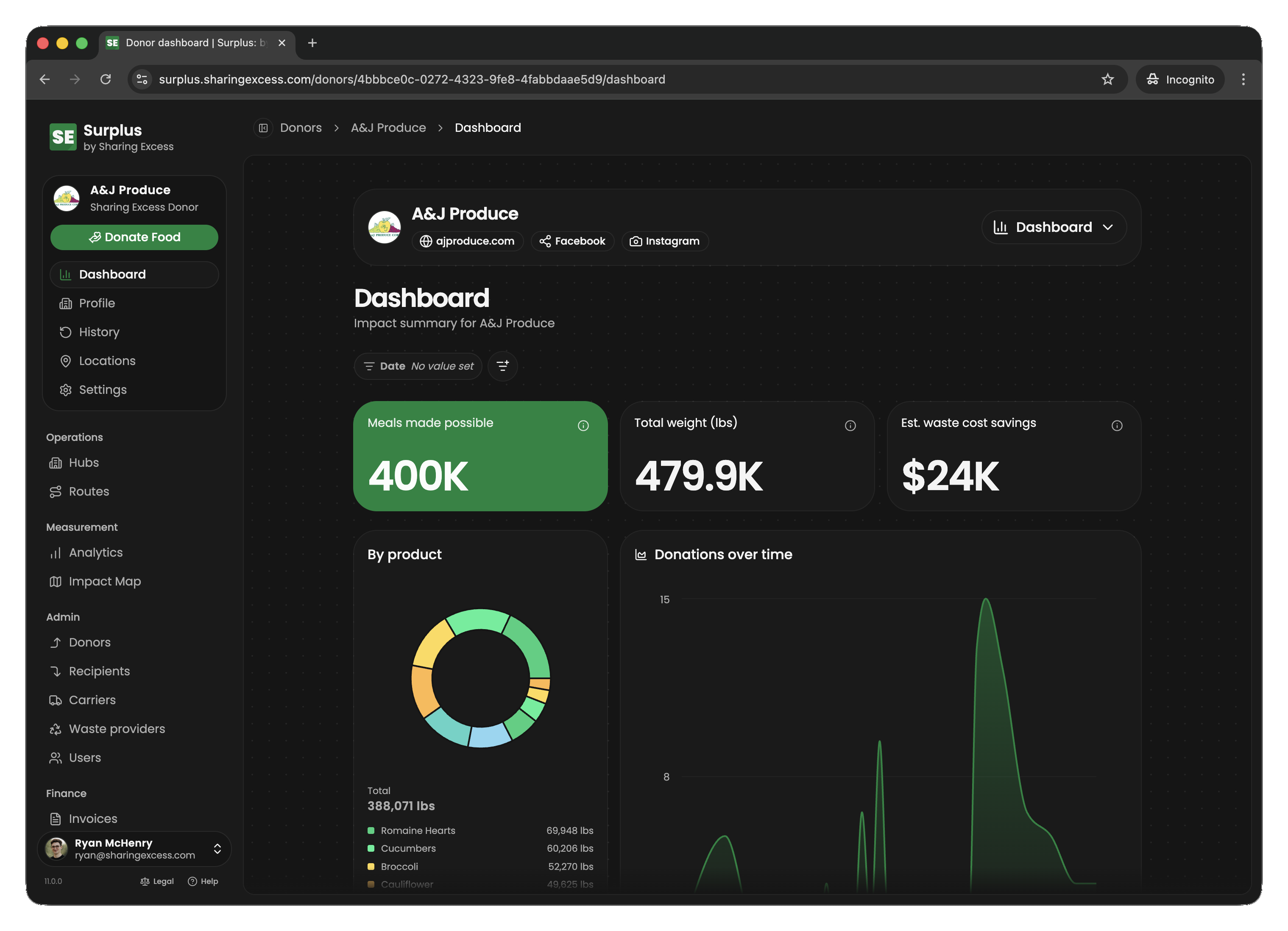
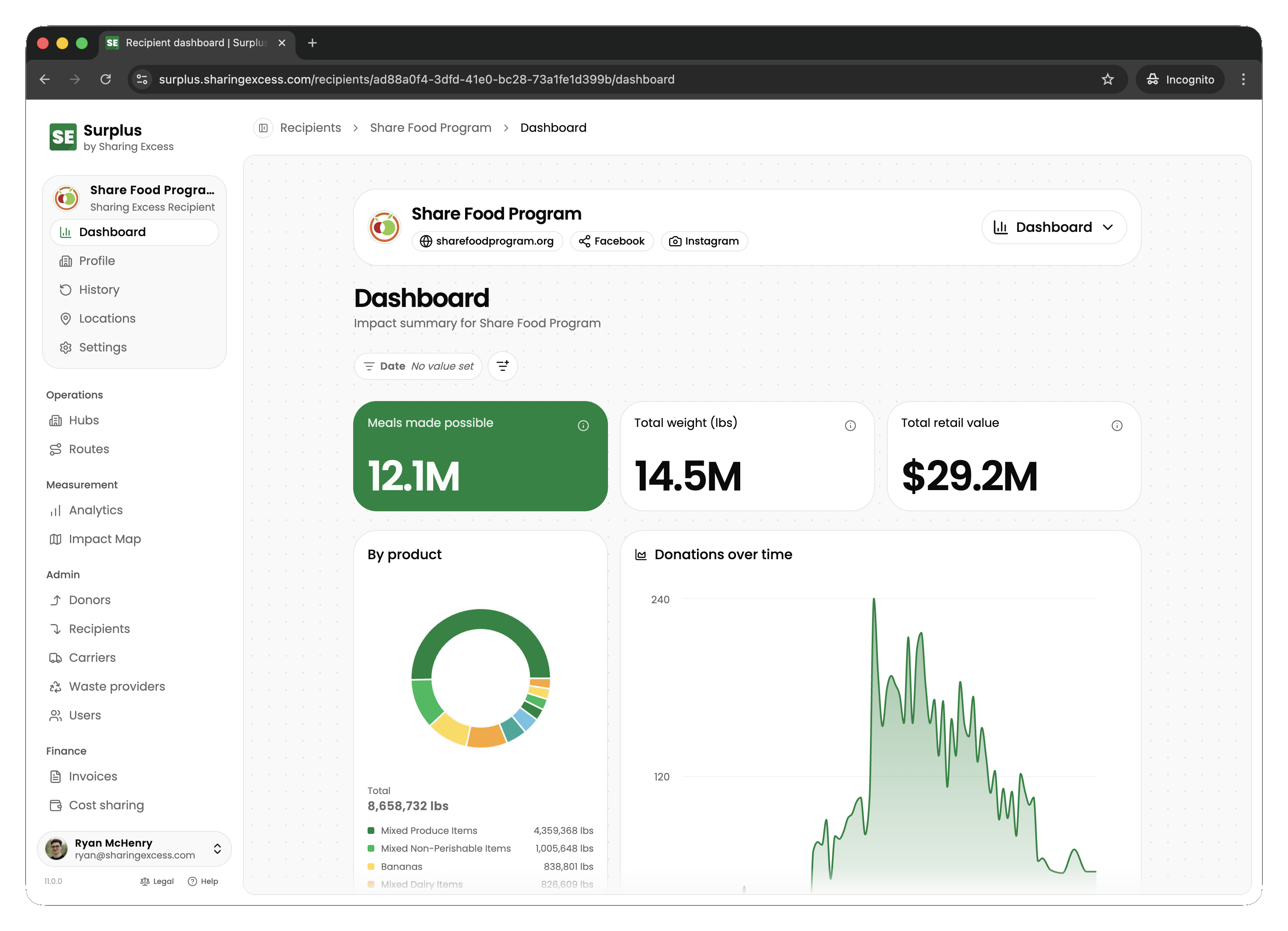
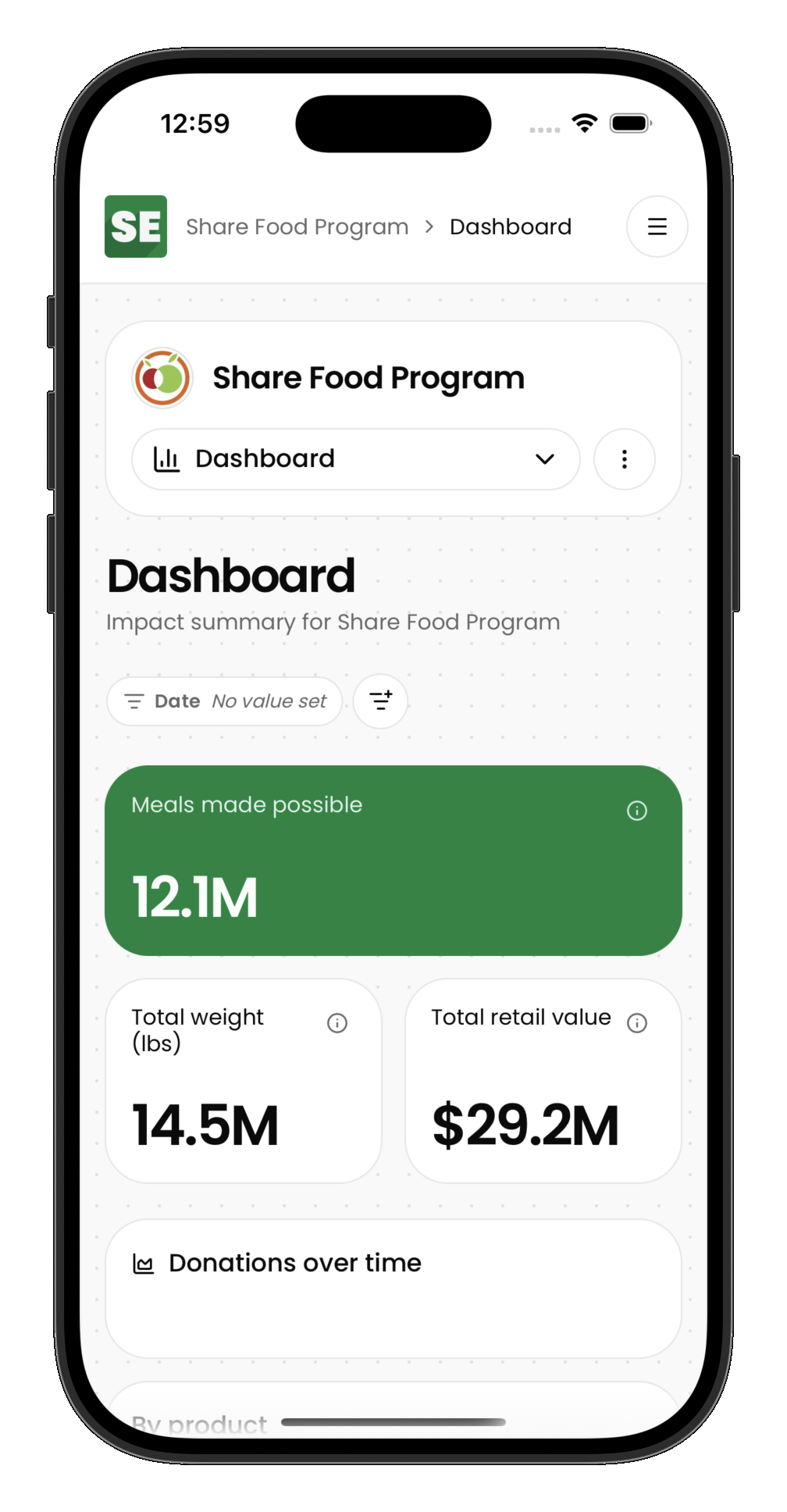
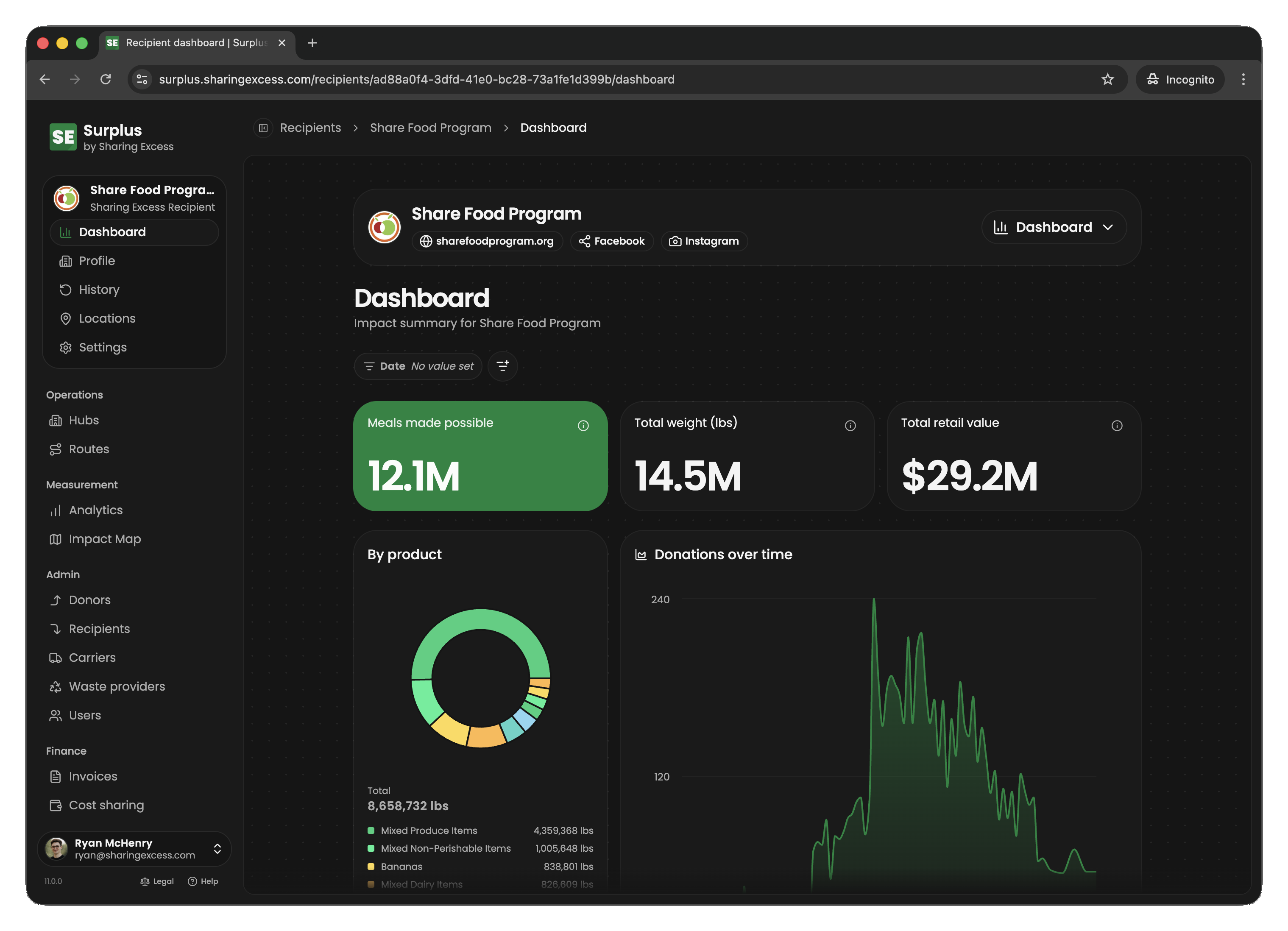
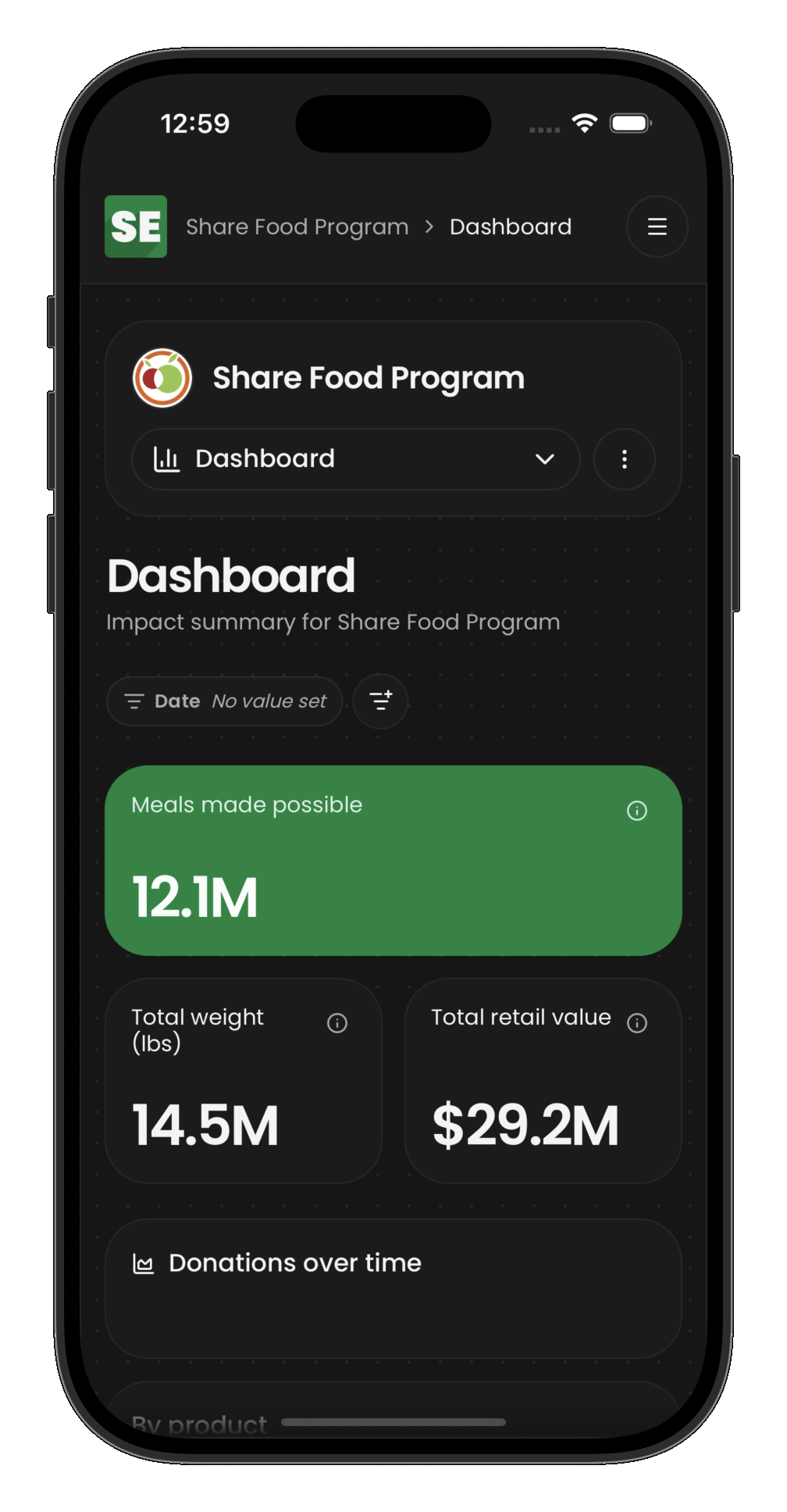
Partner organizations have access to a dashboard scoped to their own data:
Donor partners
Donors see:
- Upcoming collections scheduled at their locations
- Collection history — what was picked up, when, and how much
- Impact metrics — total pounds donated, meals made possible
Recipient partners
Recipients see:
- Upcoming distributions scheduled for their locations
- Distribution history — what was delivered, when, and how much
- Settings — location details and preferences
How roles interact
In a typical food rescue operation:
- An admin schedules a route with collection and distribution stops
- A driver executes the route, completing each stop
- A donor sees the pickup reflected in their dashboard
- Hub staff (admins) sort and allocate the inventory
- A recipient sees the delivery reflected in their dashboard
- Everyone's impact metrics update automatically
The platform is designed so that each role only sees what they need — drivers see their routes, partners see their own history, and admins see everything.