
GuidesPartners
Donor dashboard
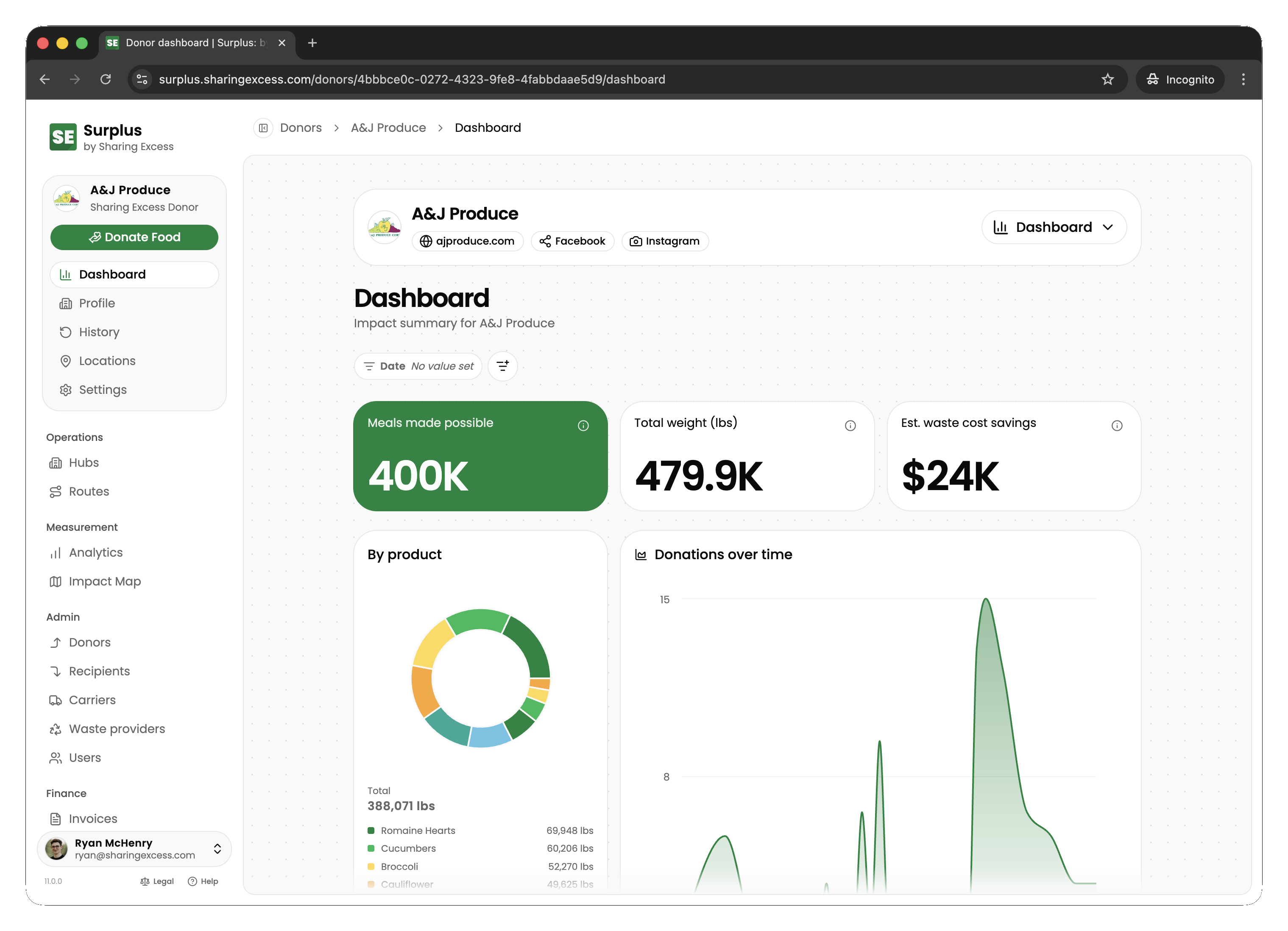
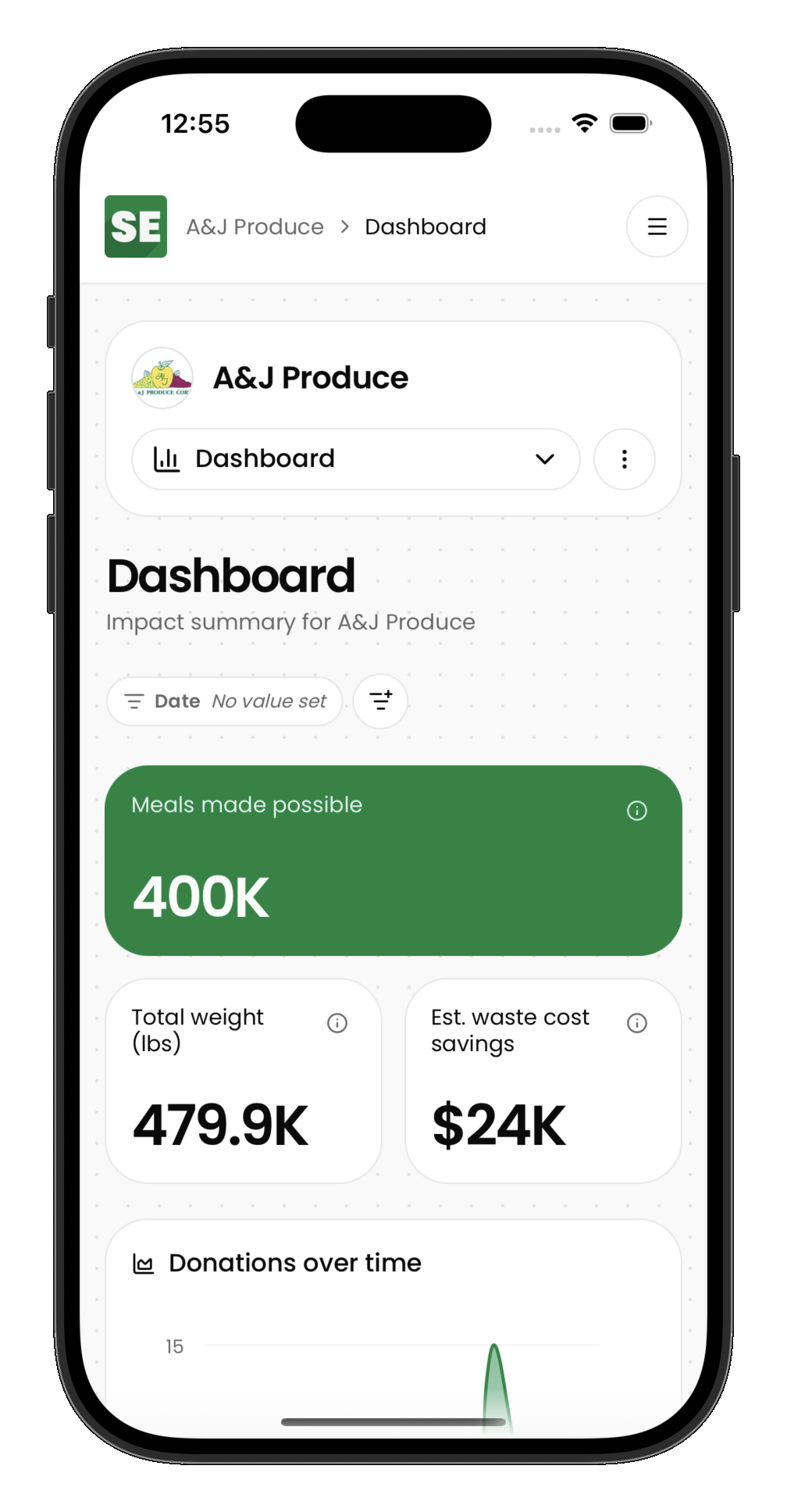
The donor dashboard gives donor organizations visibility into their food rescue contributions — what's been picked up, what's scheduled, and the impact of their donations.
Dashboard overview
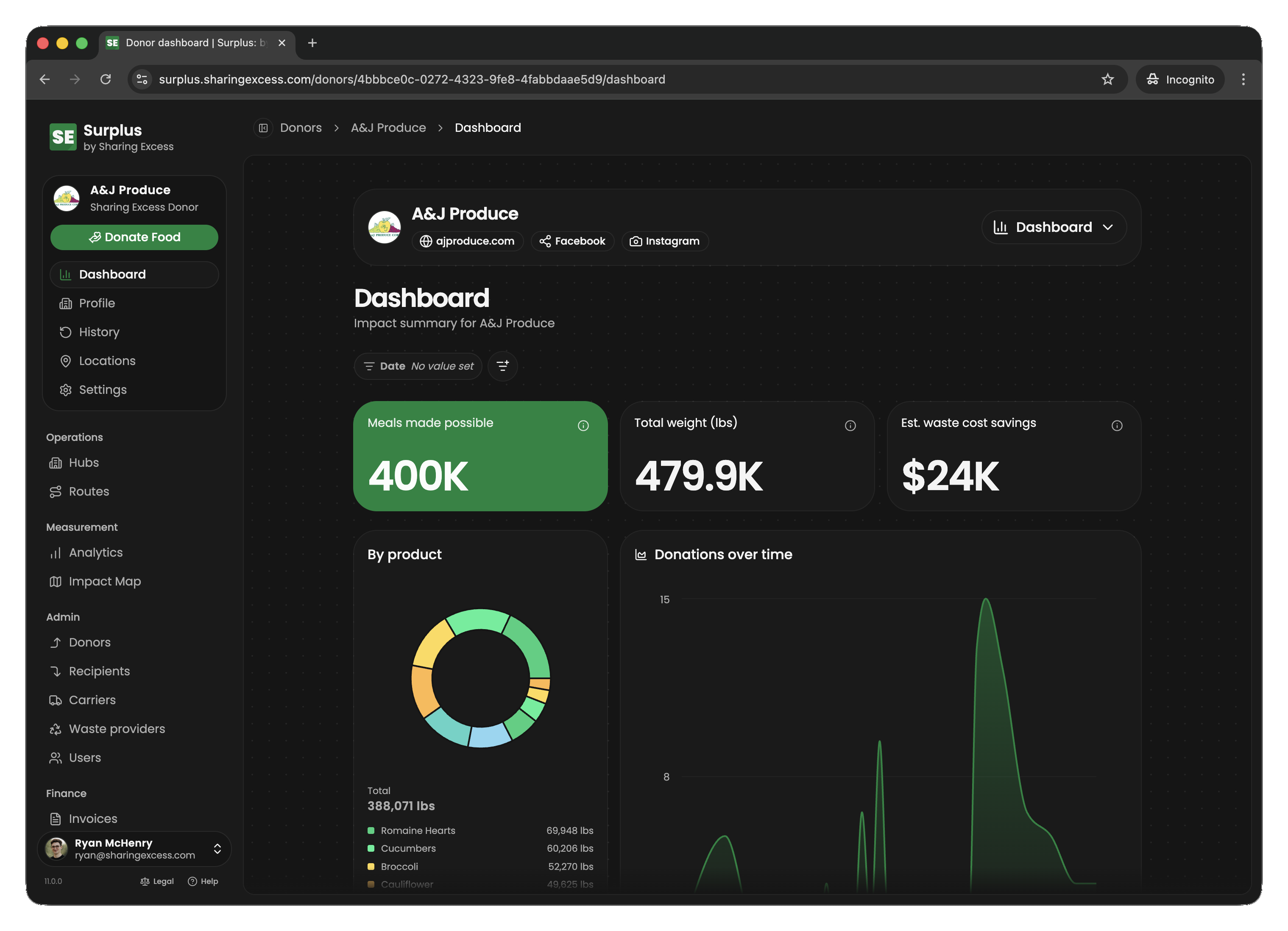
When a donor partner signs in, they see their organization's dashboard with:
- Impact summary — total pounds donated, meals made possible, and other metrics
- Recent activity — latest collections and their status
- Quick access to collection history and upcoming pickups
Collection history
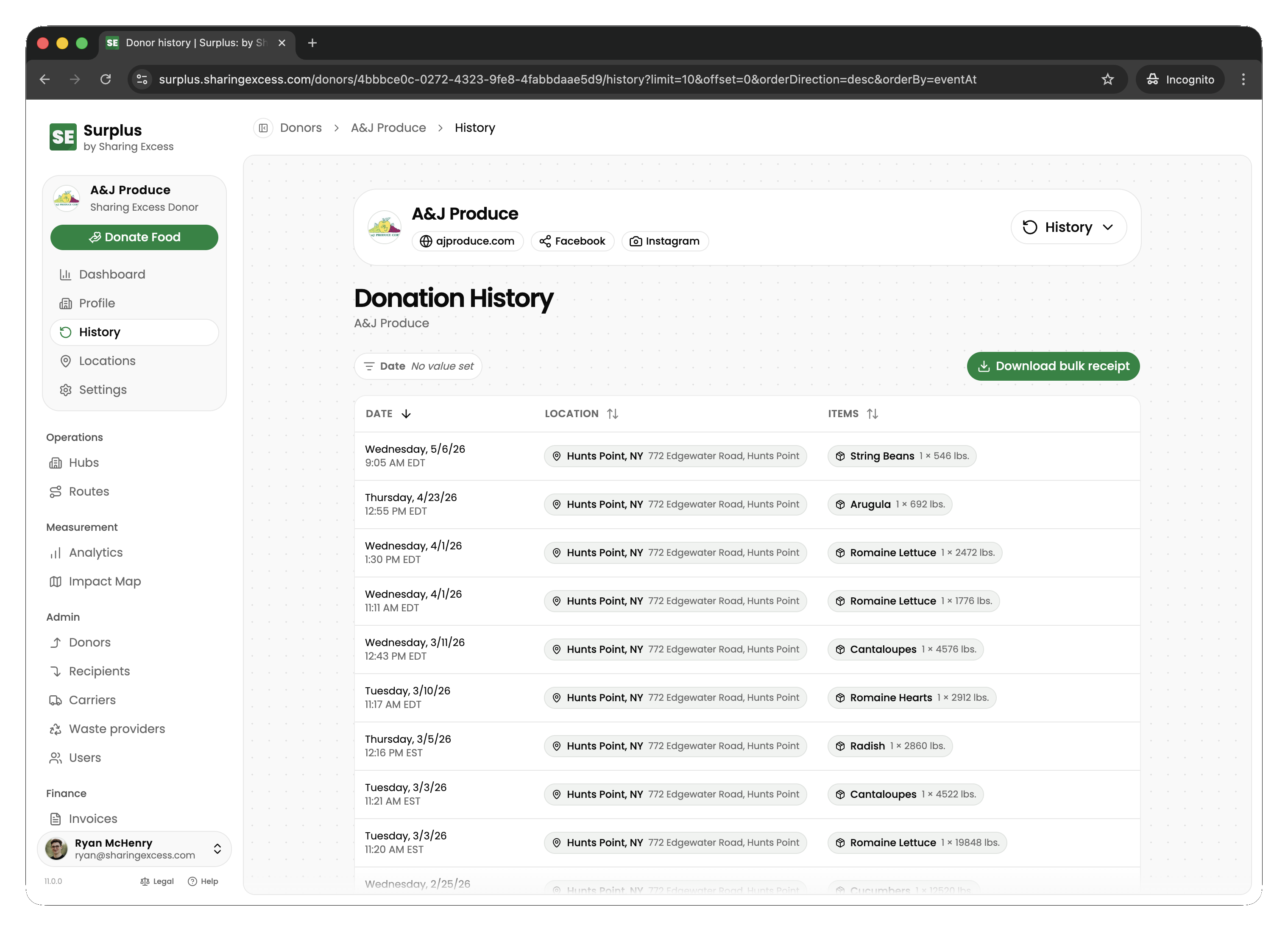
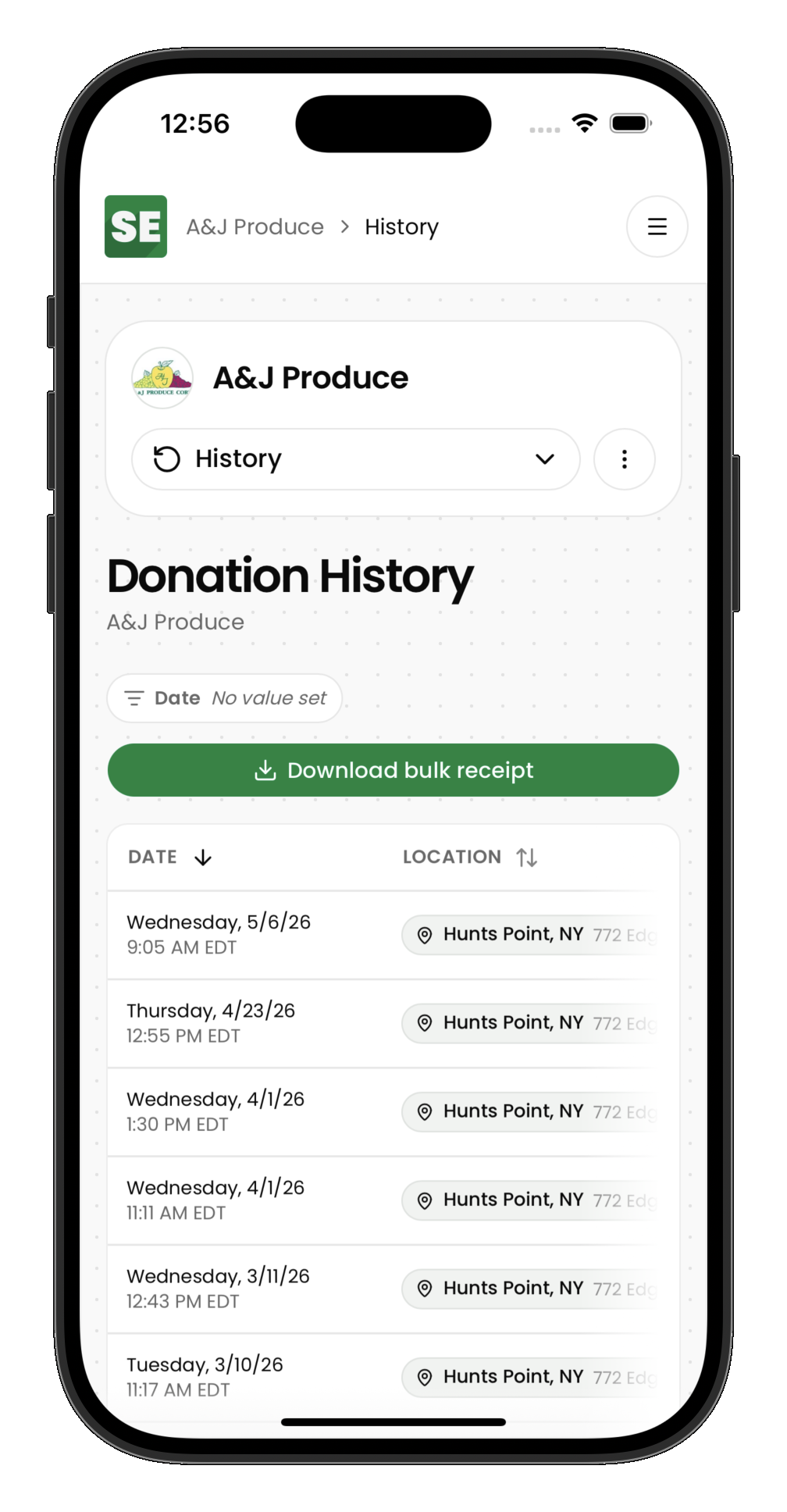
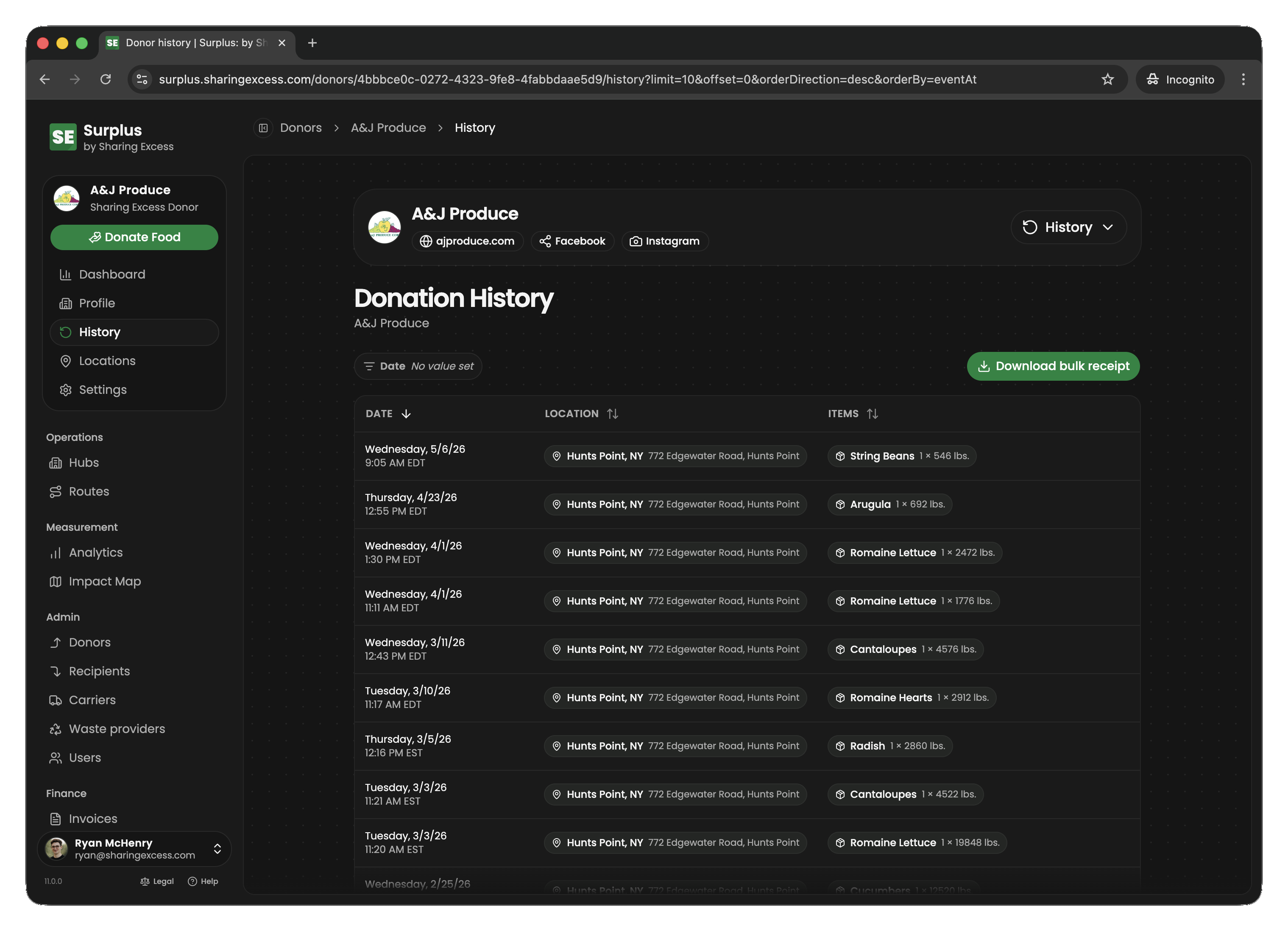
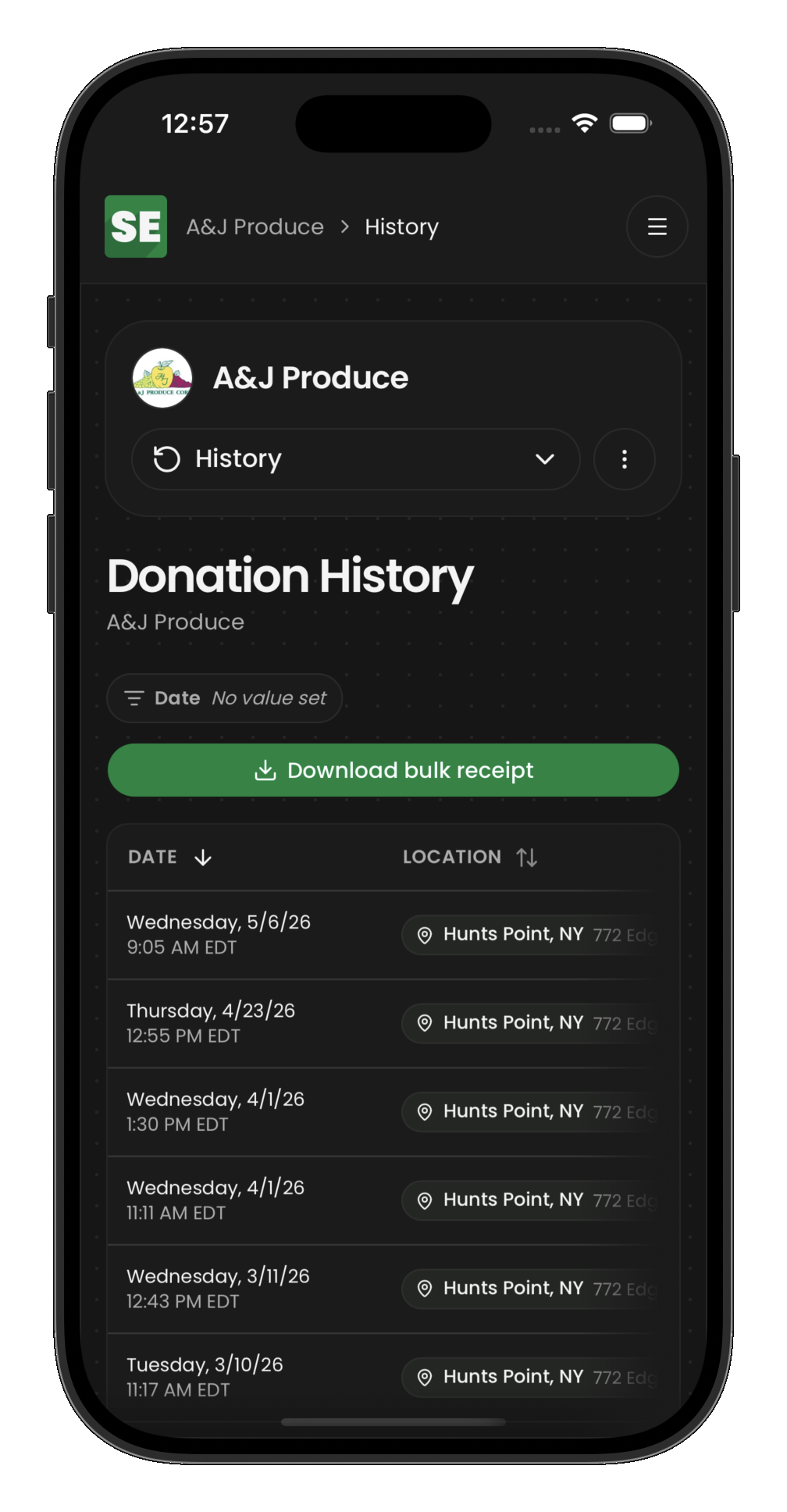
The history section shows every collection recorded for the donor organization, sorted by date. Each entry shows:
- Date and time of the collection
- Which location the pickup was from
- Total weight collected
- Status (completed, scheduled, cancelled)
Collection detail
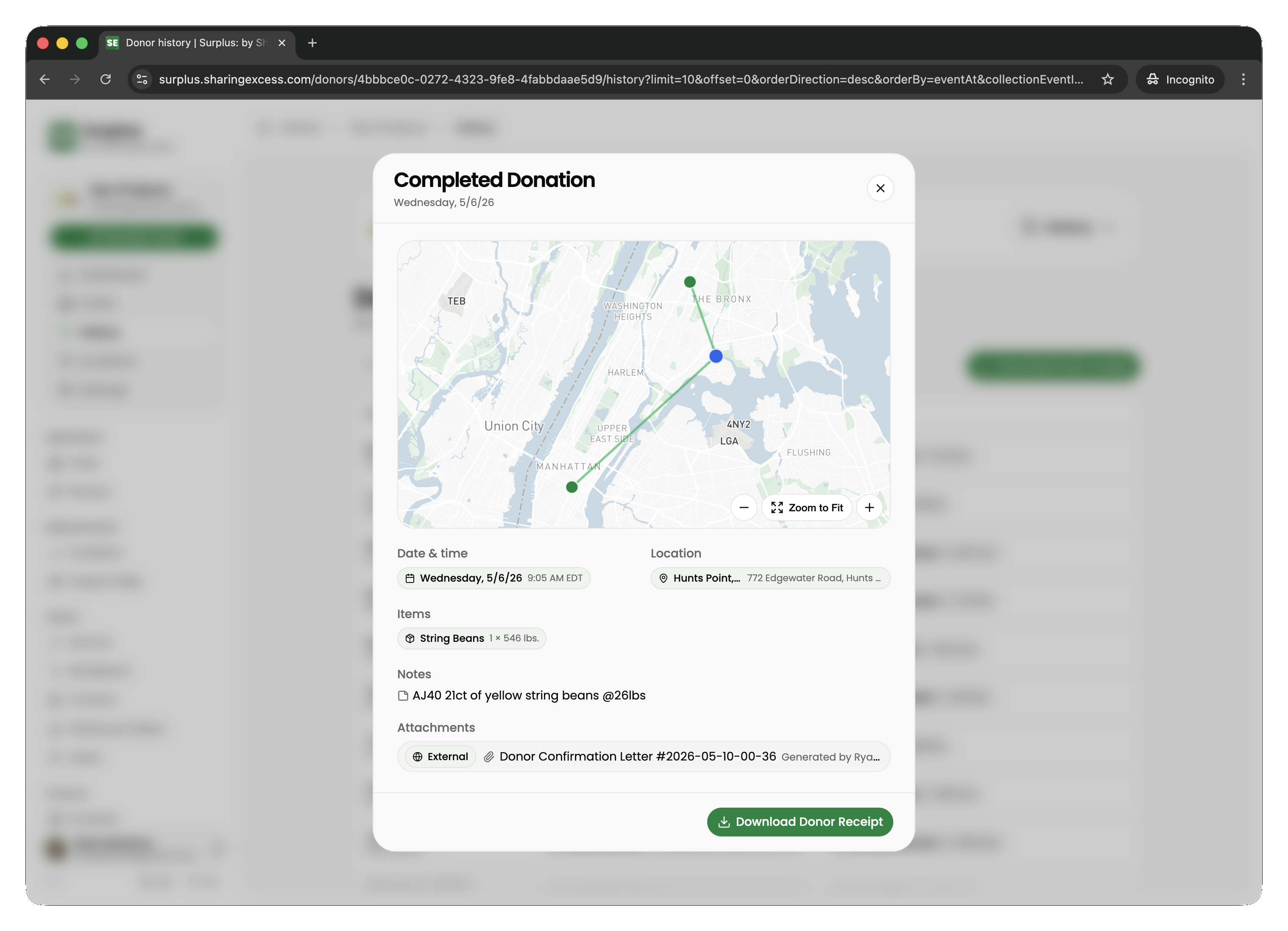
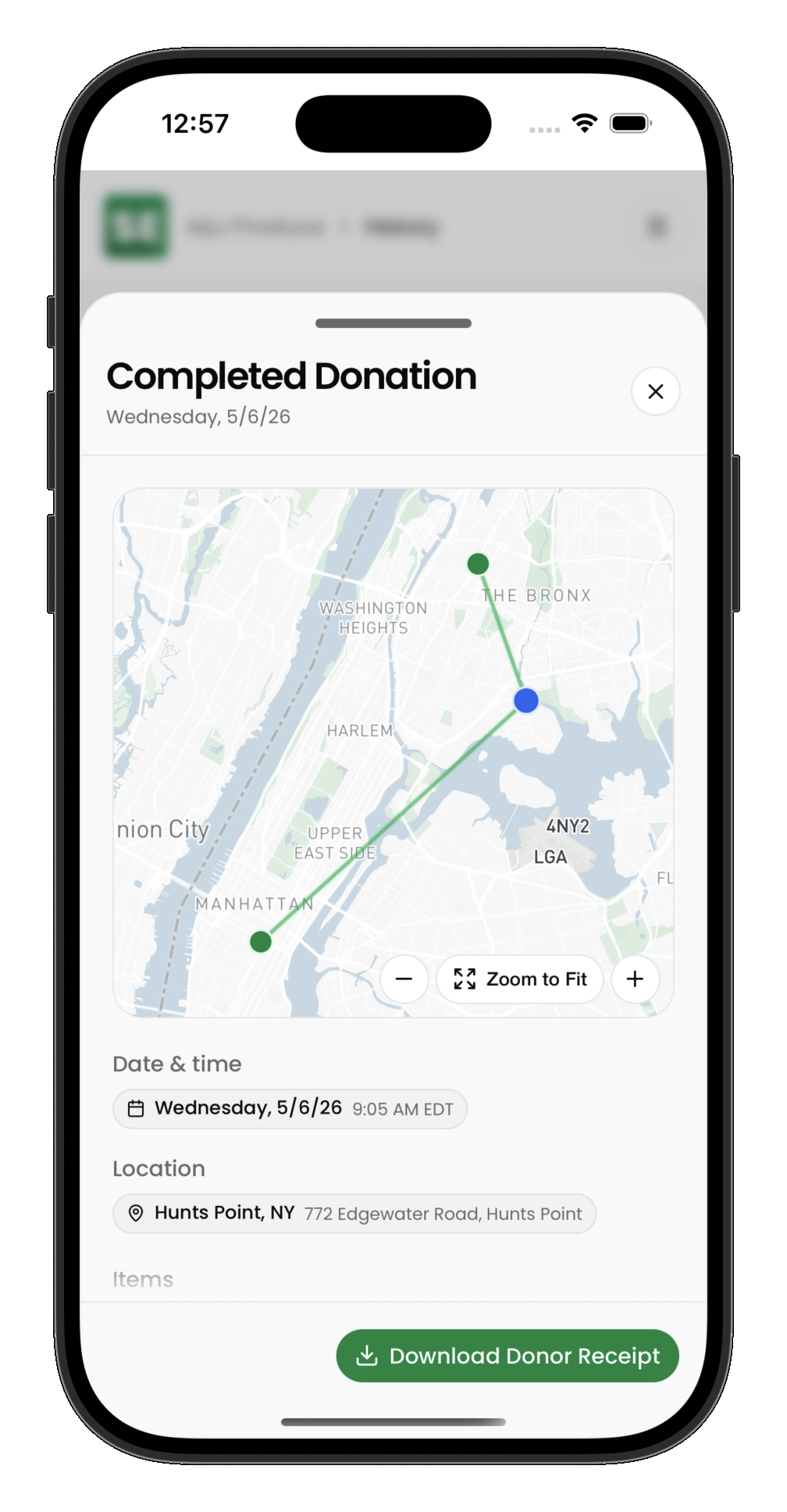
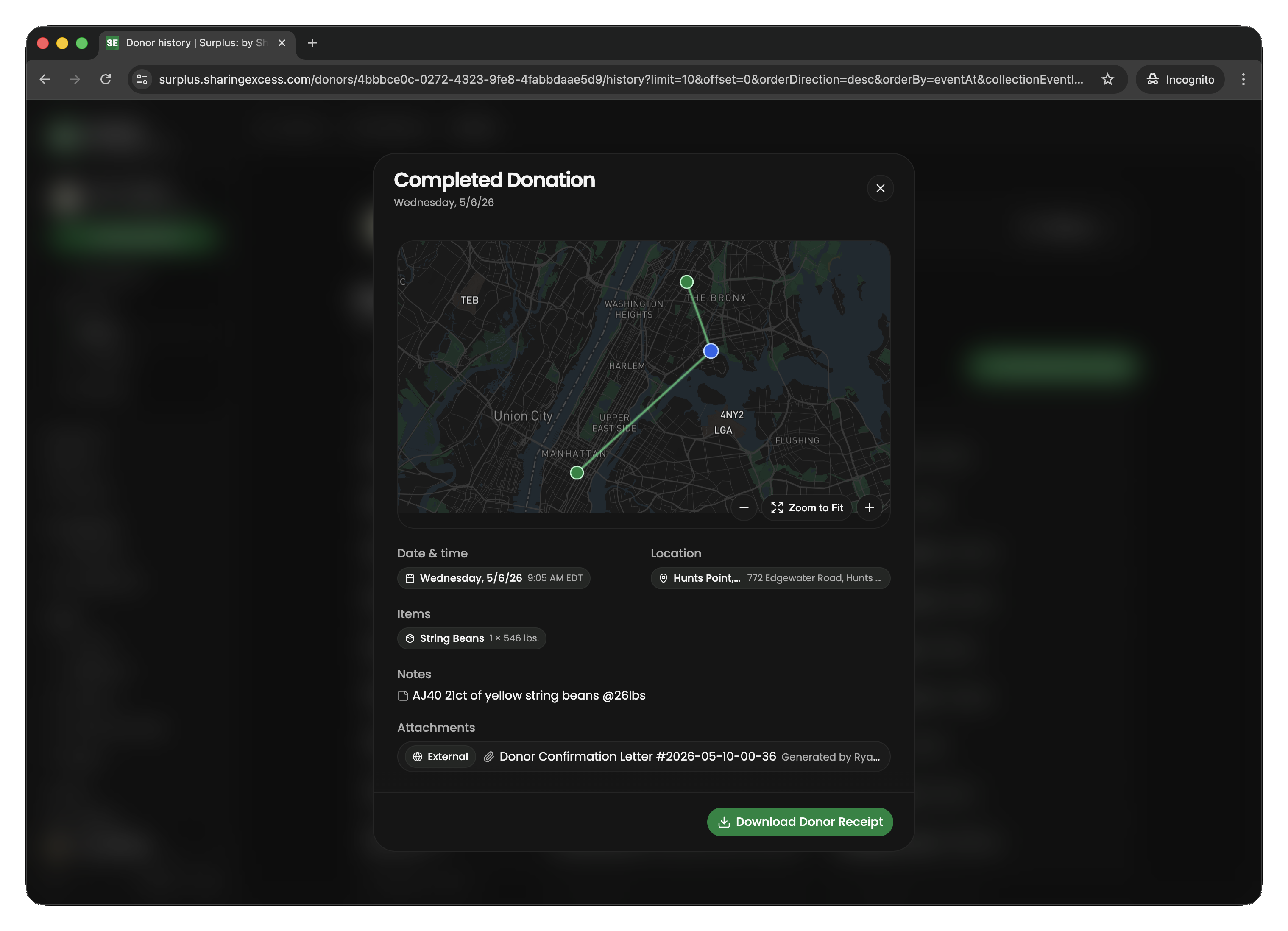
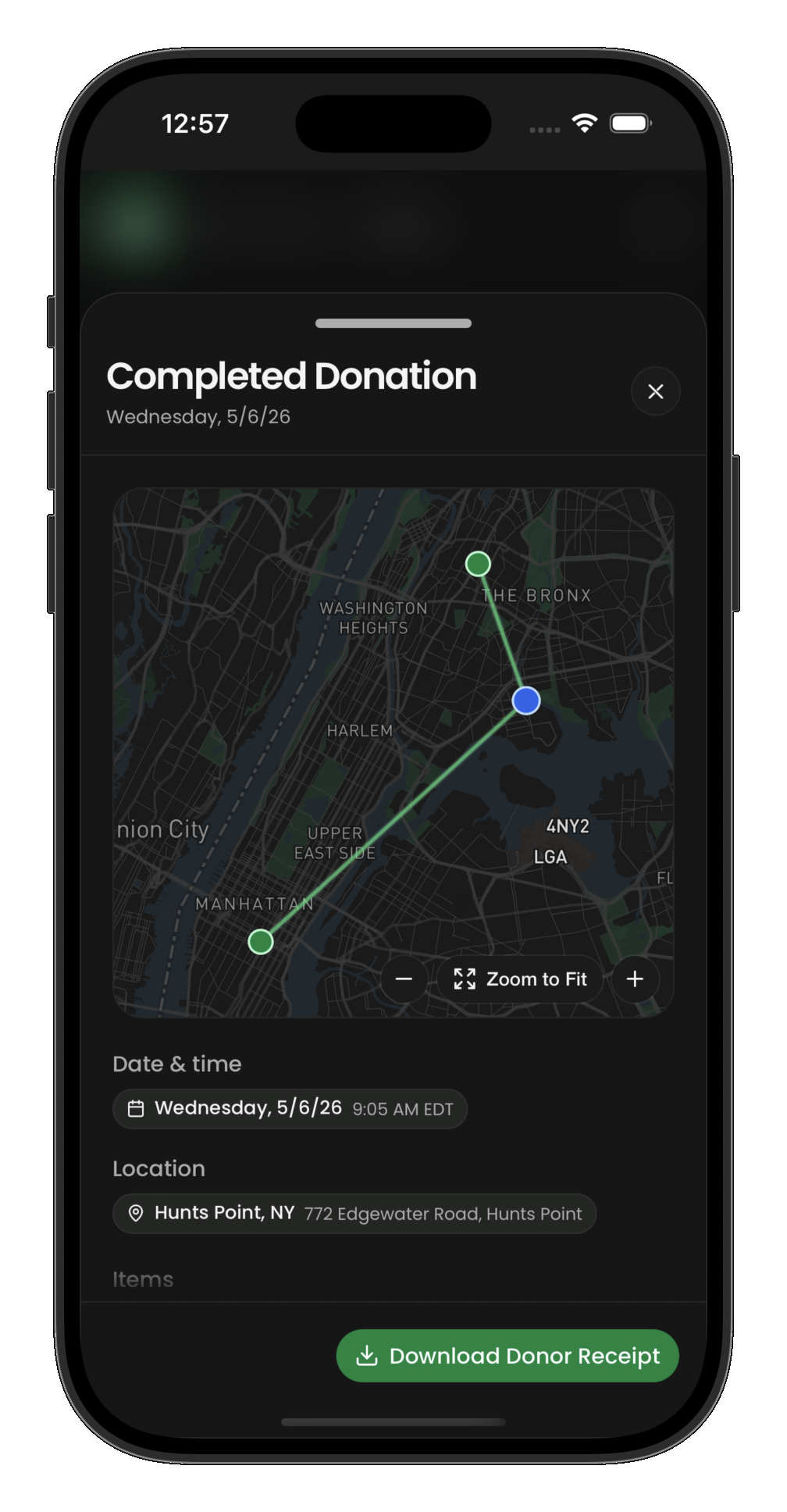
Tap any collection to see its full detail:
- Individual product lines (what was donated)
- Quantities and weights per line
- Any attached photos or notes
- The collection event status and timing
Impact metrics
The dashboard surfaces key impact numbers based on the donor's contribution:
- Total pounds donated — sum of all weights from completed collections
- Meals made possible — estimated servings enabled by the donation
- Collections count — number of successful pickups
These metrics update automatically as new collections are completed. For details on how metrics are calculated, see Impact Measurement.
What donors don't see
The donor view is intentionally scoped:
- No access to recipient information or delivery details
- No visibility into hub operations or inventory management
- No access to route details beyond their own pickup events
- No admin capabilities (cancellation, un-completion, etc.)
This keeps the donor experience simple and focused on their own contributions and impact.