
GuidesPartners
Recipient dashboard
The recipient dashboard gives recipient organizations visibility into food they've received — deliveries completed, upcoming distributions, and organizational settings.
Dashboard overview
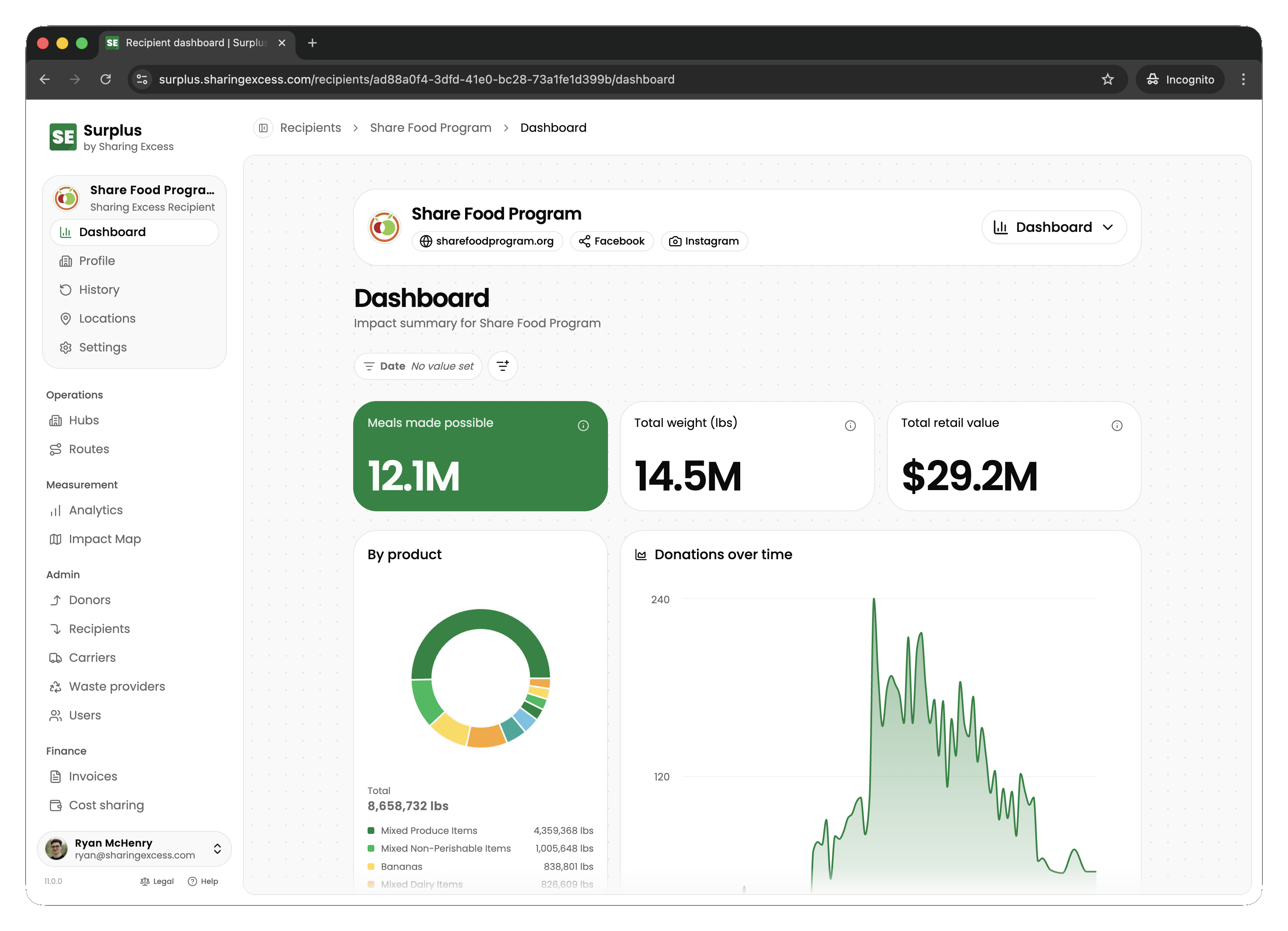
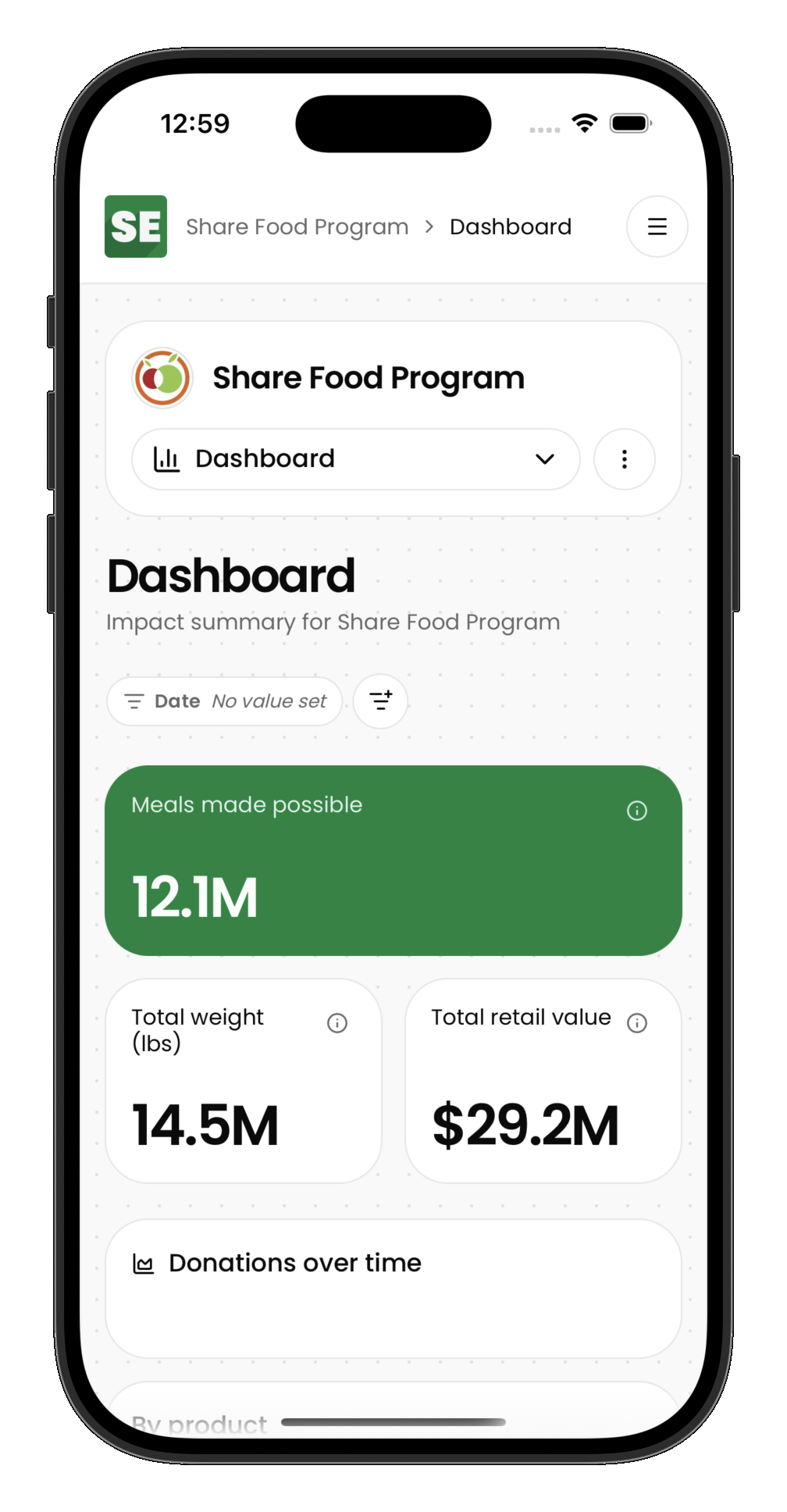
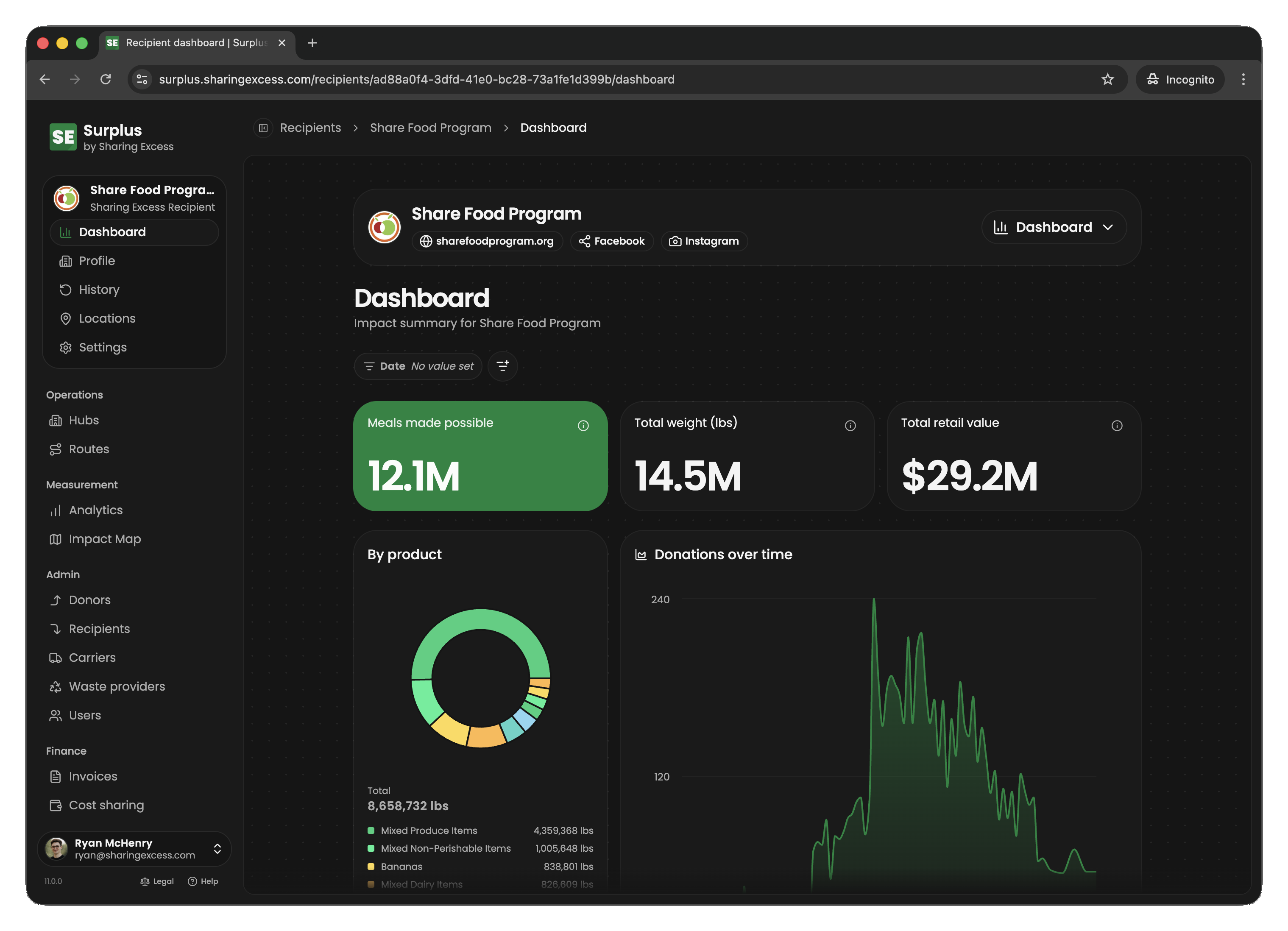
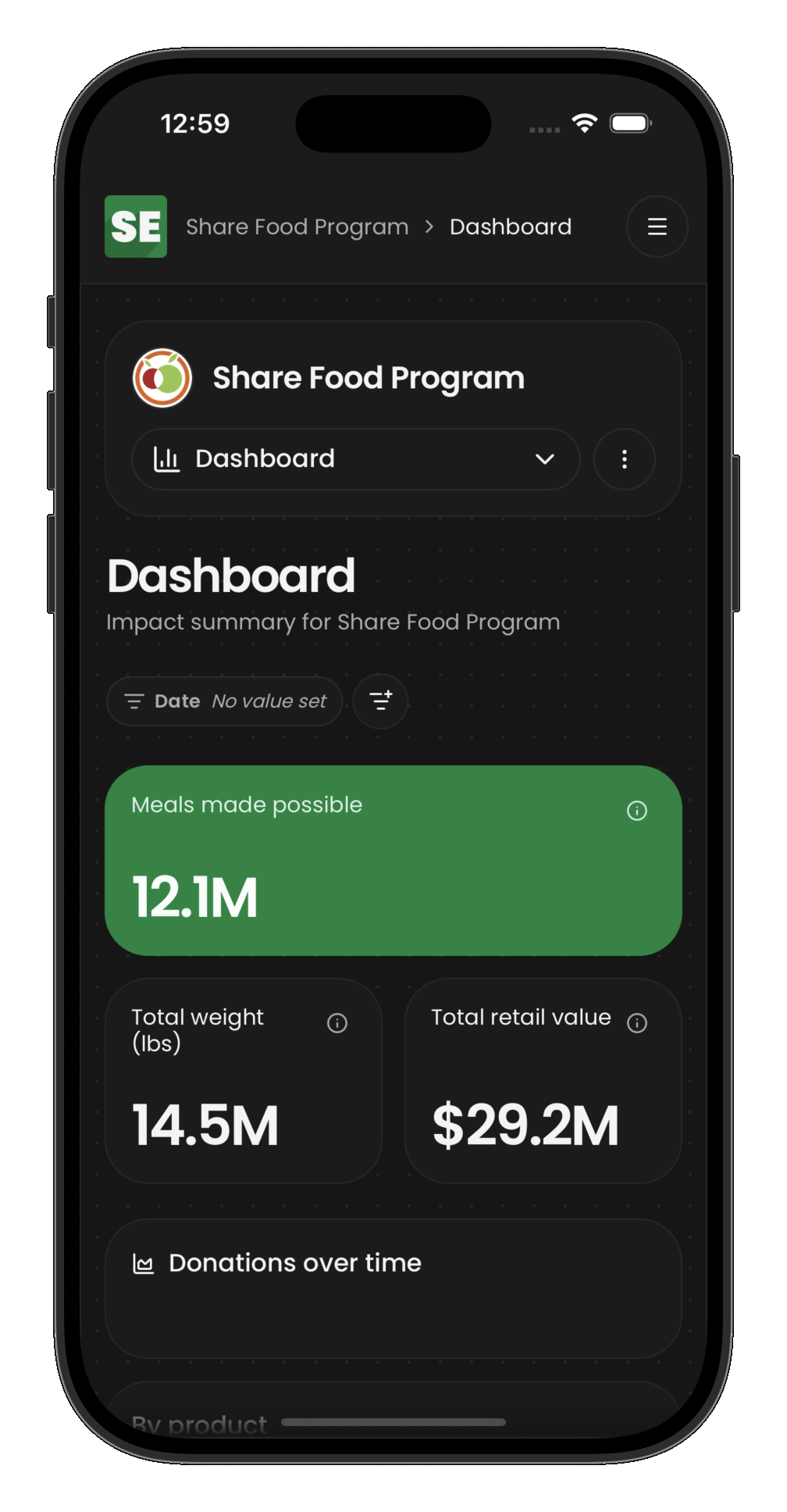
When a recipient partner signs in, they see:
- Impact summary — total pounds received, meals made possible
- Recent distributions — latest deliveries and their status
- Quick access to distribution history and settings
Distribution history
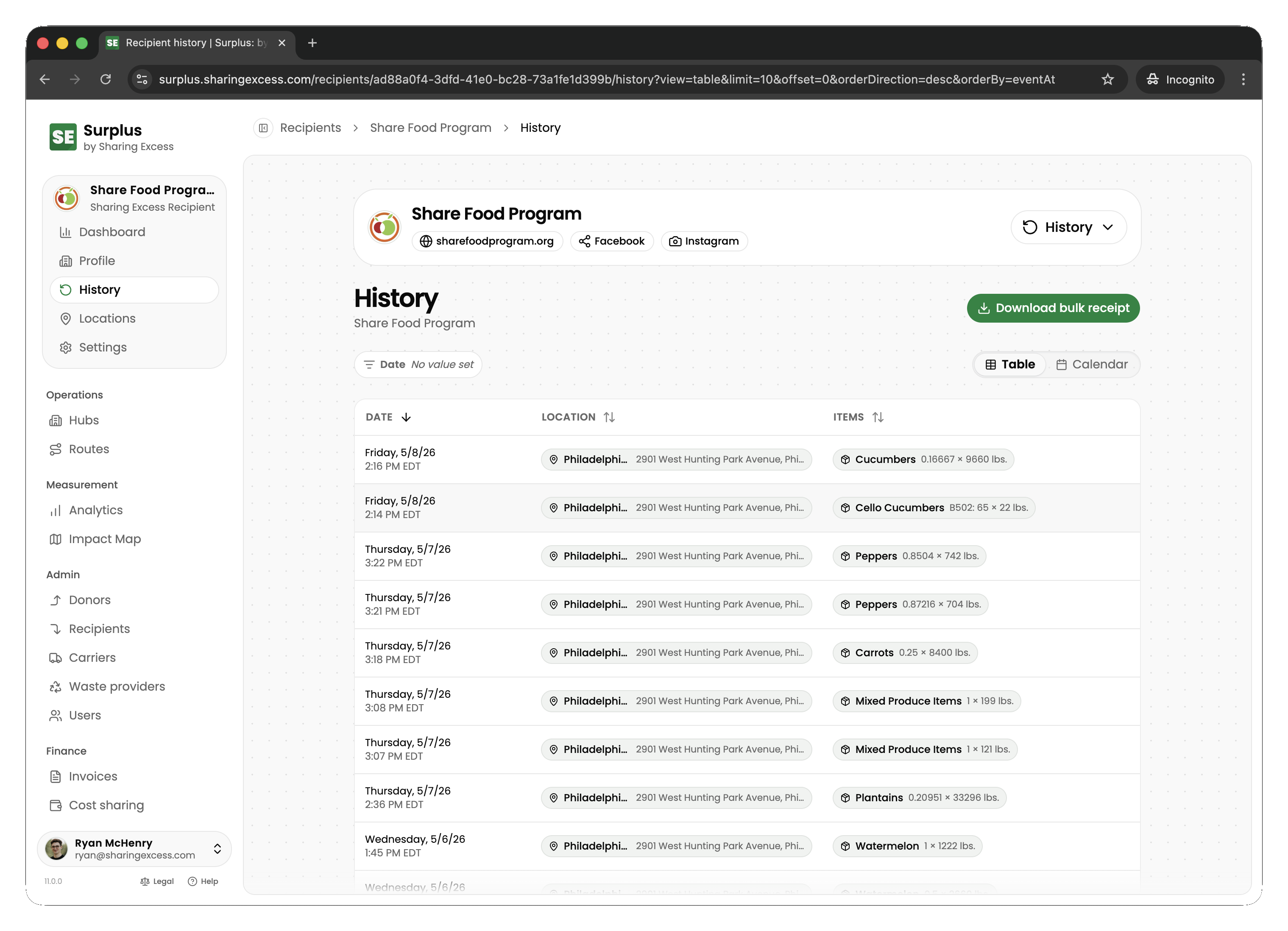
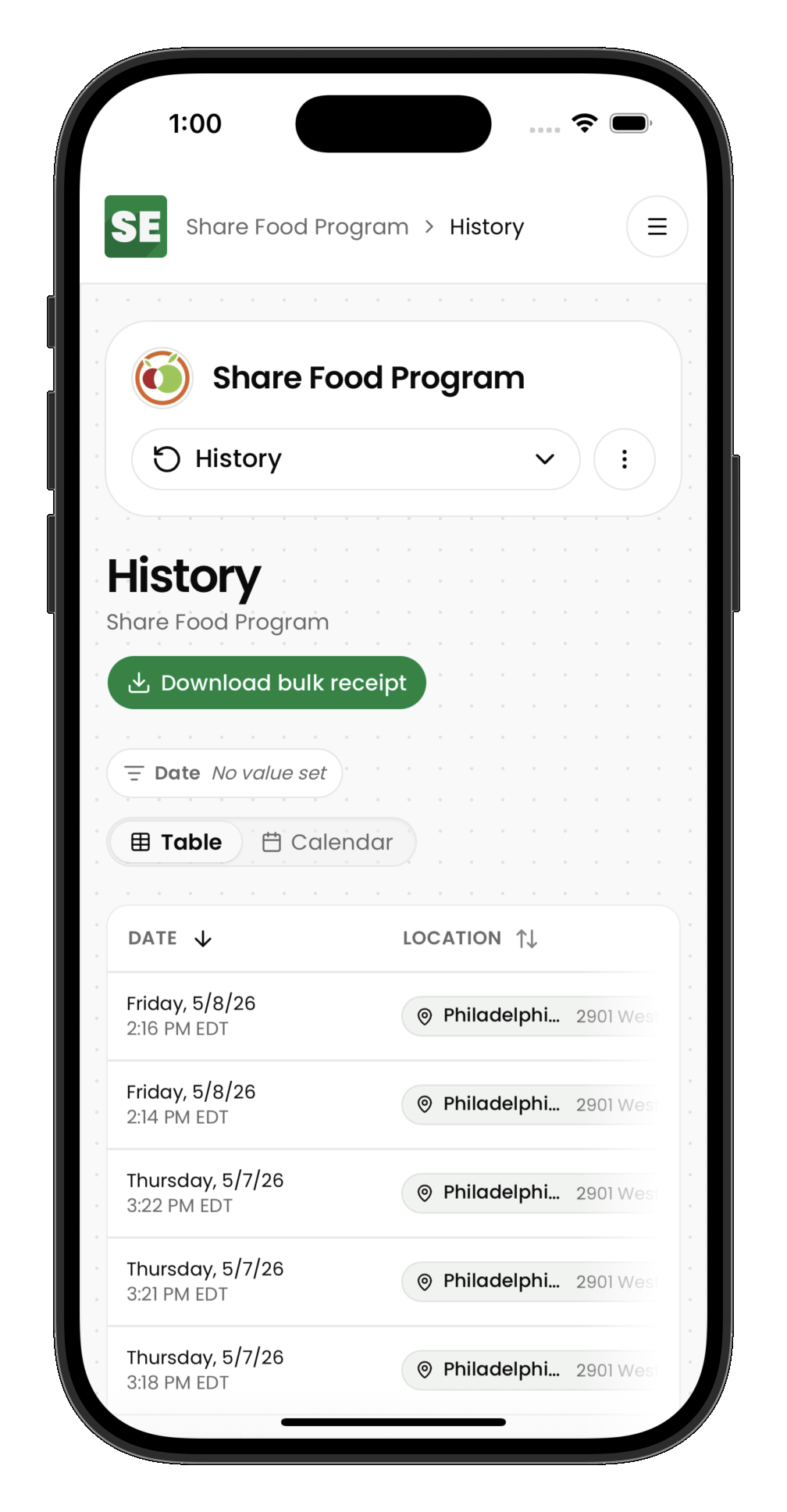
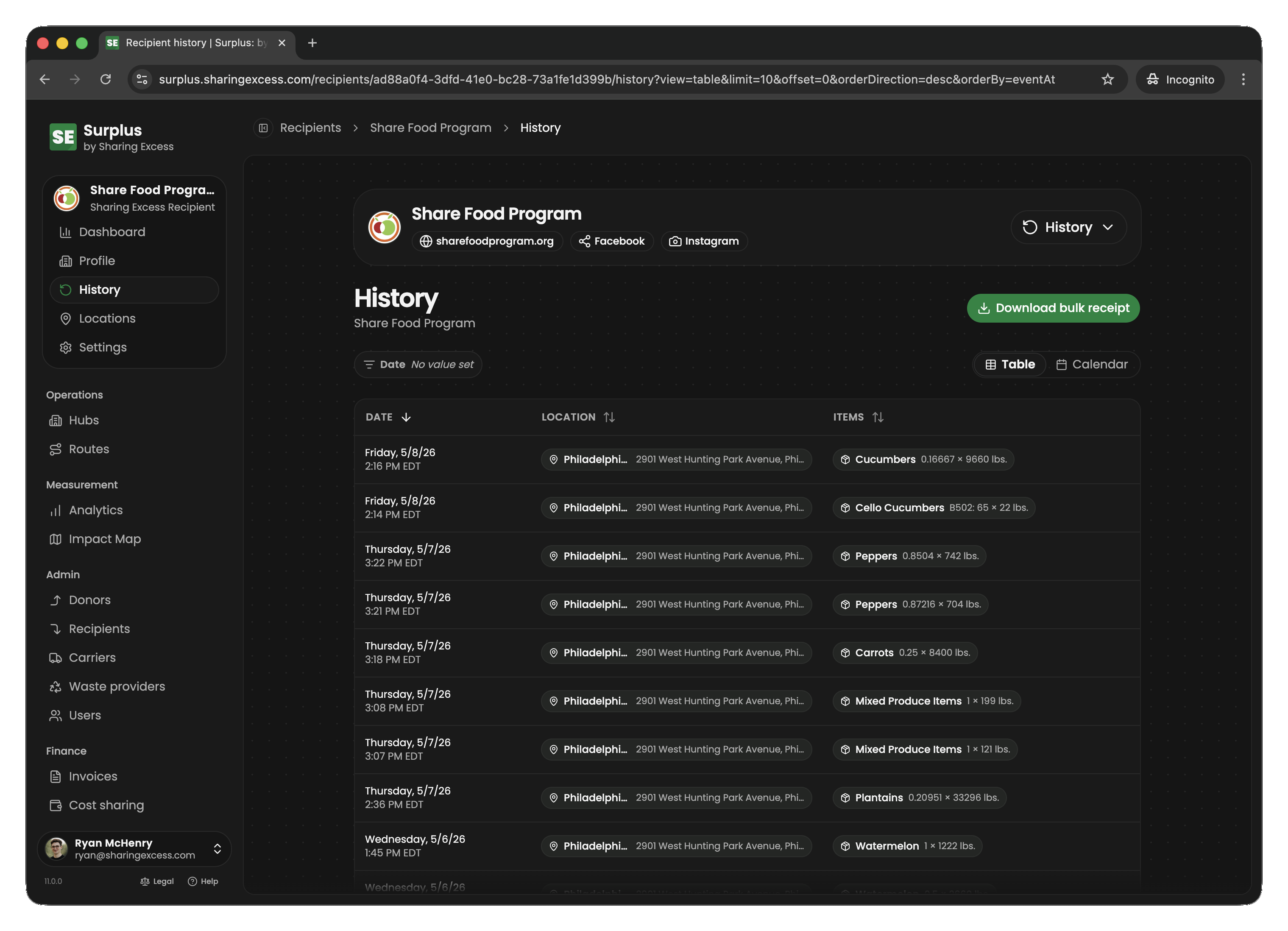
The history section shows every distribution received by the organization:
- Date and time of delivery
- Which location received the food
- Total weight distributed
- Status (completed, scheduled, cancelled)
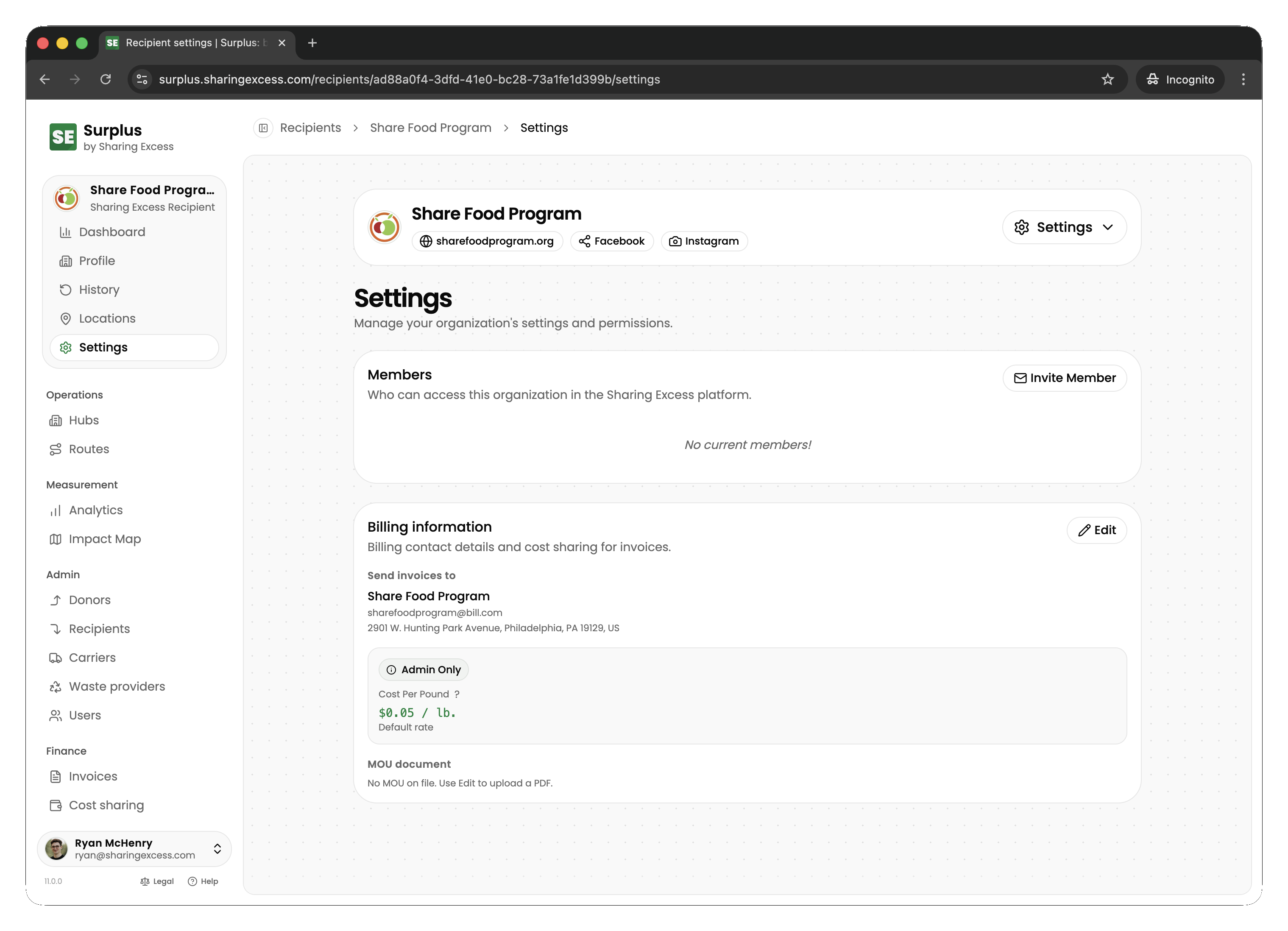
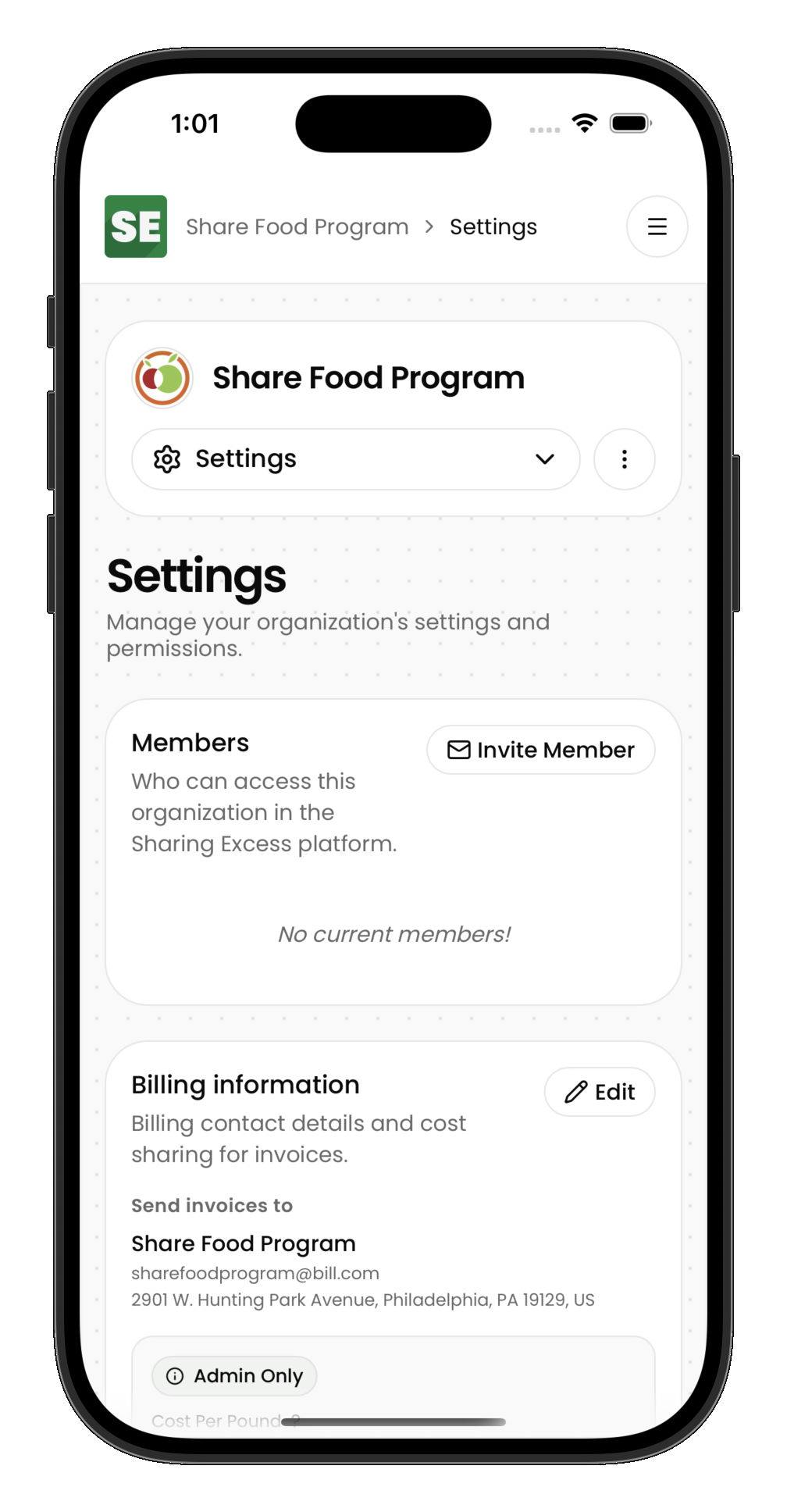
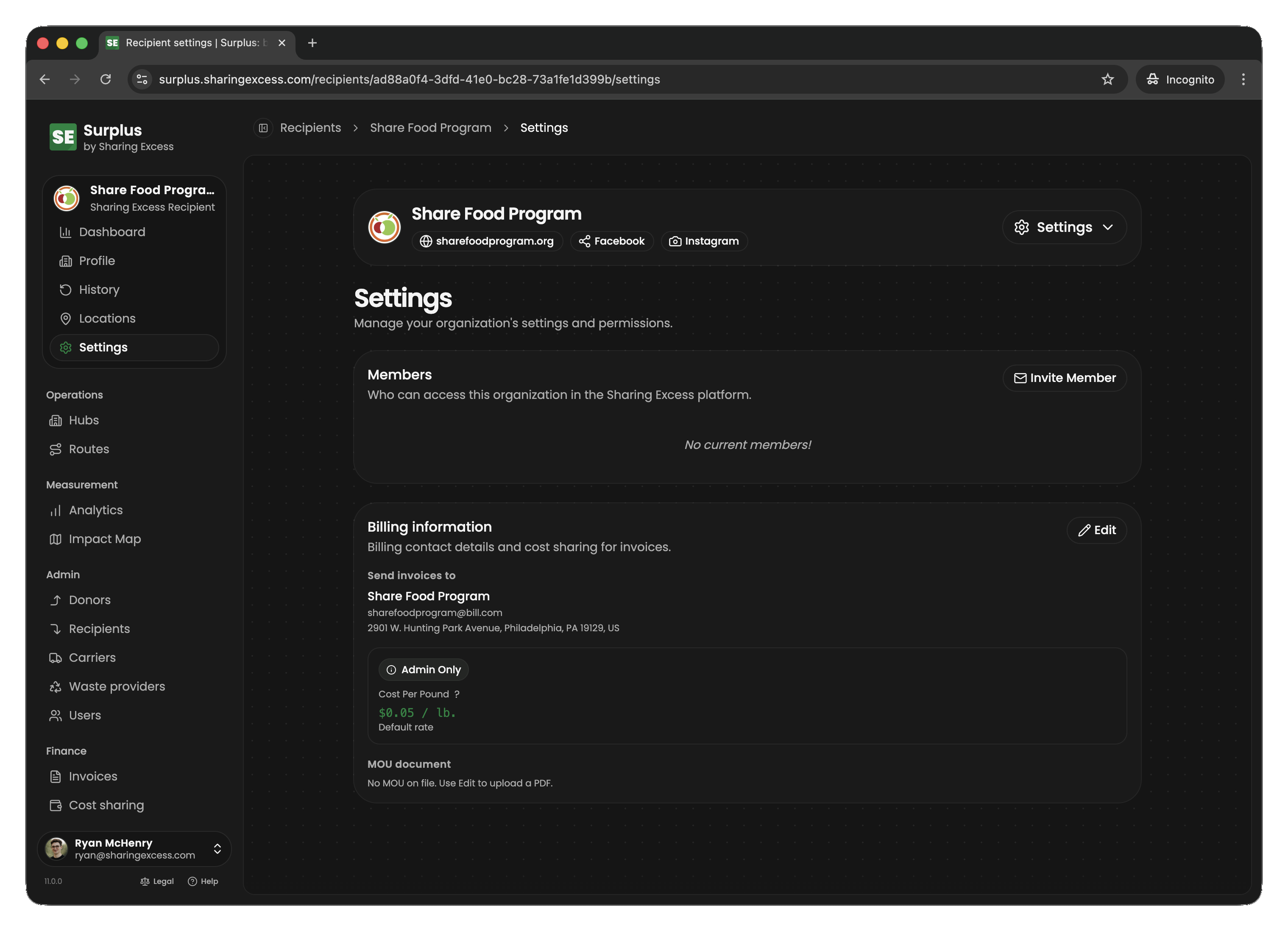
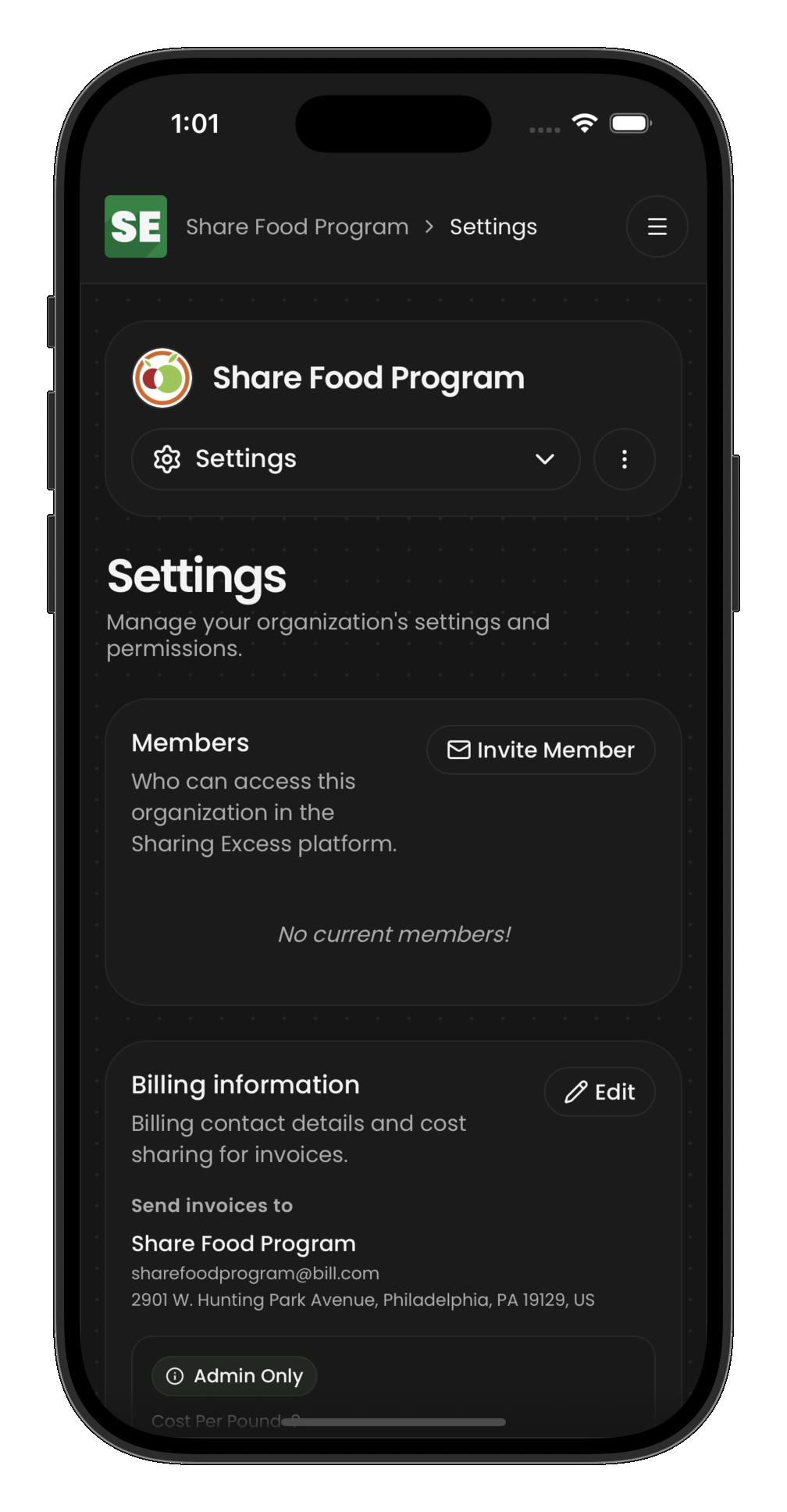
Settings
Recipients can manage their organizational settings:
- Location details — addresses, operating hours, delivery instructions
- Contact information — who to reach for coordination
- Preferences — types of food accepted, capacity constraints
Impact metrics
The dashboard shows impact from the recipient's perspective:
- Total pounds received — sum of all weights from completed distributions to this organization
- Meals made possible — estimated servings based on received weight
- Distributions count — number of completed deliveries
What recipients don't see
Like donors, the recipient view is scoped:
- No access to donor information or collection details
- No visibility into hub inventory or route planning
- No admin capabilities
- Only their own organization's distributions and settings
This keeps the experience focused on what matters to them: what food is coming and what impact they're making in their community.