
Pickups and deliveries
The two most common stop types for drivers are pickups (collections from donors) and deliveries (distributions to recipients). This guide covers what you need to do at each.
Pickups (collection stops)
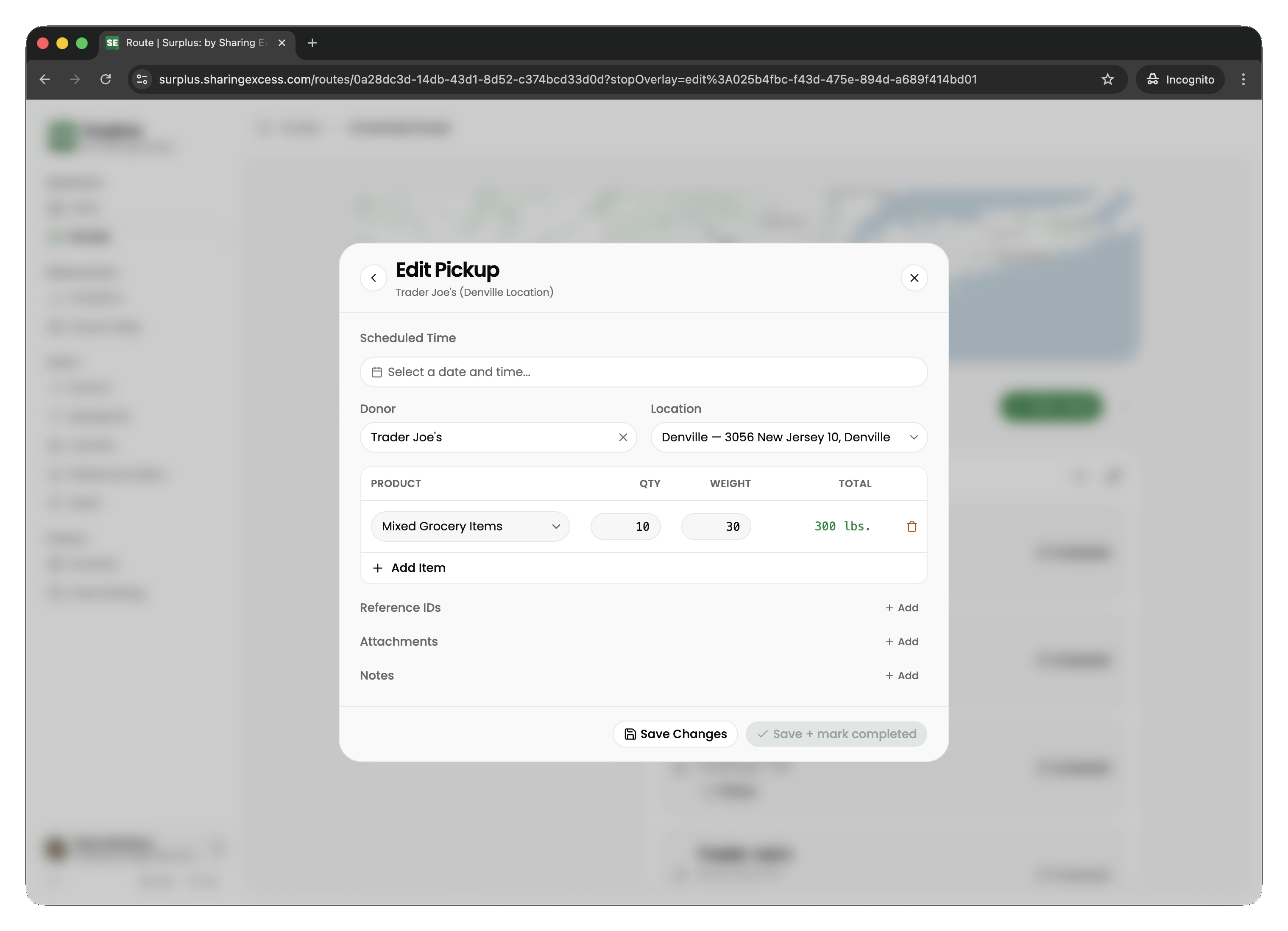
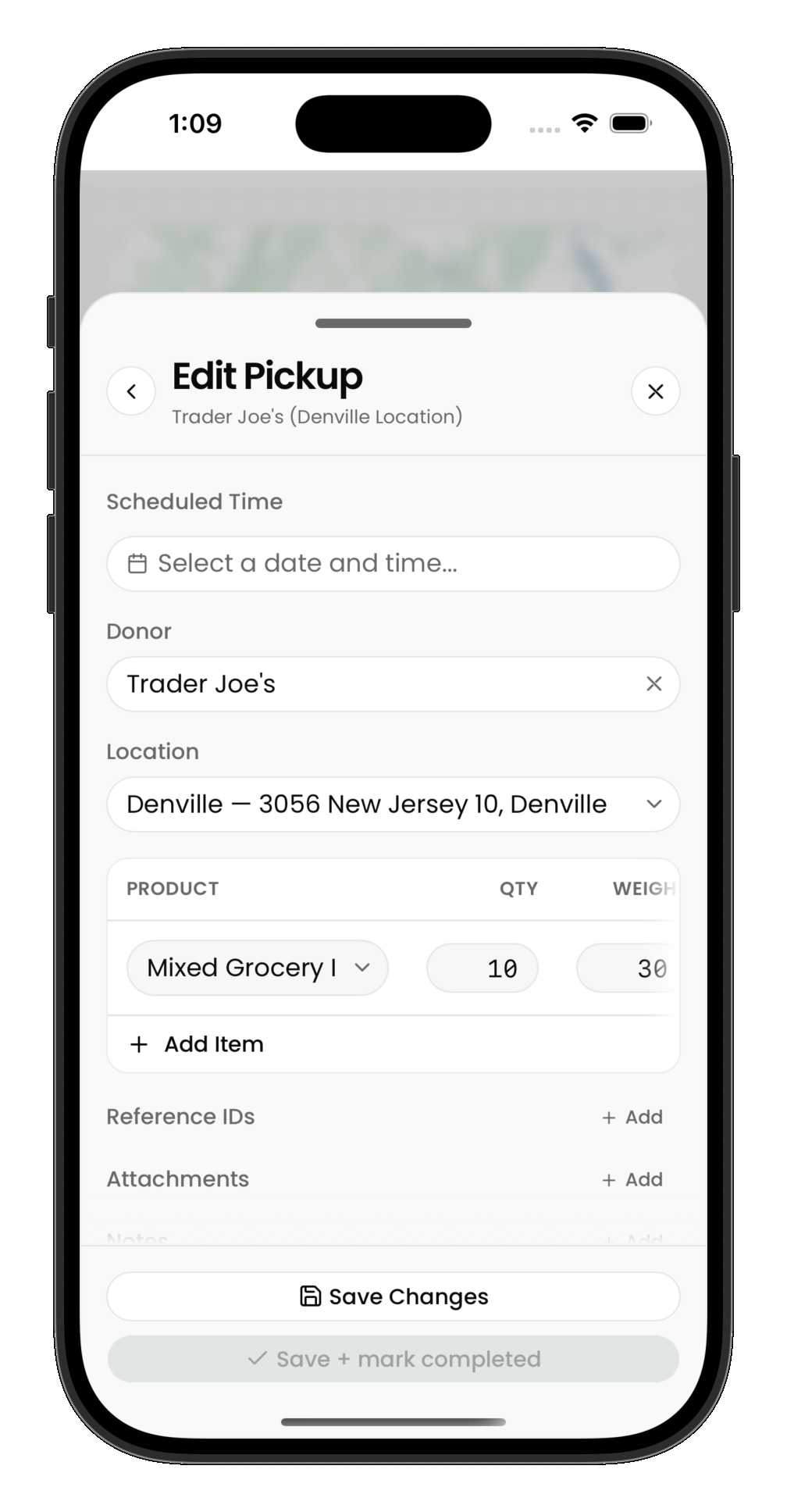
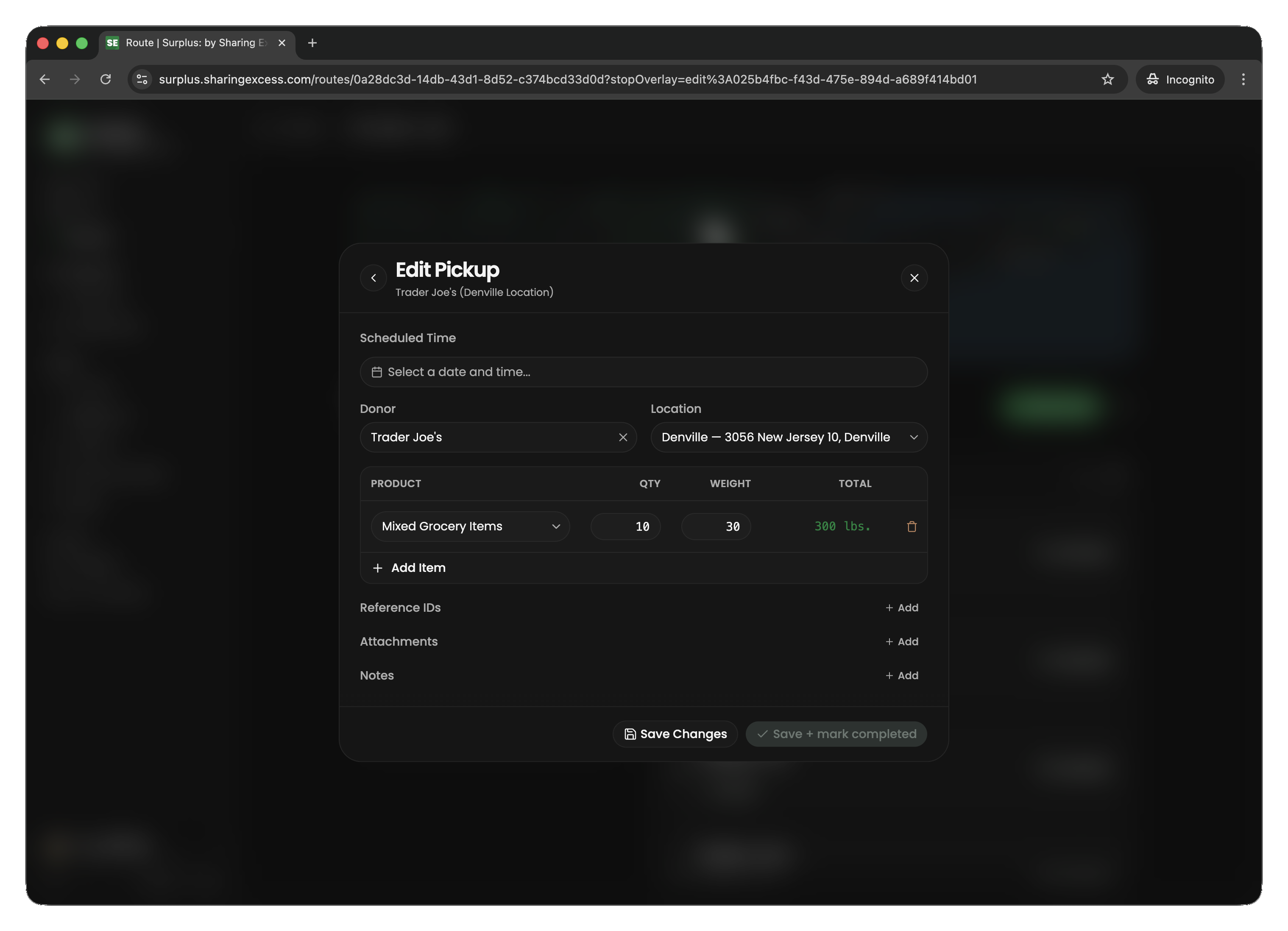
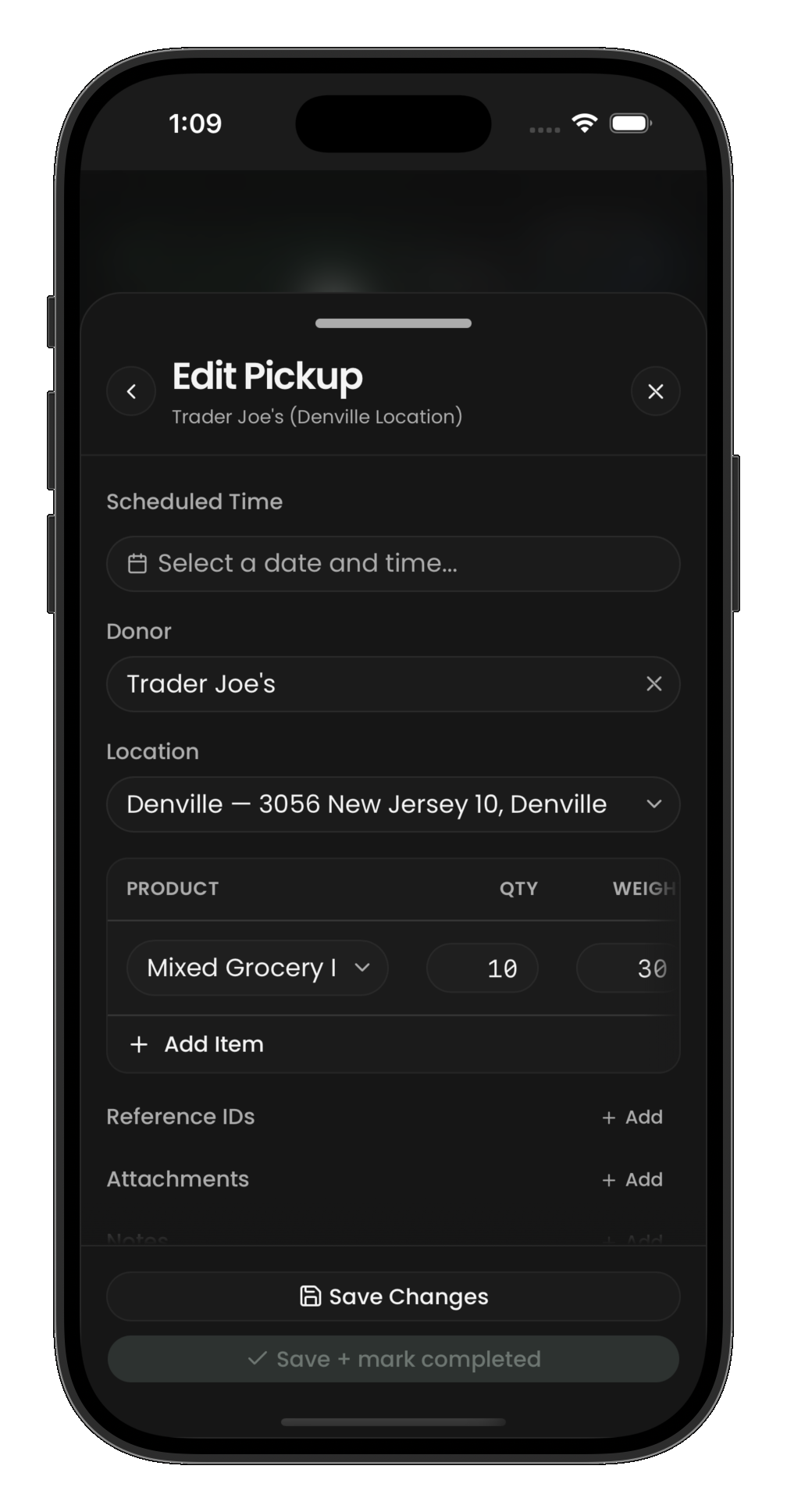
At a collection stop, you're picking up food from a donor. The app asks you to record what you receive.
Recording what was picked up
For each product type the donor is giving you:
- Select or enter the product (what kind of food)
- Enter the quantity (how many units — cases, bags, boxes, etc.)
- Enter the weight (total pounds for that line, or per-unit weight depending on the flow)
Tips for pickups
- Be accurate with weights — impact metrics are calculated from what you enter here
- You can add multiple product lines per collection
- If the donor has nothing available, you can complete the collection with zero items
- Photos or notes may be requested depending on your program's setup
Deliveries (distribution stops)
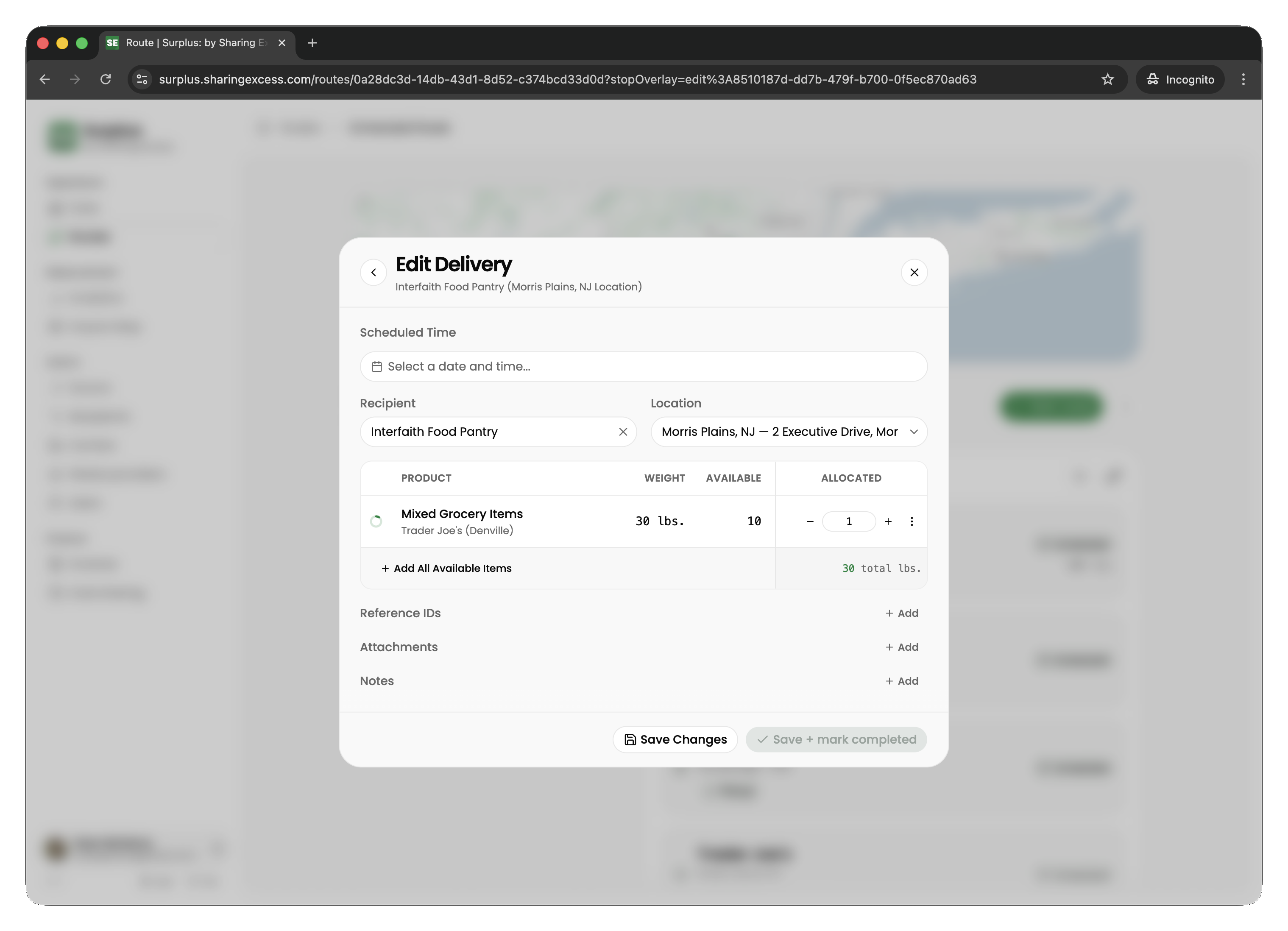
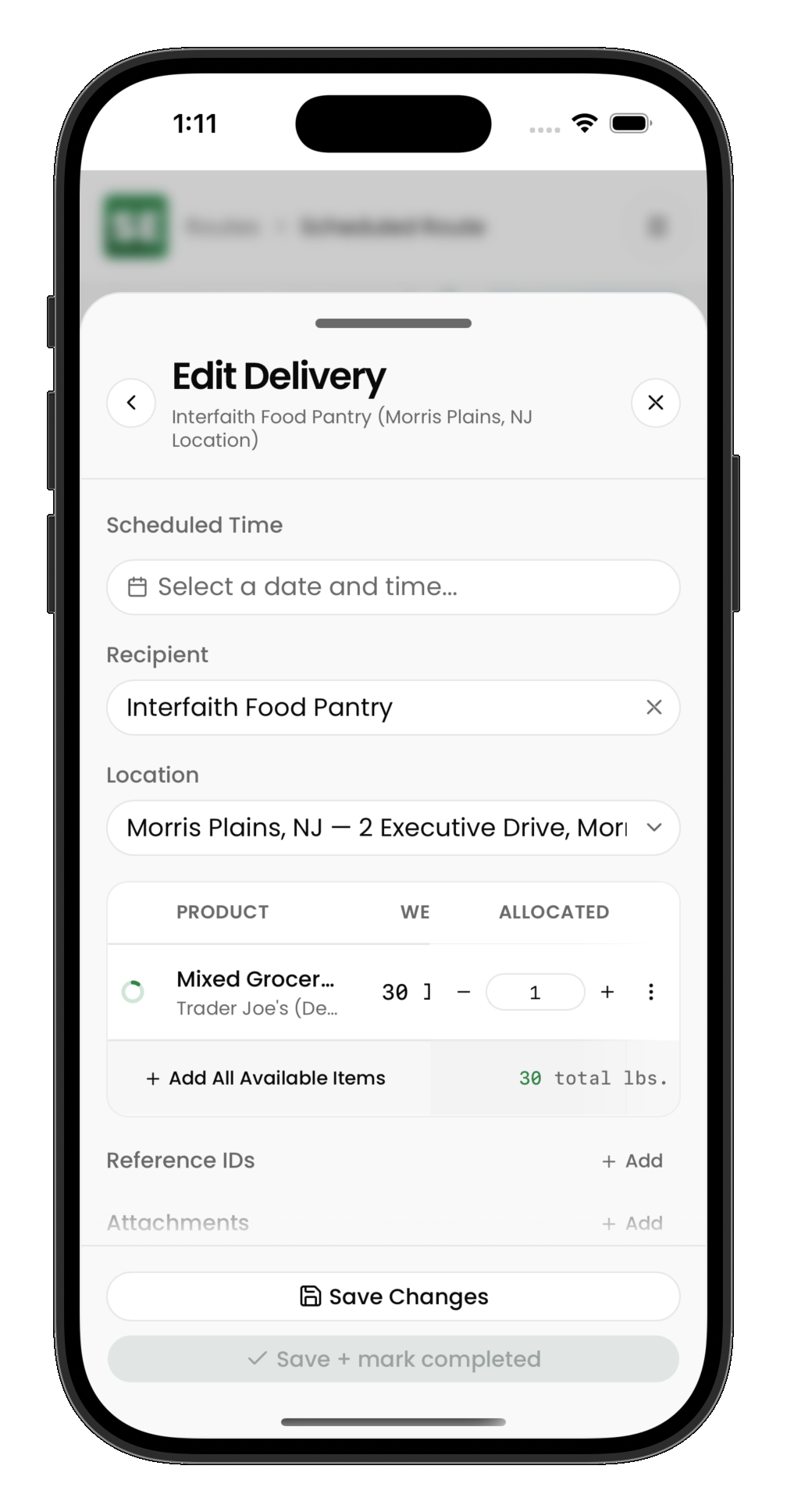
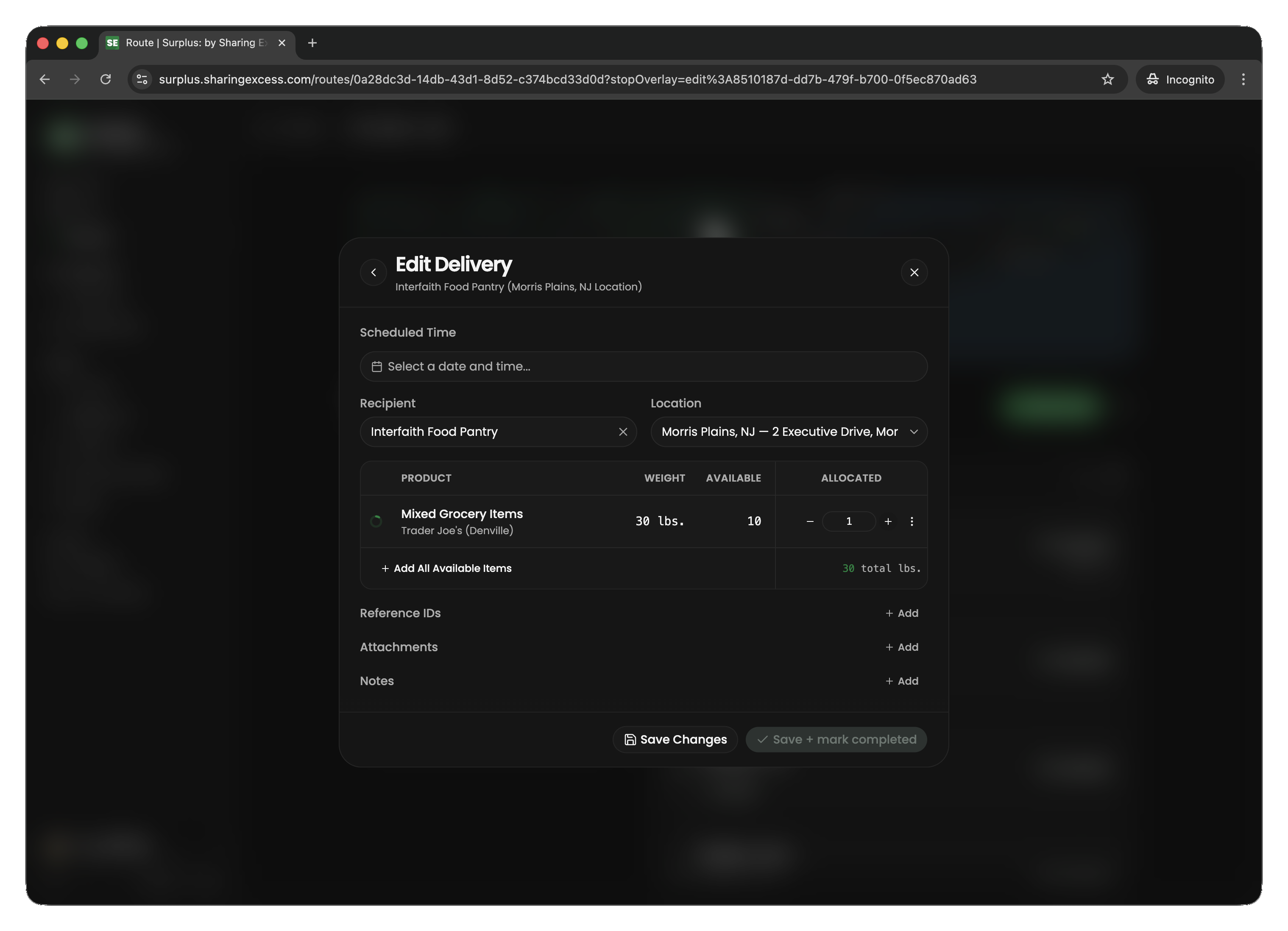
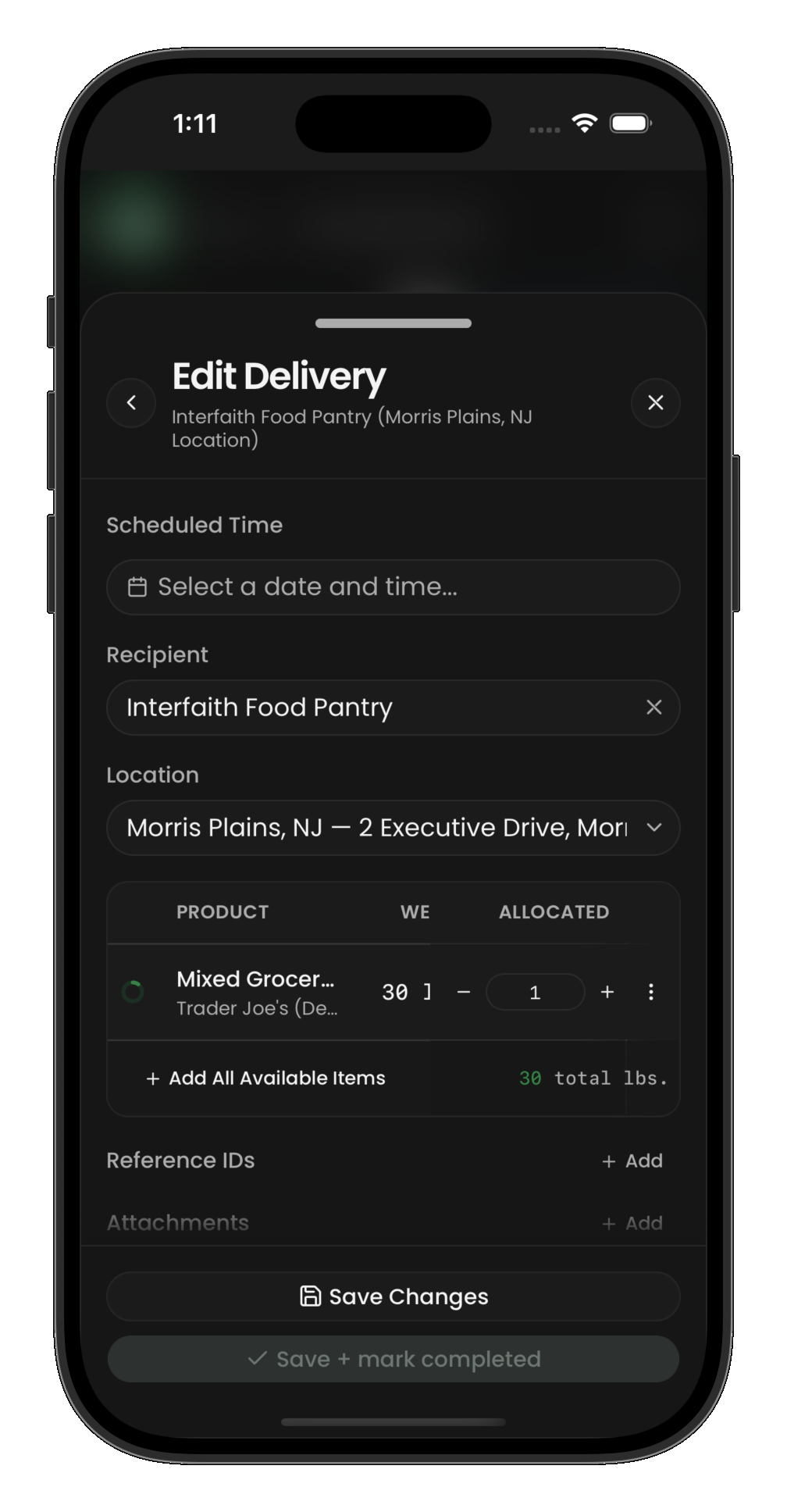
At a distribution stop, you're delivering food to a recipient. Items have already been allocated to this delivery.
Completing a delivery
- Navigate to the recipient location
- Review the items allocated to this stop
- Hand off the food and confirm the delivery
- Mark the stop as complete
Partial deliveries
Sometimes you may not deliver everything that was allocated:
- Recipient may not want or cannot accept certain items
- Items may have been damaged in transit
- Capacity issues at the recipient location
In these cases, adjust the quantities before completing the stop. Undelivered items remain on your vehicle for the next stop or a later unload at a hub.
Load and unload stops
Load stops (hub → vehicle)
At a load stop, you're picking up pre-staged items from a hub warehouse. Hub staff will have items ready for you. Confirm the load and mark the stop complete.
Unload stops (vehicle → hub)
At an unload stop, you're dropping items off at a hub. Select which items from your vehicle to unload, then mark the stop complete.
After all stops
Once every stop is complete and your vehicle is empty, you can finish the route. If you still have items on your vehicle, you'll need to unload them at a hub or deliver them before the route can be marked complete.