
GuidesDrivers
Driver overview
As a driver in Surplus, your job is to move food from donors to recipients (or through hubs) by completing a route's stops in sequence. The app guides you through each step.
What drivers do
- Pick up food from donor locations (collections)
- Deliver food to recipient locations (distributions)
- Load food from hub warehouses onto your vehicle
- Unload food from your vehicle into hub warehouses
- Record data — weights, quantities, and products at collection stops
How the app helps
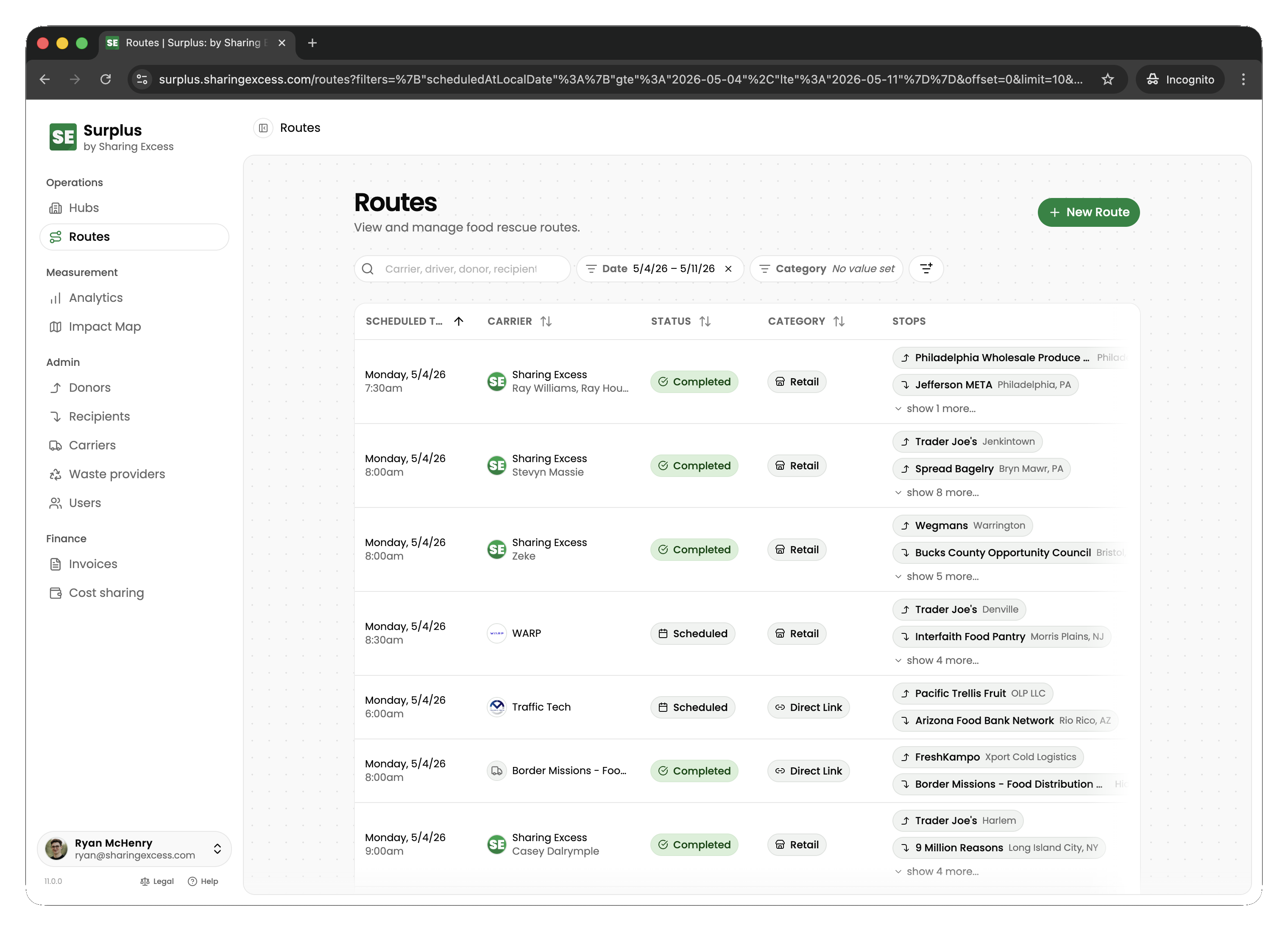
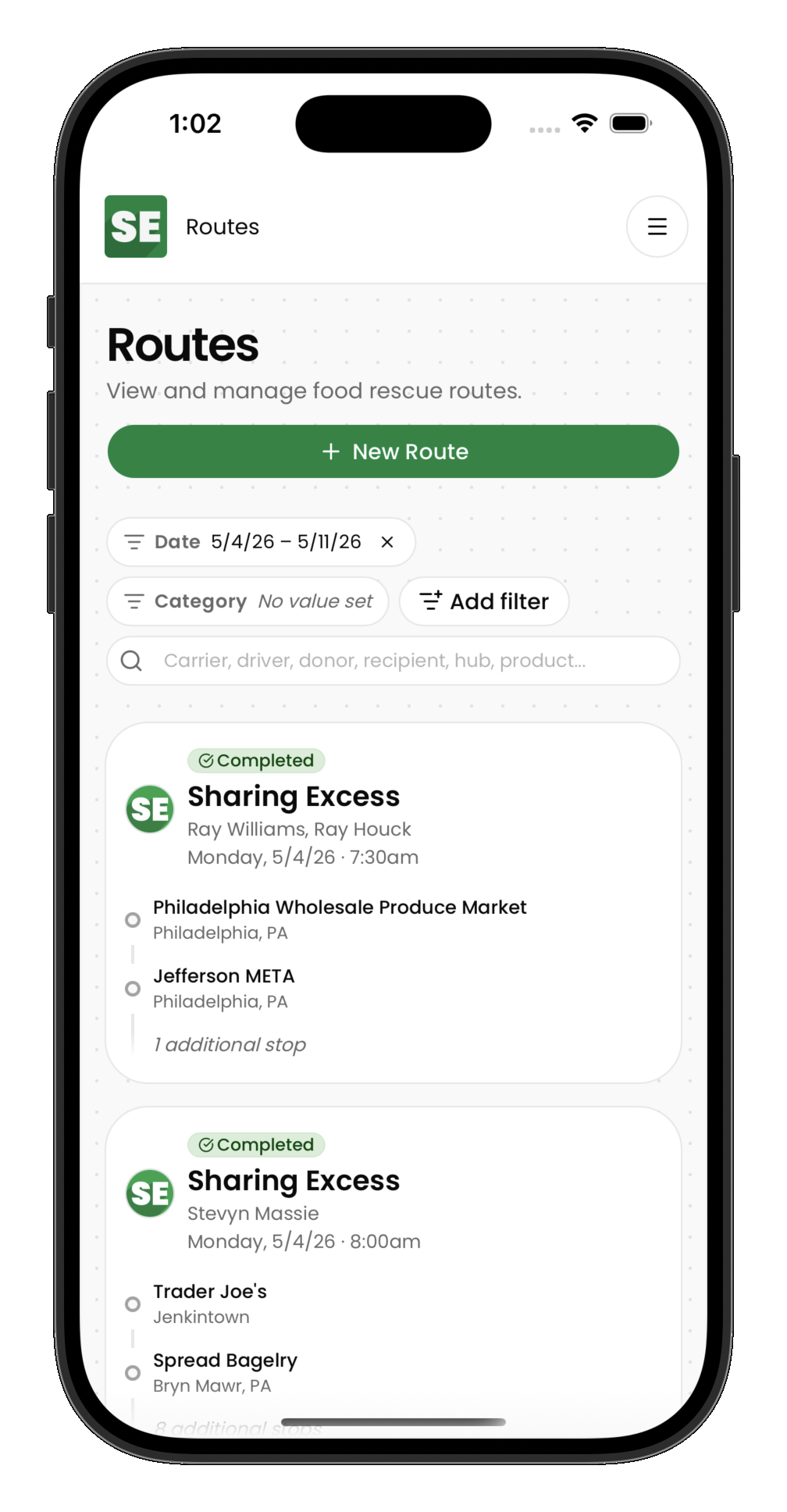
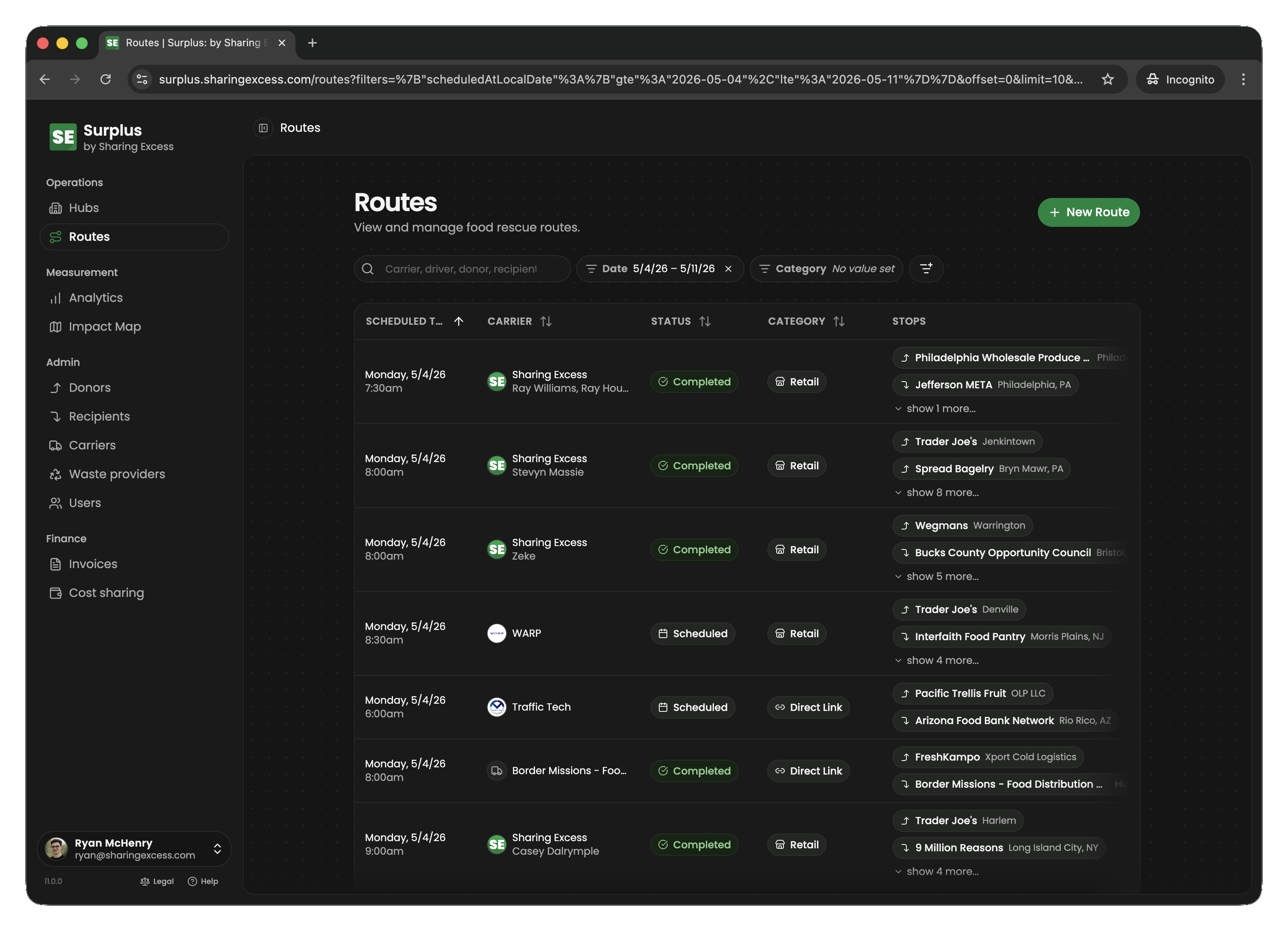
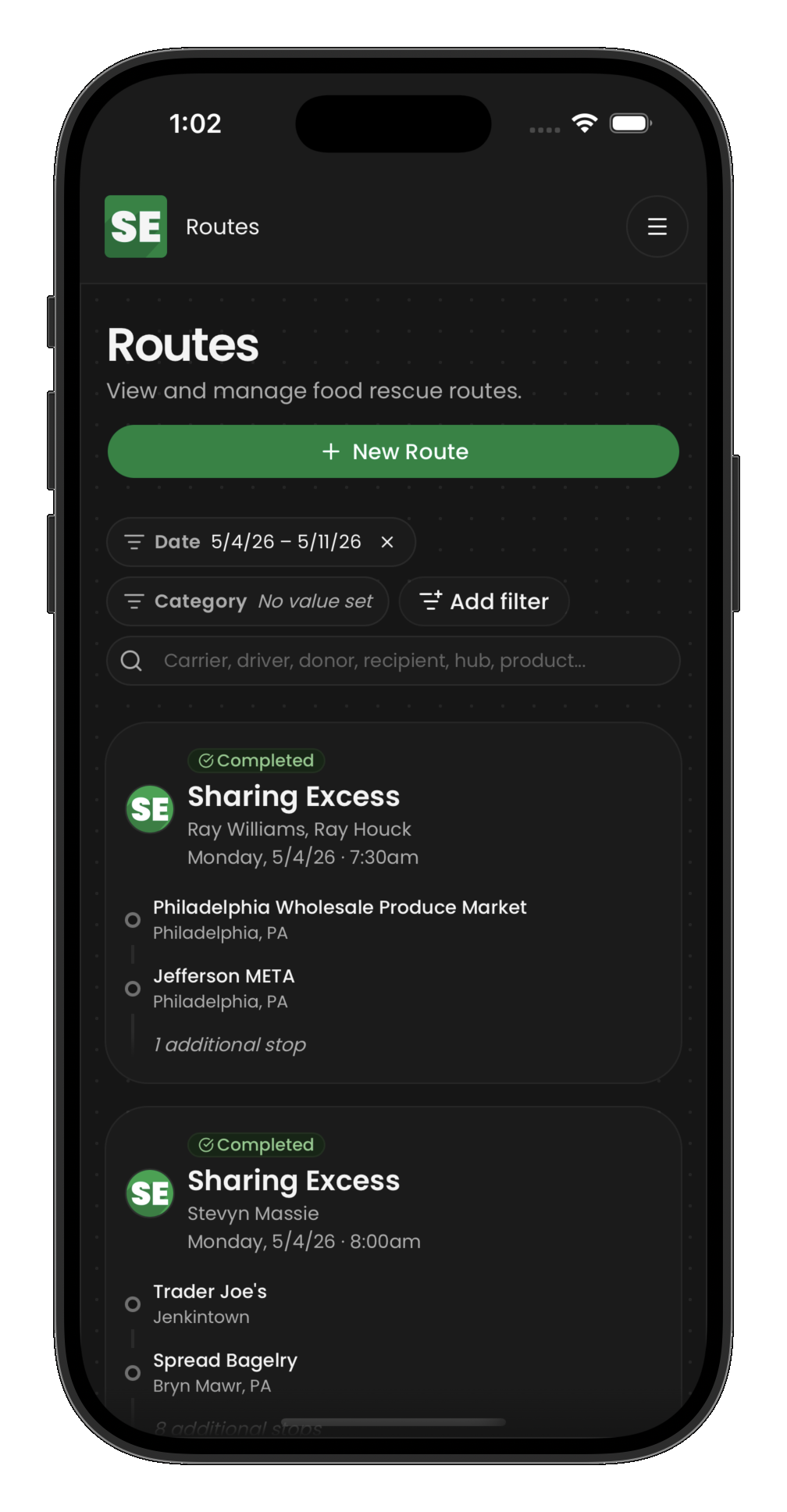
When you open your assigned route, you see an ordered list of stops. The app:
- Shows stop details (address, contact, special instructions)
- Guides you through data entry at each stop
- Prevents completing stops out of order
- Tracks your personal impact over time
Before you go
- Confirm you are assigned to the correct route and understand the stop order
- Bring a vehicle appropriate for the payload, your phone for navigation, and basic supplies (boxes, bags, coolers for cold chain when required)
- If something is unsafe or a donation is not suitable for transport, stop and contact your coordinator — do not guess on food safety
Food safety basics
- Keep cold food cold and hot food hot — use coolers and ice packs when instructed
- Protect food from pets, chemicals, and passengers who should not be in the food area
- If packaging is compromised or product is out of temperature range, document and escalate per your program's policy
Next steps
- Completing a route — walk through a full route from start to finish
- Pickups and deliveries — details on collection and distribution stops